
What Is a Resume?
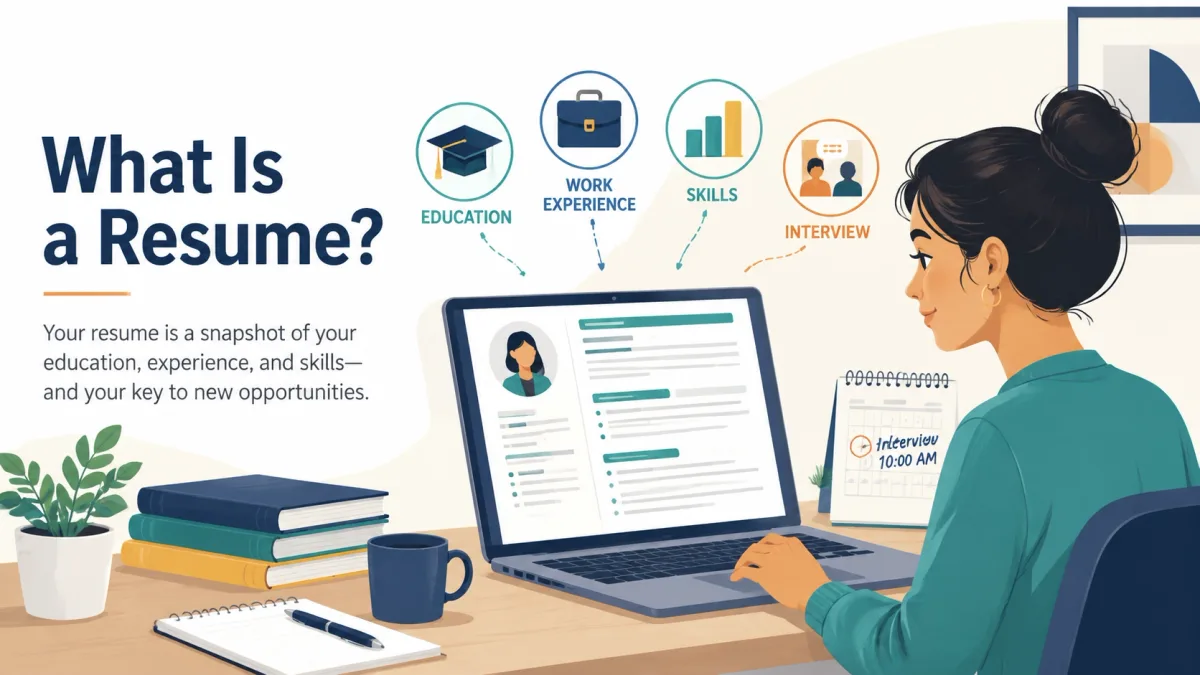
In plain English, a resume is the case you make for why your background fits a particular job. It gives an employer a concise view of the qualifications you want them to notice first.
Both resume and résumé are accepted spellings. In modern U.S. usage, resume is more common. Whatever spelling you use, the document should be selective rather than exhaustive: include the experience, education, skills, and achievements that support your application.
A clear resume helps an employer quickly understand:
- Who you are and how to contact you
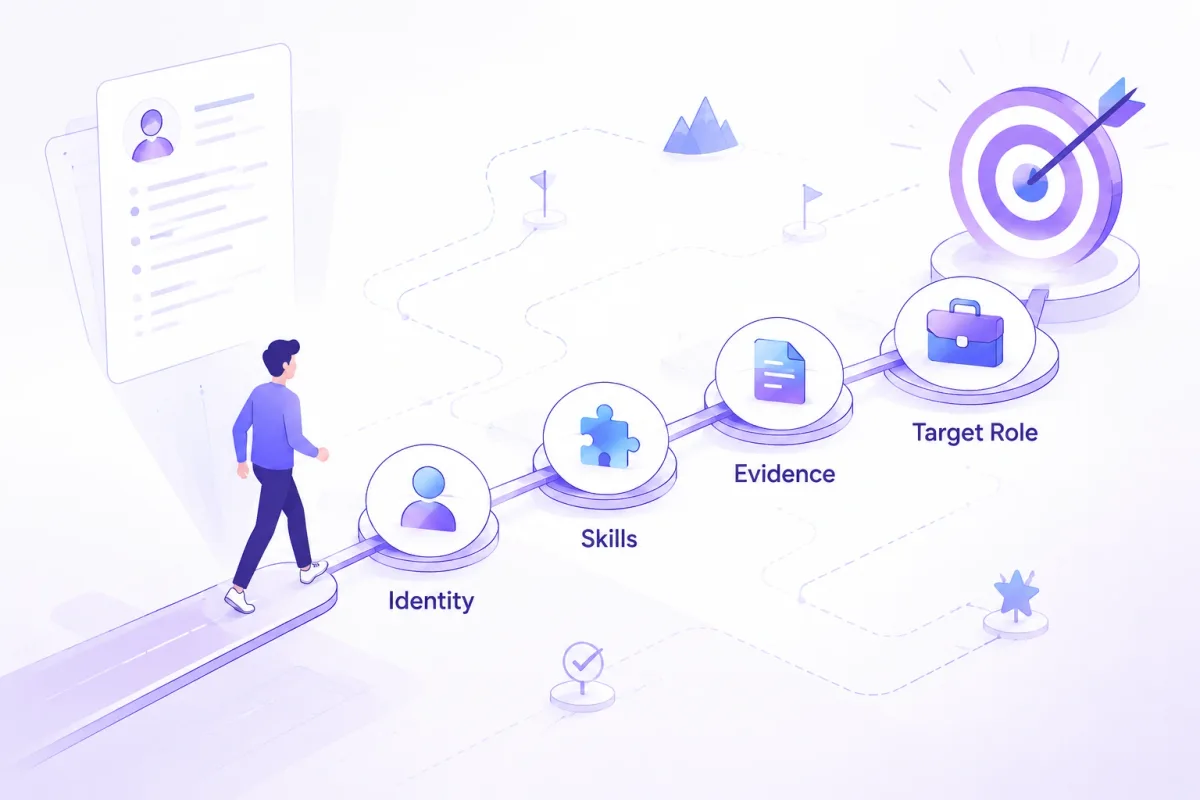
- What kind of role you’re aiming for
- What evidence you have that matches the job description
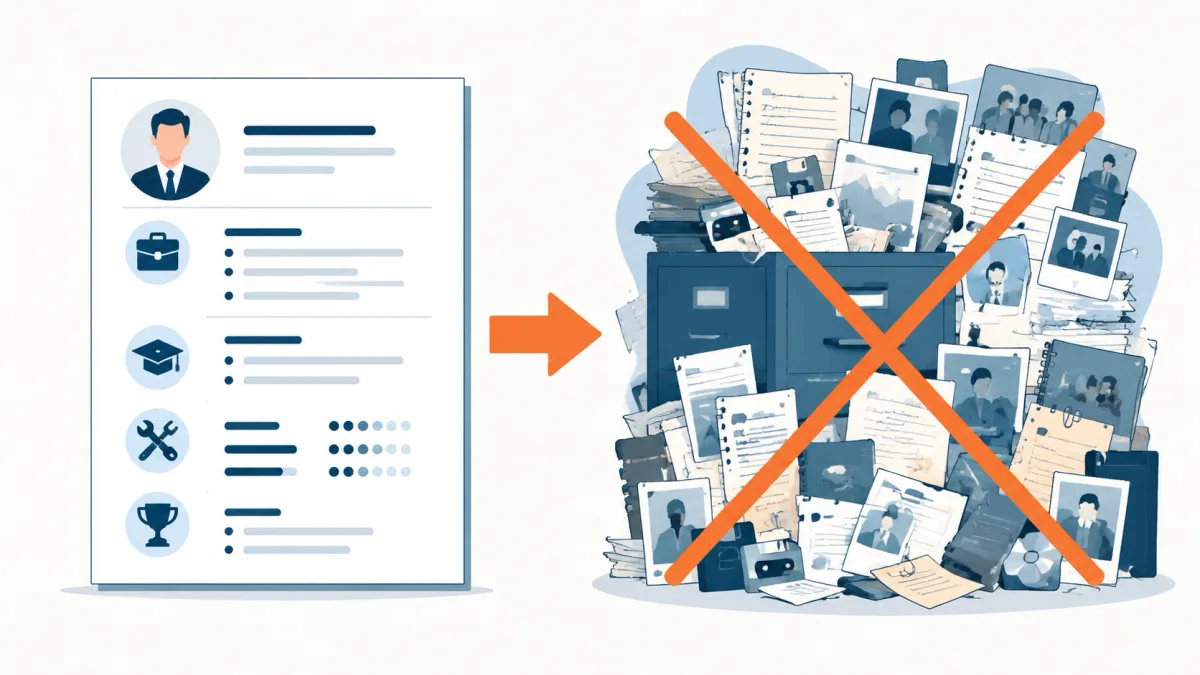
A resume is not the same as:
- A job application form (which may ask for every job, every address, and exact dates)
- A biography (which tries to cover your whole life)
- A portfolio (which shows examples of your work)
A resume is / a resume is not
| A resume is… | A resume is not… |
|---|---|
| A targeted summary of qualifications for one role | A complete life history |
| A document you tailor to a job description | A single document you send everywhere unchanged |
| A way to show relevant evidence (skills + results) | A list of every task you’ve ever done |
| Often reviewed by both software and people | A guarantee you’ll be hired |
Pro Tip: If you’re unsure whether something belongs on your resume, ask: “Would this help an employer trust I can do this job?” If the answer is no, it probably doesn’t belong.
What Is the Purpose of a Resume?
A resume doesn’t “get you the job” by itself. It helps you move forward in the process by making it easy to see why you’re worth talking to.
Here are the three main purposes of a resume:
- To show you’re a match for the job. You connect your experience, skills, and achievements to what the job posting asks for.
- To help employers compare candidates. A resume creates a consistent format that’s easier to scan than long paragraphs or scattered documents.
- To earn the next step (usually an interview). CareerOneStop, a resource sponsored by the U.S. Department of Labor, describes the goal of an effective resume as highlighting your qualifications so an employer wants to schedule an interview (CareerOneStop: “Why you need a great resume”).
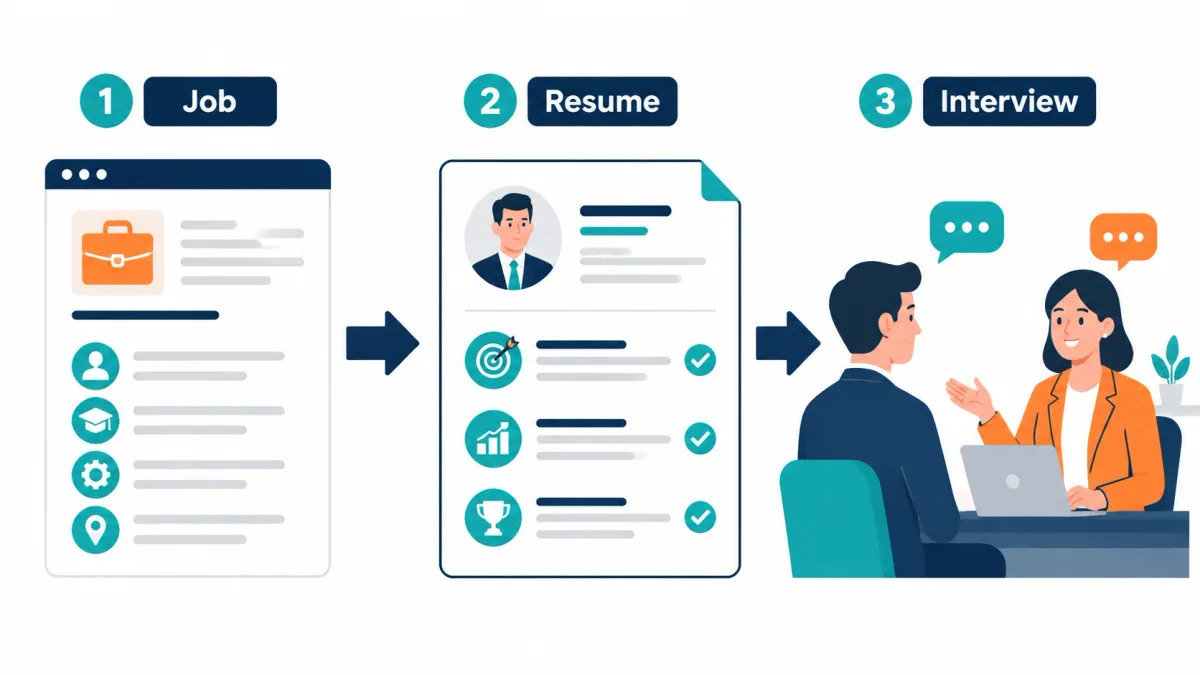
A simple way to picture it:
Job requirements → resume evidence → interview decision
What Information Is Included in a Resume?
For a typical U.S. job application, a resume combines a few core sections with optional sections that you add only when they strengthen your fit for the role.
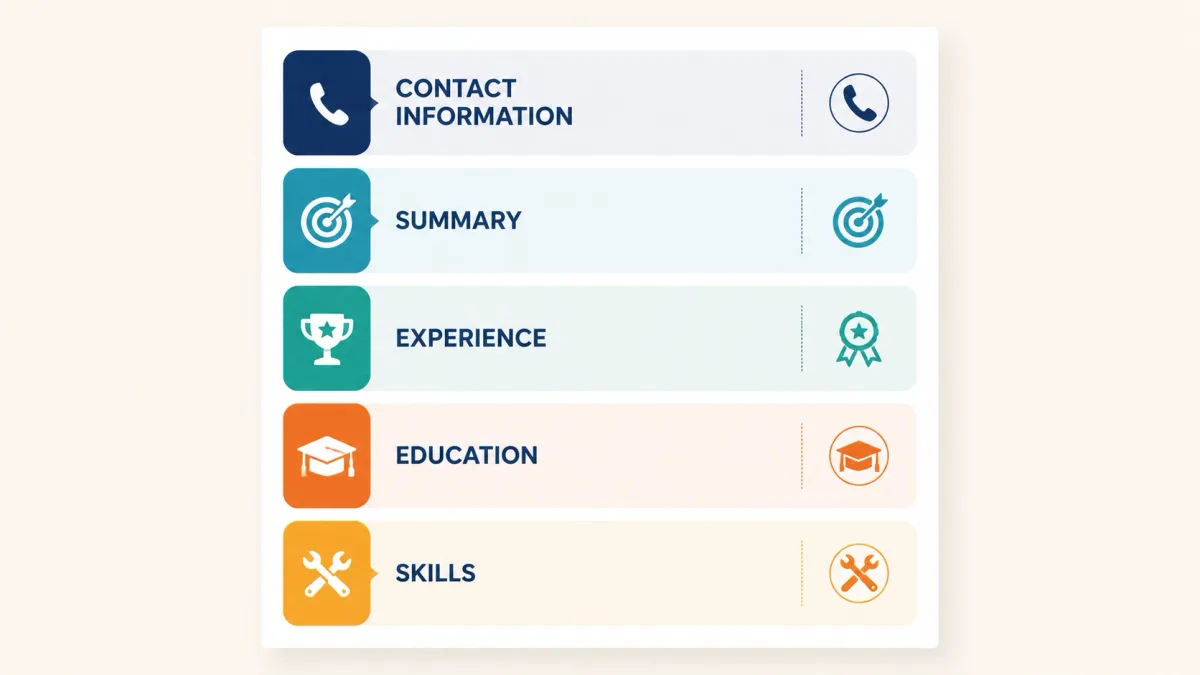
A helpful mental model: every section answers a question an employer is asking. These are the basic parts of a resume most employers expect to see.
Core resume sections
| Section | What it usually includes | Employer question it answers |
|---|---|---|
| Name + contact information | Name, phone, email, city/state, (optional) LinkedIn/portfolio | “How do we contact you?” |
| Professional summary (or objective) | 2–4 lines on your direction + best-fit strengths | “What role are you aiming for, and why you?” |
| Experience (work or relevant experience) | Jobs, internships, volunteer roles, projects; bullet achievements | “Have you done similar work or shown similar skills?” |
| Education | Degree, school, graduation date (or expected), relevant coursework (sometimes) | “What training do you have?” |
| Skills | A focused list of job-relevant skills (technical + role skills) | “Can you do the core tasks?” |
Optional resume sections
Optional doesn’t mean “extra fluff.” It means “add only if it strengthens your fit.”
| Optional section | What it’s for | Good for… |
|---|---|---|
| Certifications and licenses | Proves you meet requirements | IT, healthcare, trades, regulated roles |
| Projects | Shows real proof when work experience is limited | Students, career changers, technical roles |
| Volunteer experience | Demonstrates responsibility and transferable skills | Early-career applicants |
| Awards and honors | Signals achievement or recognition | Students, competitive programs |
| Publications/presentations | Supports academic/research credibility | Research, grad school, academia |
| Languages | Shows communication range | Customer-facing roles, global teams |
| Portfolio / professional profile links | Lets employers see work samples | Design, writing, engineering, marketing |
What usually should not be included (U.S. resumes)
Hiring practices vary, but many U.S. career resources advise keeping personal and sensitive information off your resume.
Usually leave off:
- Photos/headshots (unless the field explicitly expects it)
- Sensitive identifiers like a Social Security number or driver’s license number
- Birthdate/age
- Personal details that aren’t job-related (religion, marital status, etc.)
- References (unless an employer asks for them)
For federal applications, the U.S. National Institute of Standards and Technology (NIST) specifically tells applicants not to include sensitive or demographic details such as Social Security numbers, photos, or dates of birth (NIST: “What Not to Include in Your Application”). Requirements vary outside federal hiring, but sensitive identifiers do not belong on a standard resume.
Prepare references separately and provide them only when an employer requests them.
What Does a Resume Look Like?
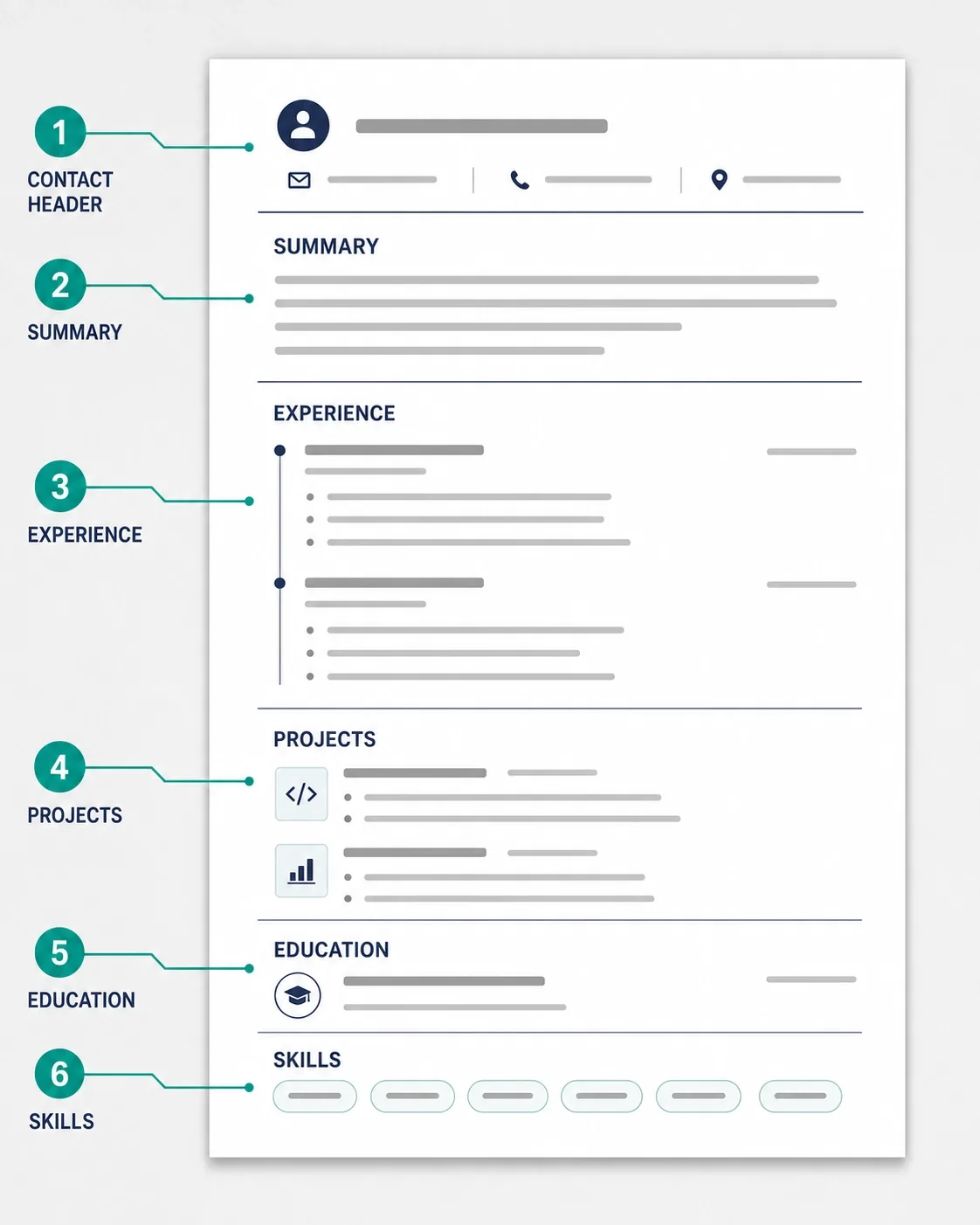
If you’ve never seen a resume before, the format can feel mysterious. The good news: most resumes follow a simple, scan-friendly pattern.
A typical U.S. resume:
- Starts with your name and contact details
- Uses clear headings (Summary, Experience, Education, Skills)
- Uses short bullet points instead of long paragraphs
- Often lists experience in reverse chronological order (most recent first)
A simple annotated resume example
Below is an original, fictional resume for a recent graduate applying for a customer support role. If you’ve been thinking “what does a resume look like?”, this is a realistic starting point.
Jordan Lee Austin, TX • (512) 555-0148 • jordan.lee@example.com linkedin.com/in/jordan-lee-example
SUMMARY Entry-level customer support candidate with experience resolving customer questions in fast-paced settings. Known for calm communication, clear writing, and turning messy issues into step-by-step solutions.
EXPERIENCE Customer Service Associate — Riverbend Market, Austin, TX | Aug 2024–May 2026
- Helped 60–100 customers per shift with returns, product questions, and order issues
- Trained 3 new team members on checkout procedures and customer policies
- Wrote a 1-page “common issues” cheat sheet that reduced repeat questions during peak hours
PROJECT Support Ticket Practice Project | Spring 2026
- Created 15 sample customer tickets and wrote clear, friendly reply drafts using a consistent structure (greeting → issue summary → steps → close)
EDUCATION B.A. in Communication, Texas State University | May 2026
SKILLS Customer communication • Conflict de-escalation • Writing clear instructions • Google Workspace
What each section is doing (quick annotations)
- Name + contact info: makes it easy to reach you and confirms your basic location.
- Summary: tells the employer what role you want and what you’re good at in plain language.
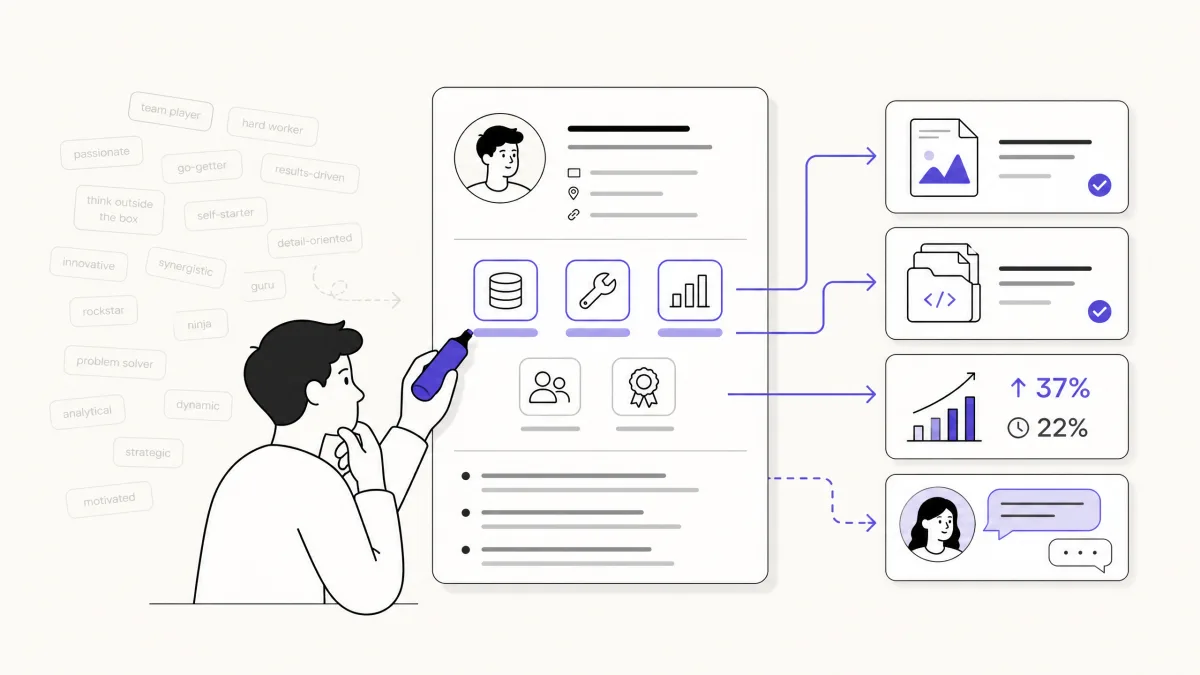
- Experience bullets: give evidence (volume handled, training, process improvement). This is more convincing than “hard worker.”
- Project: shows relevant practice even without a long work history.
- Education: confirms training and graduation timing.
- Skills: provides quick keywords and a snapshot of what you can do.
The basic visual pattern
Even without a fancy design, a resume should be easy to skim. In practice, that means:
- Clear section headings
- Consistent formatting for job titles, companies, and dates
- Bullet points that focus on outcomes (what happened because of the work)
- Enough spacing to avoid a “wall of text”
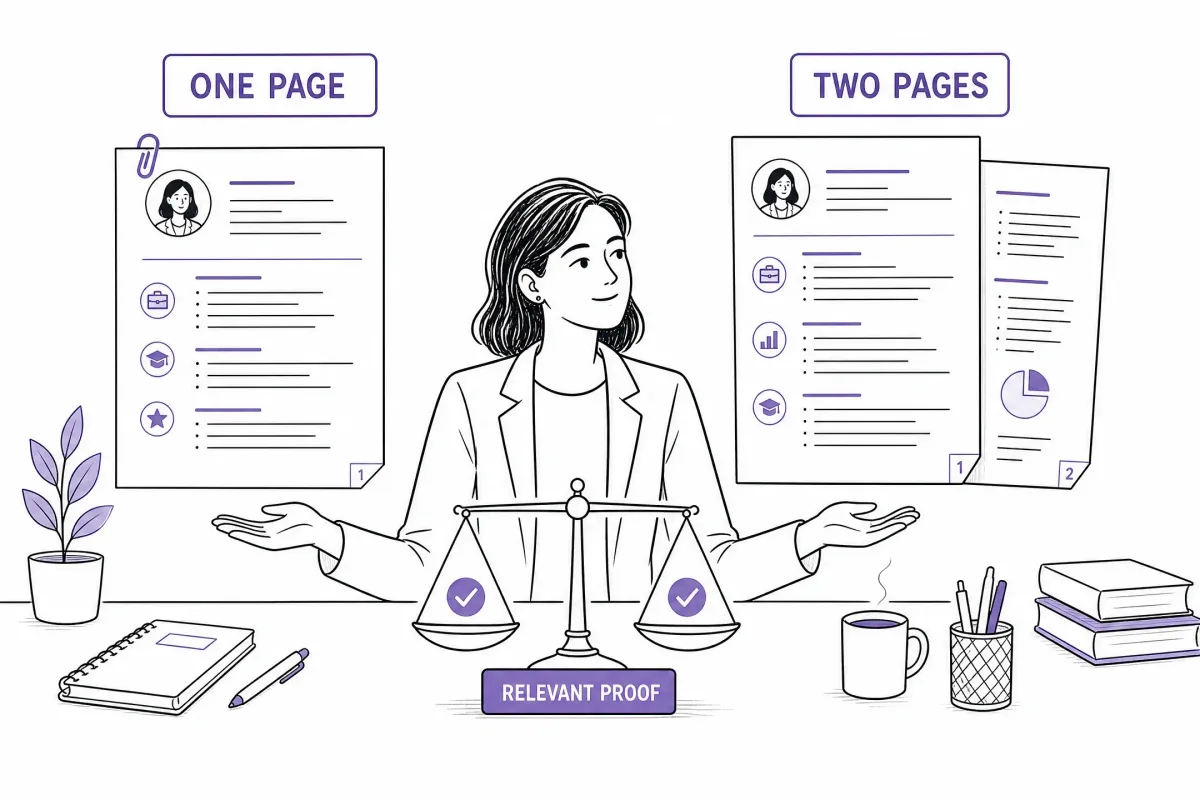
Resume length and bullet count vary with your experience and the role. Prioritize relevant evidence, follow the employer’s instructions, and avoid adding material only to fill space.
Resume vs. CV vs. Cover Letter
If you search for “resume vs CV” or “resume vs cover letter,” you’re not alone—these terms are confusing at first.
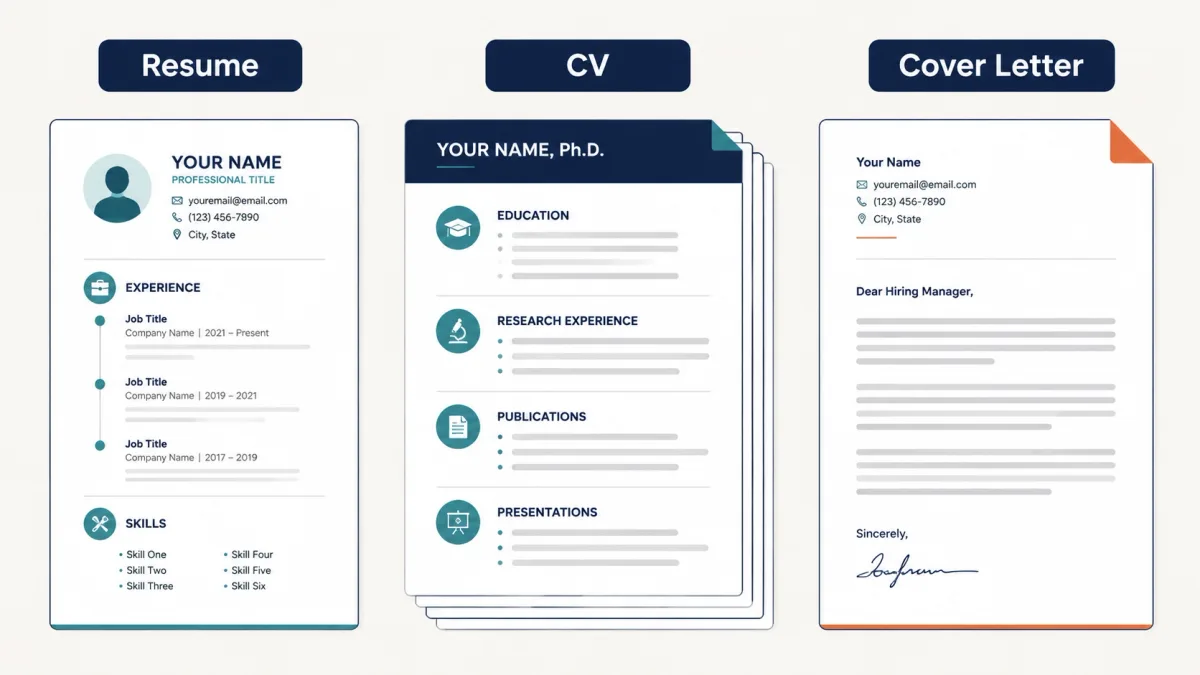
- A resume is your targeted summary for most jobs.
- A CV (curriculum vitae) is a longer, more detailed record most often used in academia, research, or certain medical/scientific roles.
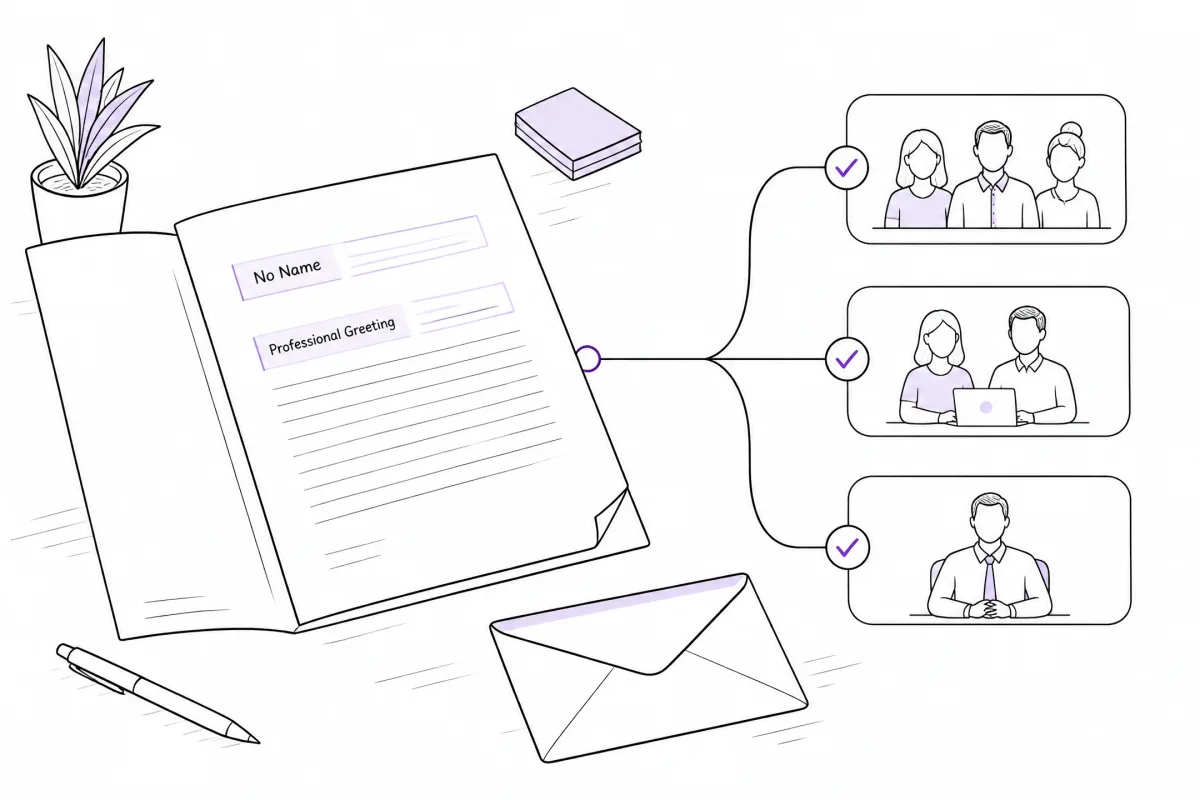
- A cover letter is a separate letter that explains why you’re applying and connects your background to the specific role.
UIC Career Services explains that resumes are the most common document for standard job applications, while CVs provide more extensive academic and research detail.
Quick comparison table (U.S. context)
| Document | Main purpose | Typical content | Detail level | Common U.S. use |
|---|---|---|---|---|
| Resume | Show fit for a specific job and earn an interview | Relevant experience, education, skills, achievements | Concise, tailored | Most internships and jobs |
| CV | Provide a full academic/research record | Research, teaching, publications, awards, grants, presentations | Comprehensive | Academia, research, some medical/scientific roles |
| Cover letter | Explain interest and connect you to the role | Motivation + a few best-fit examples | Narrative (usually 1 page) | Often requested with resume/CV |
Key Takeaway: If you’re applying for a typical U.S. internship or job posting, you usually need a resume—not an academic CV.
What Types of Resumes Are There?
Different resume types organize the same information in different ways. The goal stays the same: show fit for a specific role.
| Type | What it emphasizes | Good for |
|---|---|---|
| Reverse chronological | Most recent experience first | Most job seekers; most common default |
| Functional | Skills first, with less focus on timeline | Limited situations where skills need emphasis; use carefully because the work timeline is less visible |
| Combination | Skills + a clear timeline | People who want both strengths + history |
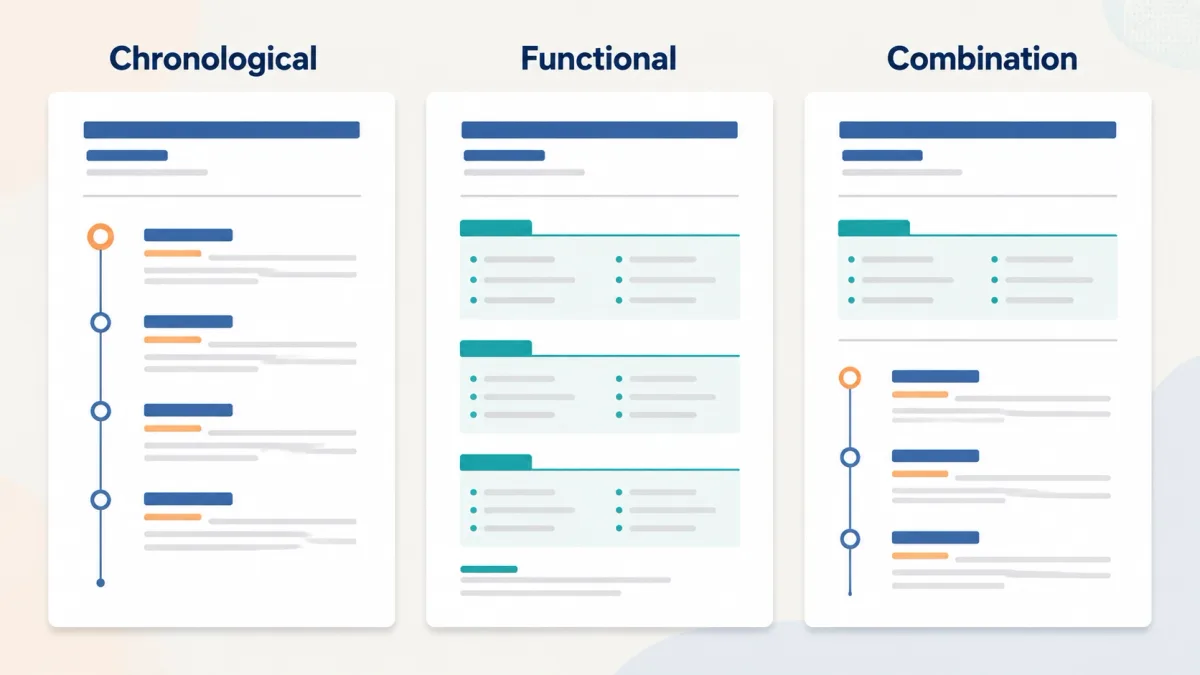
If you’re new to resumes, reverse chronological is usually the clearest starting point because employers can see your recent experience and progression quickly.
When Do You Need a Resume?
You’ll usually need a resume when you’re asking someone to consider you for an opportunity.
Usually needed:
- Jobs (full-time and part-time)
- Internships
Sometimes useful:
- Career fairs
- Networking (handing someone a simple summary)
- Freelance or contract opportunities
- Volunteer leadership roles
- Scholarships or programs that ask for a “resume-style” summary
Not the only requirement:
- Many employers also require an application form, assessments, or portfolios.
How Do Employers and ATS Use Resumes?
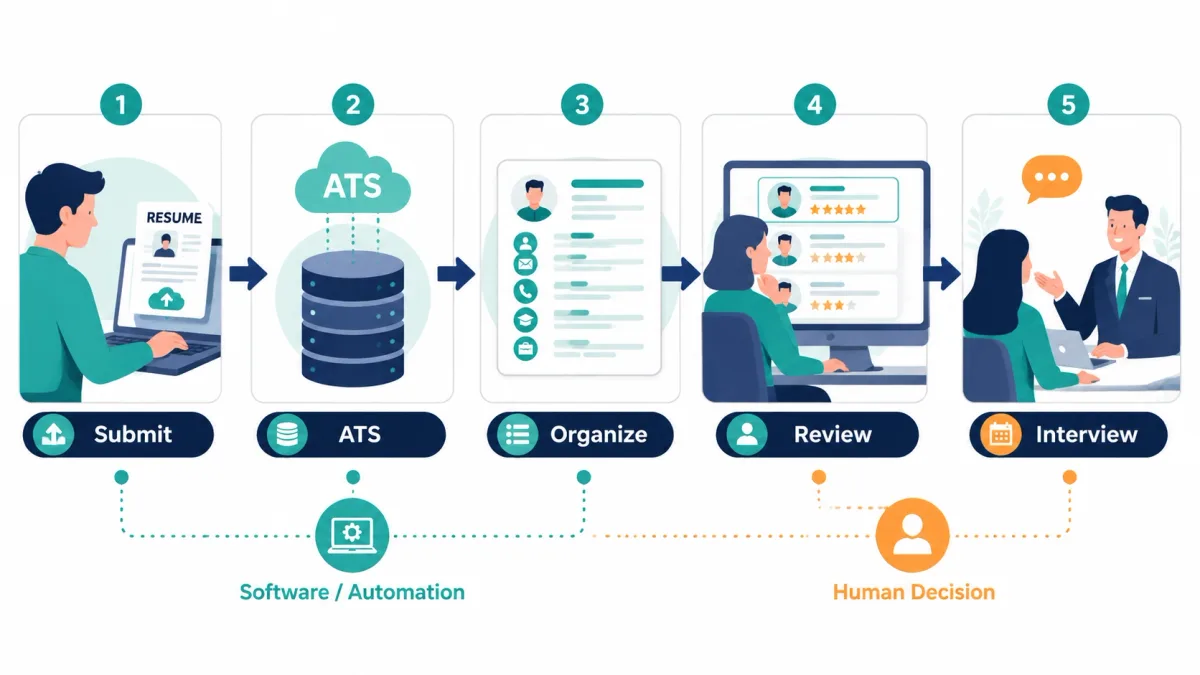
When you apply online, your resume may go through both software and human review.
An applicant tracking system (ATS) is recruiting software that helps employers collect, organize, and review applications. CareerOneStop notes that a submitted resume may first be reviewed by an ATS before an employer reads it (CareerOneStop: “Resume overview”).
A simple hiring-process flow
- You submit a resume (and sometimes a cover letter).
- The employer’s system stores your application, often in an ATS.
- The ATS may parse your resume into fields (skills, jobs, education).
- A recruiter or hiring team searches, filters, and reviews candidates.
- You may get a next step (interview, screening call, assessment) or a rejection.
ATS myths vs. reality
| Myth | Reality |
|---|---|
| “Software makes the final hiring decision.” | Employers decide. An ATS usually helps organize and filter applications, then people review candidates. |
| “There is one universal ATS that works the same everywhere.” | Systems and settings vary by employer. |
| “If you don’t match perfectly, you’re automatically rejected.” | Some roles use strict filters; others are flexible. Your resume should still be clear and relevant. |
What Makes a Resume Effective?
You can have a resume that exists—and a resume that helps you move forward.
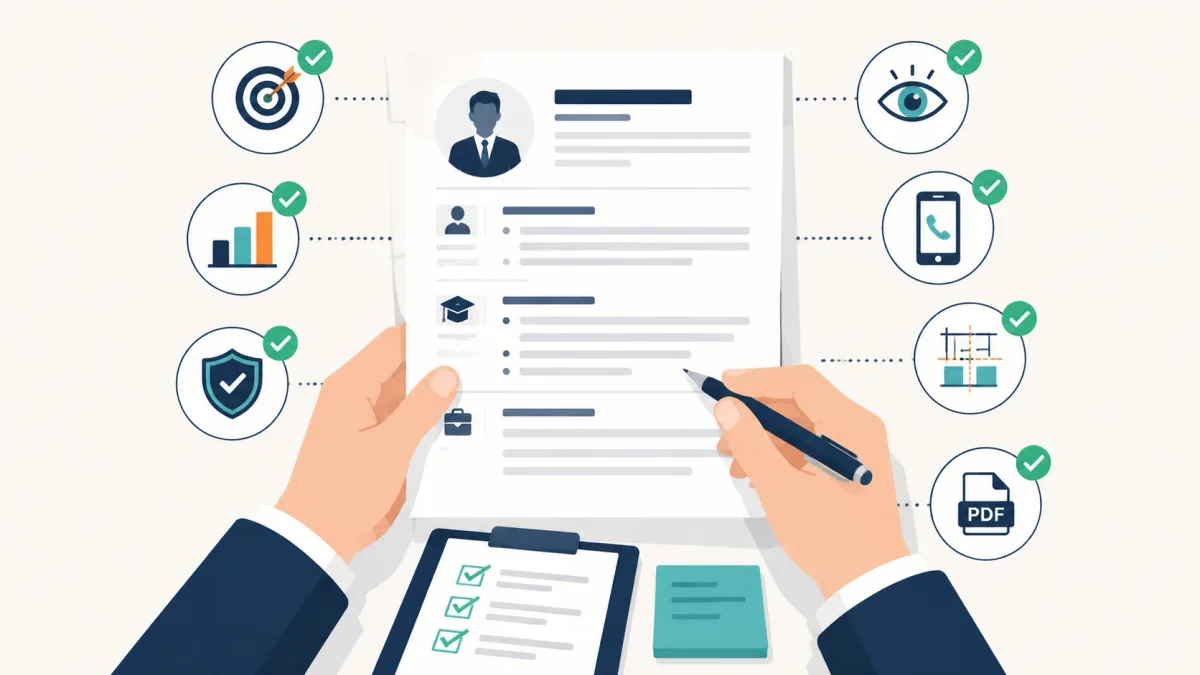
Here’s a beginner-friendly checklist for an effective resume:
- Relevant: It fits the job you’re applying for.
- Specific: It shows proof (results, outcomes, examples), not vague traits.
- Honest: Everything can be backed up in an interview.
- Easy to scan: Clear headings and readable bullets.
- Accurate: Your contact info works and is current.
- Consistent: Dates, formatting, and tense don’t jump around.
- Clean file format: You submit what the employer asks for (often PDF or Word).
Quick before/after example:
- Before: “Responsible for helping customers.”
- After: “Helped 60–100 customers per shift with returns and order issues; trained 3 new team members.”
What Should You Do Next?
Now that you understand the resume meaning for a job, here’s a simple path forward:
- Pick 1–2 target roles.
- Print or copy the job description and highlight the repeated requirements.
- Gather your best evidence (work, school projects, volunteer work).
- Draft the core sections (contact, experience, education, skills).
- Tailor the wording for each application.
- Proofread and save in the requested format.
Once your resume starts earning responses, prepare for the conversations that follow. Our AI interview copilot comparison guide can help you evaluate tools for interview preparation and live assistance.
Conclusion
A resume is a short, targeted document that helps employers understand your relevant experience, education, skills, and achievements. Its job is to show fit and help you earn the next step in hiring. Start with a target role, build the core sections around relevant evidence, and tailor the final document to the employer’s instructions.