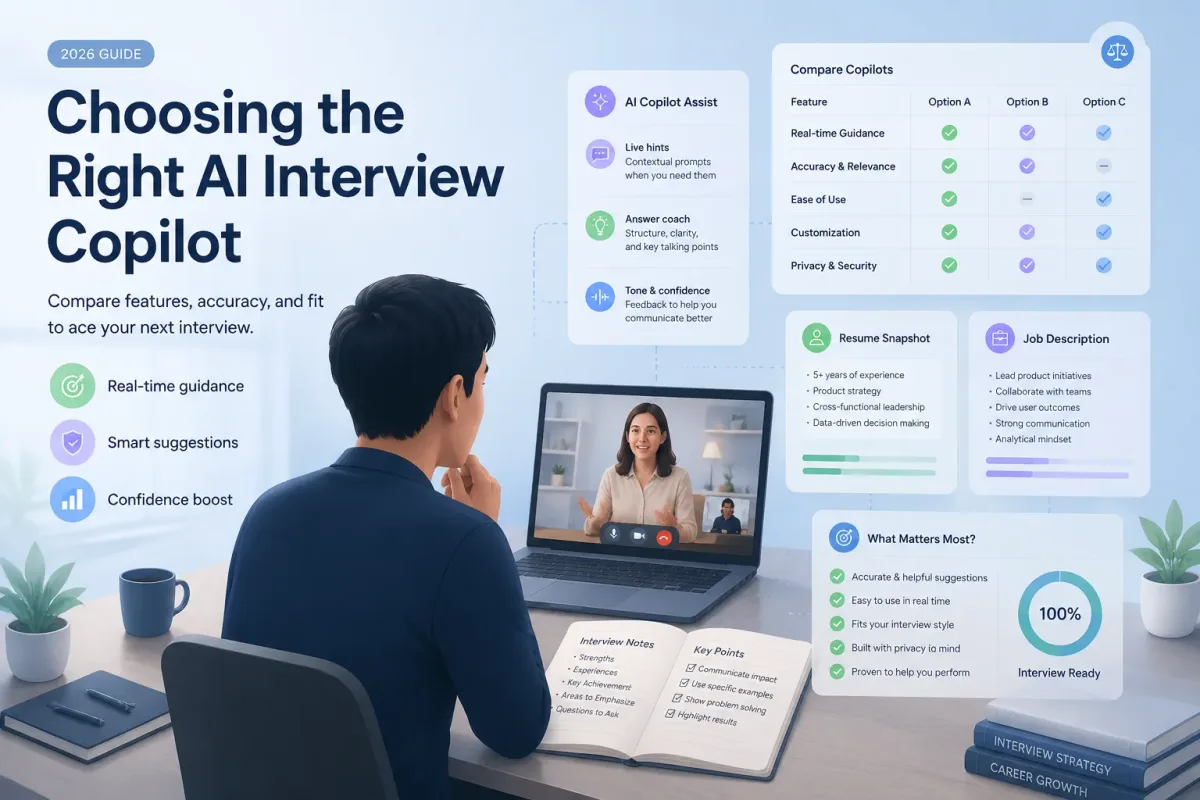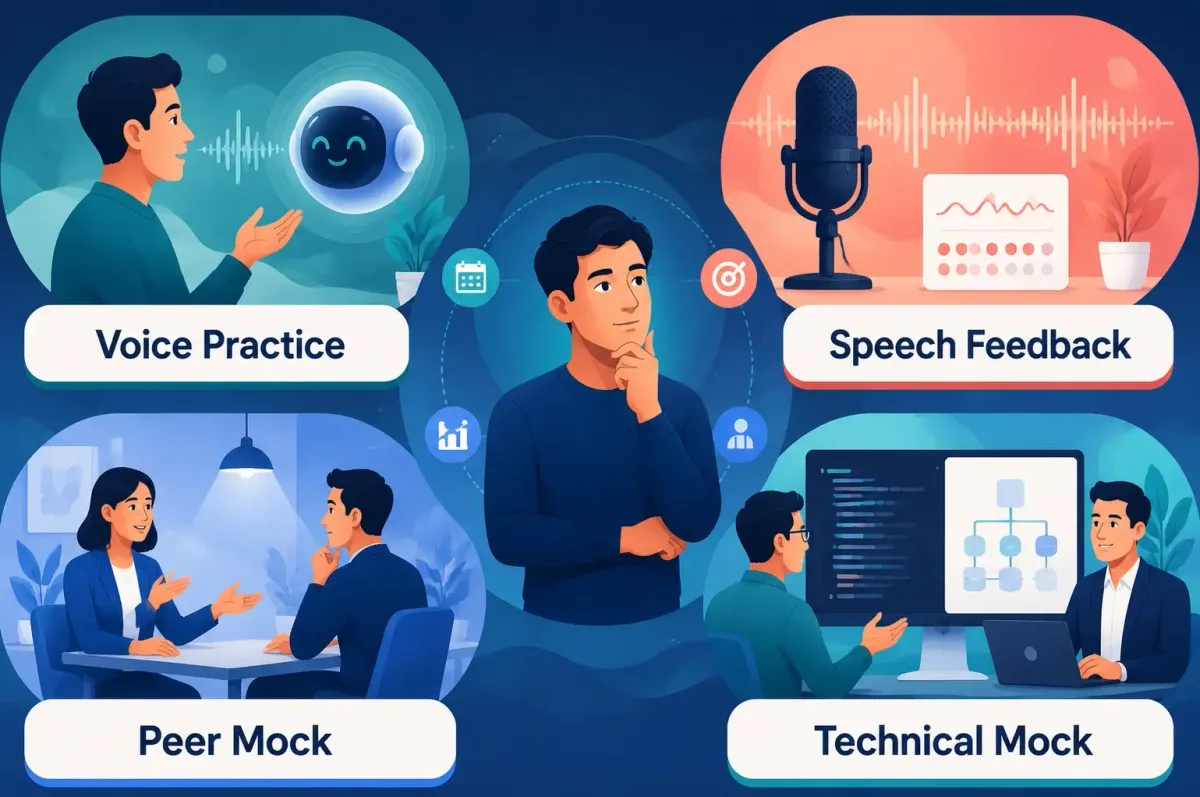


Disclosure and responsible-use note: GreatOffer AI is our product. Product features and prices were manually rechecked on July 29, 2026, and the values below reflect our final verification record. Use any interview assistant only when the employer, interviewer, assessment provider, and applicable recording or consent rules allow it. Vendor claims about speed, privacy, compatibility, and screen-share visibility are not universal guarantees; test your exact Mac, app version, meeting platform, and sharing mode before relying on them.
AI Interview Assistant for Mac Comparison
Prices below reflect our final manual verification on July 29, 2026. Promotions, taxes, currencies, included minutes, credits, and renewal terms can still change, so confirm the final checkout page before paying.
| Product | Mac Format | Best Fit | Verified Public Price | Main Caveat |
|---|---|---|---|---|
| GreatOffer AI | Mac and Windows desktop app | Coding, system design, and role-aware live guidance | 60-minute free trial; $99/month; $79/month billed quarterly | Cloud-connected workflow; test permissions and platform behavior on your Mac |
| Final Round AI | Native desktop app plus web platform | Full preparation, live Copilot, and post-interview workflow | Free plan; $150/month; $83.33/month billed quarterly; $25/month billed annually | The monthly plan is substantially more expensive than annual billing |
| ExtraBrain | Native Mac app for Apple Silicon and Intel | Local-first transcription and configurable model providers | Free plan; paid plans start at $6.99/month; $149 lifetime option | External model or transcription providers may add separate costs and data exposure |
| LockedIn AI | macOS desktop app and web app | Coding support, flexible access, and optional Duo assistance | Unlimited, Credits, and Lifetime plans starting at $49.99/month | Duo is a human-assisted workflow rather than simple device mirroring |
| SubcueAI | Native app for macOS 14 or later | Lightweight live help, mock interviews, and post-session analysis | Free 100-credit plan; Pro $20/month; Premium $75/month | Requires internet access, and usage depends on plan credits |
| Interview Sidekick | Mac/Windows desktop app plus web/mobile access | Resume-led preparation, live support, transcripts, and feedback | Free plan; $80/month; $53/month billed quarterly | Confirm included usage and renewal terms before paying |
| AceRound | Native Mac app with web and phone companion workflows | Short-term interview loops and multi-device use | Free trial; $24.90 weekly; $49.90 monthly; $99 for 90 days; $29.90 standard credits | Match the pass or credit package to the expected interview duration |
| InterviewMan | Mac, Windows, web, iOS, and Android | Cross-device, multilingual, and general interview workflows | $30 monthly or $12/month billed annually at $144 | Annual savings require prepayment; vendor visibility and unlimited-use claims still need environment-specific testing |
How This Comparison Was Created
This guide is a commercial-investigation comparison, not a universal performance benchmark. Seven products are interview-focused; ExtraBrain is included as an adjacent, general-purpose Mac meeting assistant because local-first processing is a major part of this search intent. We checked current first-party product pages and compared the tools on six Mac-specific criteria:
- Mac availability: Native desktop app, browser access, supported macOS versions, and Apple Silicon or Intel compatibility where published.
- Interview coverage: Behavioral, coding, system design, case, sales, product, or other supported formats.
- Mac workflow: Microphone and screen permissions, floating-window behavior, hotkeys, and cross-device options.
- Privacy model: Local, cloud, or hybrid processing and whether external providers may receive data.
- Pricing clarity: Manually verified plan price, billing term, trial limits, credits, and renewal conditions.
- Decision value: Who benefits most, what trade-off matters, and what must be tested before a real interview.
We removed historical latency scores, RAM figures, answer-quality percentages, and screen-sharing conclusions that could not be tied to a current raw log, screenshot, app version, and reproducible test setup. If this article is later presented as a hands-on test, add those artifacts and identify the Mac model, macOS version, meeting-app version, network conditions, prompts, timing method, and product build for every measured result. For a broader cross-platform view, see our AI interview copilot comparison guide.
Why Mac Users Need a Different Evaluation Checklist
An AI interview copilot can behave differently on macOS because audio capture, app permissions, window sharing, and local-model performance depend on the product's implementation.
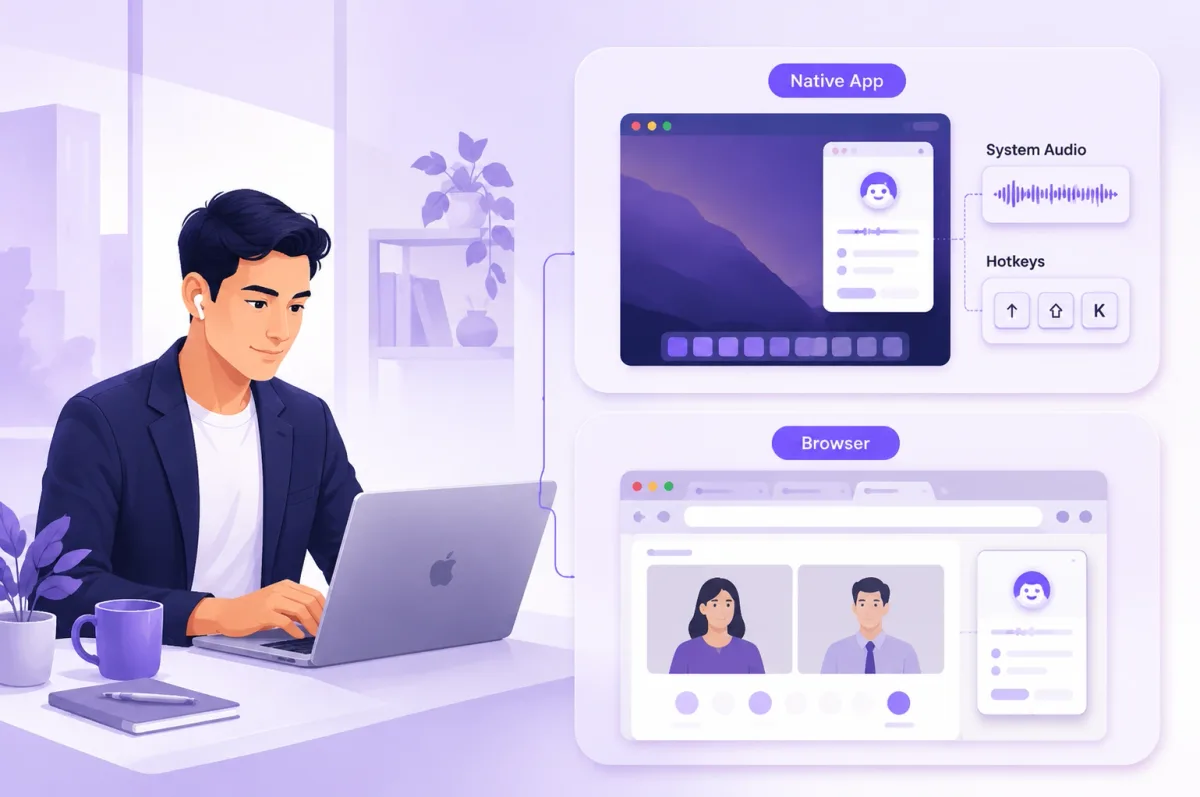
Native Mac App vs. Browser-Based Assistant
| Consideration | Native Mac App | Browser or Web Workflow |
|---|---|---|
| Installation | Requires an app download and may trigger macOS security approval | Usually starts in a browser, although some products still need a desktop companion |
| Audio capture | May access microphone or system audio through macOS permissions | May rely on browser permissions, tab audio, or a companion app |
| Overlay or floating window | Can offer a persistent desktop layer and global hotkeys | Usually remains inside the browser or uses a secondary desktop component |
| Updates | App builds may change permissions or behavior | Web features update centrally; browser extensions may update separately |
| Multiple displays and Spaces | Behavior depends on window level, display arrangement, and sharing mode | Behavior depends on browser focus and the window, tab, or screen being shared |
| Local processing | Possible when the product supports local transcription or inference | Usually cloud-based unless paired with a local component |
macOS Permissions to Check
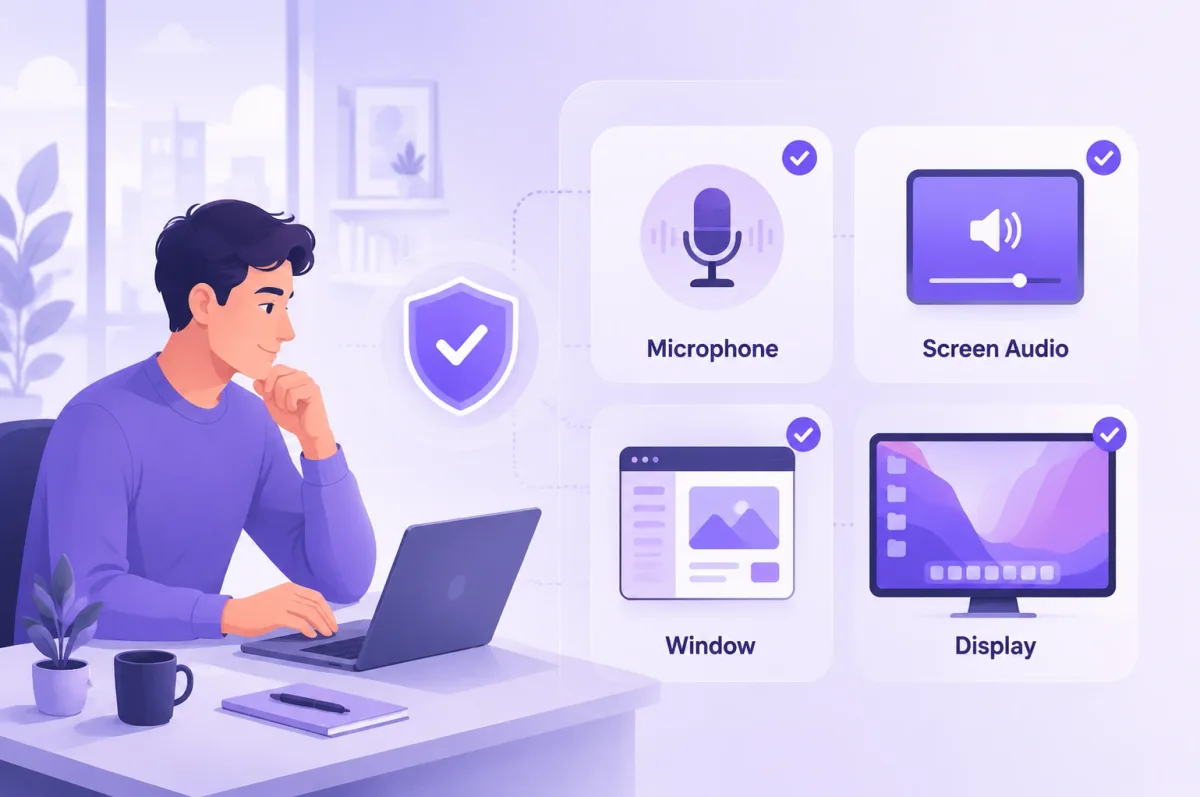
Depending on the product, macOS may request access under System Settings > Privacy & Security for:
- Microphone to capture your voice.
- Screen & System Audio Recording to capture screen content or computer audio.
- Accessibility for global shortcuts or window control.
- Notifications for session or account alerts.
Do not grant every permission automatically. Confirm which feature needs each permission, test the workflow, and revoke access after use if it is no longer necessary.
Screen Sharing Is Not a Universal “Invisible” Test
Zoom, Google Meet, and Microsoft Teams let users share different targets, such as a single window or an entire display. A floating assistant can behave differently across those modes and after either the meeting app or assistant updates. Treat “undetectable” and “invisible” as vendor marketing claims, not guarantees. The only reliable approach is to test the exact permitted setup in a mock call and follow the interview rules.
The 8 Best AI Interview Assistants for Mac
1. GreatOffer AI — Best for Coding-Focused Mac Interviews
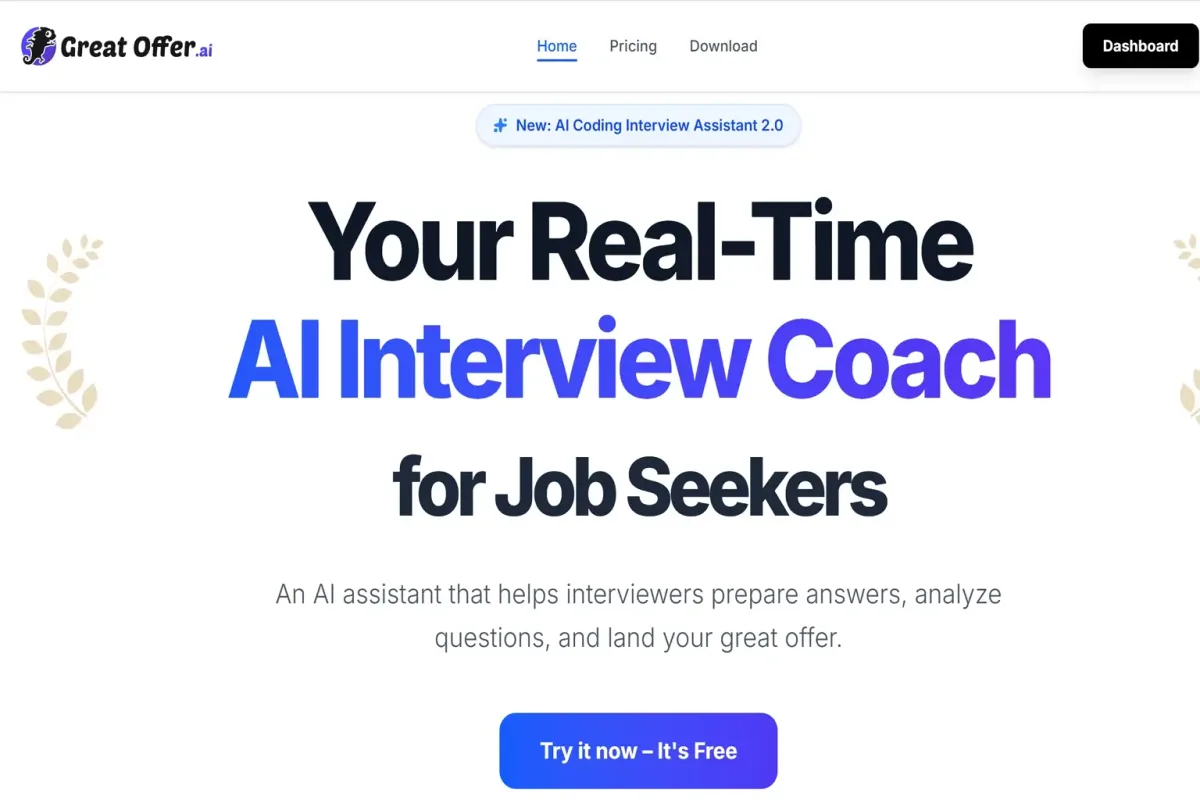
GreatOffer AI is a desktop interview copilot for coding, system design, data, product, behavioral, and other role-specific interviews. Its public site highlights screen-context analysis, resume and job-description context, customizable shortcuts, and support for common meeting and technical-assessment environments.
Why it fits Mac users: The product provides a desktop workflow for Mac and Windows rather than requiring candidates to keep a separate browser tab in focus. It is positioned for candidates who need concise prompts while coding or explaining technical decisions.
Best for: Software engineering, data, product, and other candidates who prioritize coding or screen-context support.
Trade-offs: GreatOffer uses an online service rather than a fully local model workflow. Public claims about response speed, compatibility, and private display behavior should be reproduced on the user's exact Mac and meeting platform. Compare the monthly and quarterly commitment against the number and duration of interviews in your current job-search cycle.
Pricing: Our final manual verification recorded a 60-minute free trial, $99 per month, or $79 per month when billed quarterly.
Bottom line: Choose GreatOffer AI when technical interview support is the main requirement and you are comfortable testing a cloud-connected desktop app before the interview.
2. Final Round AI — Best All-in-One Preparation and Live Suite
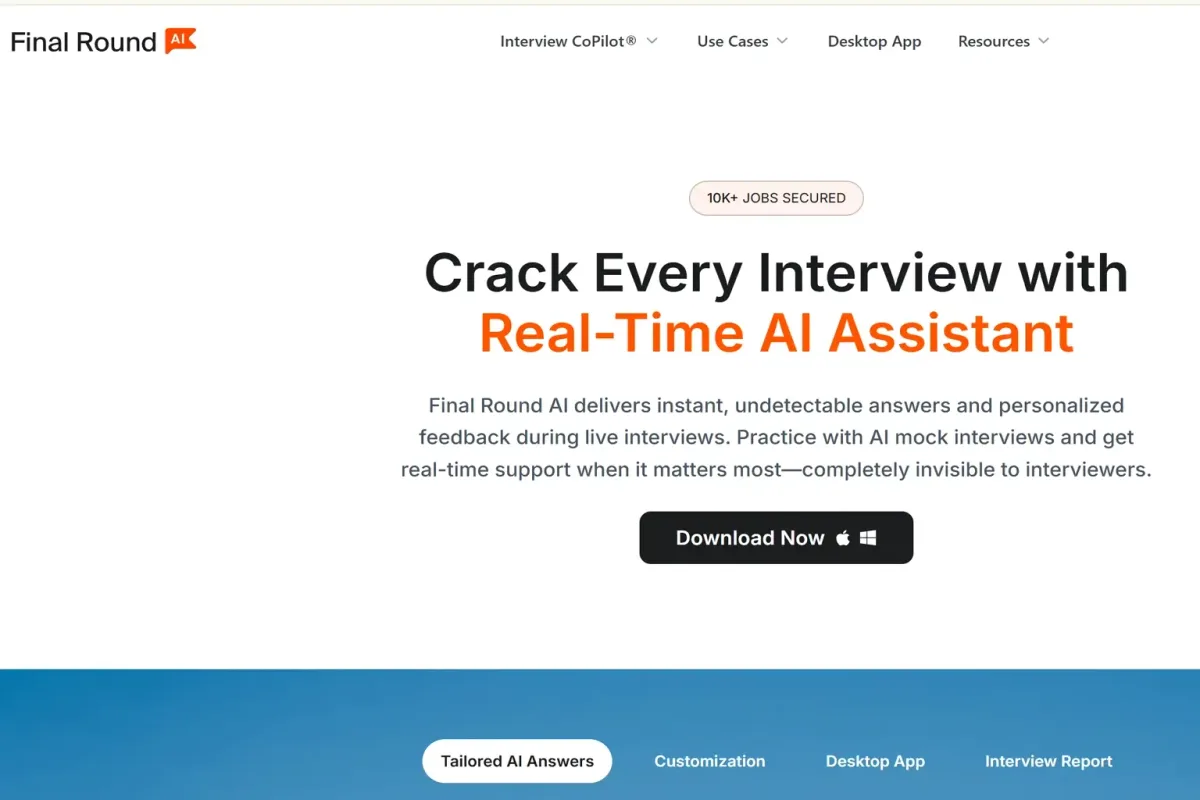
Final Round AI combines interview preparation with a live Interview Copilot. Its official materials cover mock interviews, resume and job-description personalization, coding and system design support, question banks, transcripts, and post-interview analysis.
Why it fits Mac users: A native desktop app gives Mac candidates a dedicated live workflow, while the wider web platform supports preparation before the call and review afterward.
Best for: Candidates who want one account for practice, live assistance, coding or system design, and post-interview feedback.
Trade-offs: The platform is broader than a lightweight overlay, so setup and feature selection can take longer. The monthly plan is expensive compared with annual billing, so candidates should compare the commitment against the number of interviews they expect to complete.
Pricing: Free plan available; $150 per month, $83.33 per month when billed quarterly, or $25 per month when billed annually.
Bottom line: Choose Final Round AI when preparation depth and an integrated interview workflow matter more than the lowest short-term price.
3. ExtraBrain — Best Local-First Mac Assistant
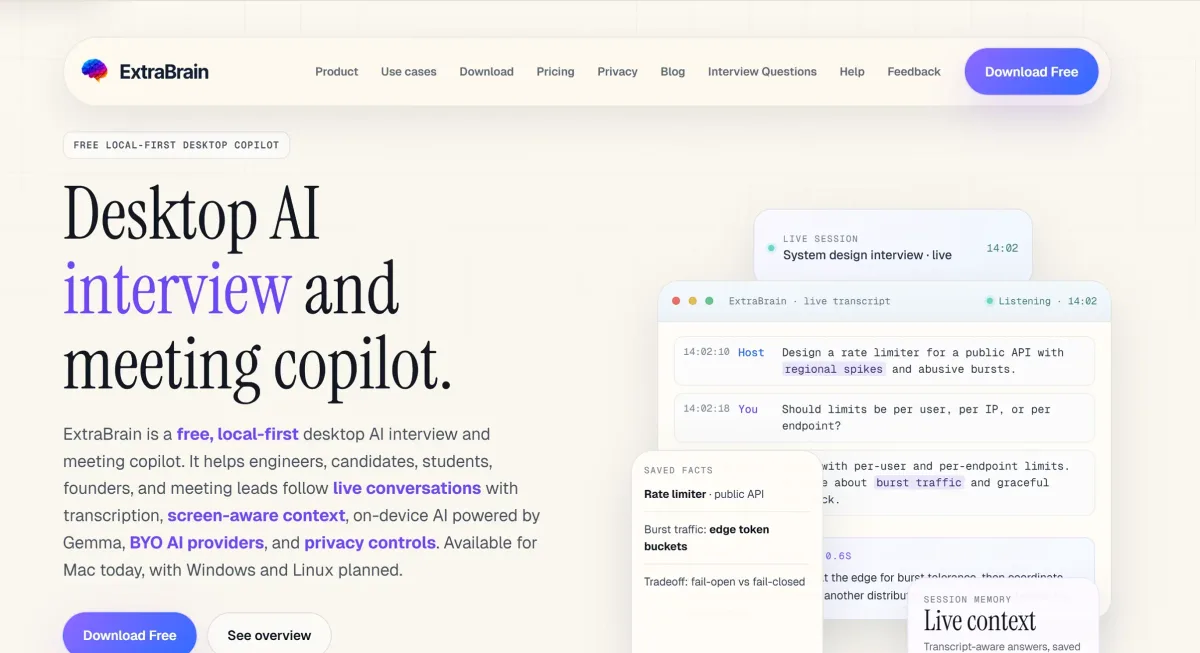
ExtraBrain is a general-purpose native Mac meeting assistant—not an interview-only product—built around local-first transcription and configurable model providers. Its current materials describe local Parakeet transcription and compatible local Gemma 4 processing, with external providers available when selected.
Why it fits Mac users: ExtraBrain supports both Apple Silicon and Intel Macs and offers more control over where transcription and model processing happen than cloud-only assistants.
Best for: Privacy-conscious or technically comfortable users who want local transcription, local inference where compatible, or their own external provider configuration.
Trade-offs: “Local-first” does not mean every configuration stays on the Mac. Selecting OpenAI, Gemini, Deepgram, or another external provider can send relevant data to that provider and may create separate usage charges. Local model speed and quality also depend on the Mac's chip, memory, model size, and settings.
Pricing: Free plan available; paid plans start at $6.99 per month, with a $149 lifetime option. External provider charges are separate.
Bottom line: Choose ExtraBrain when data-path control is more important than a fully managed, zero-configuration experience.
4. LockedIn AI — Best for Flexible Desktop, Web, and Duo Workflows
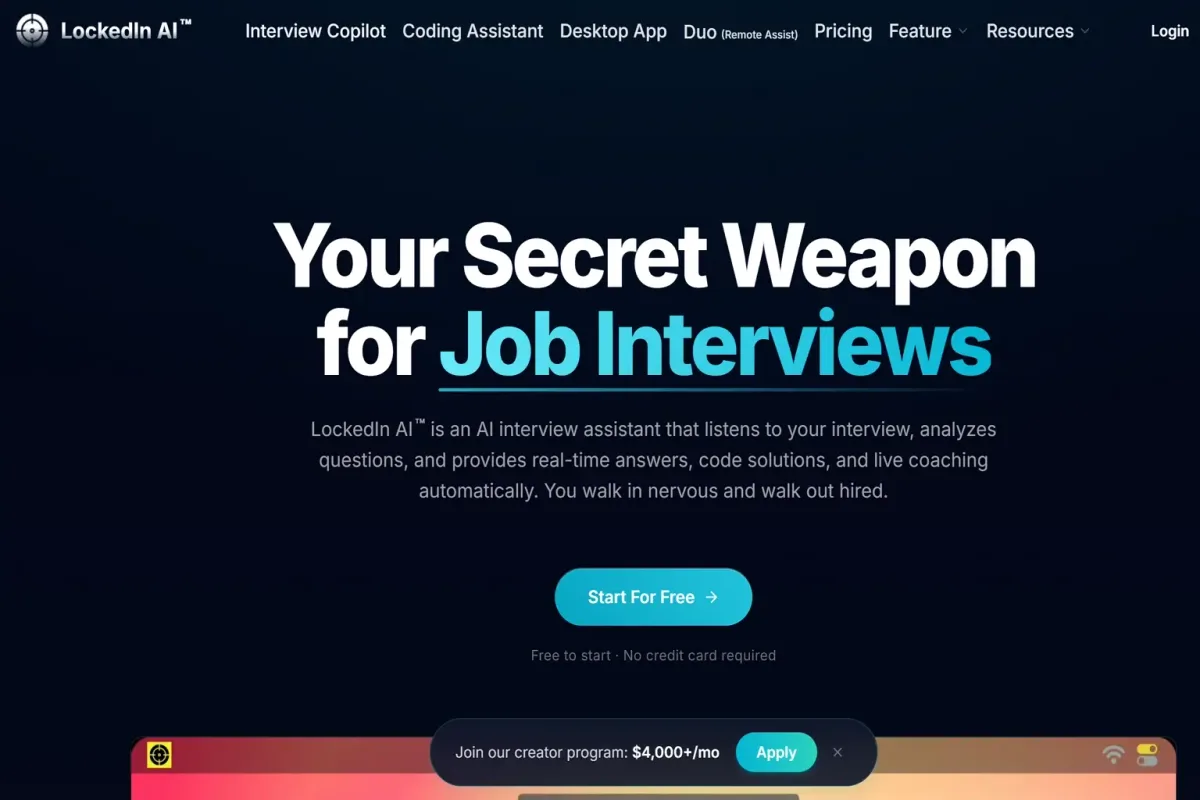
LockedIn AI offers desktop and web interview-assistance products with coding, behavioral, and other interview modes. Its desktop app supports macOS 13.1 or later, while the web version can run on a Mac with some platform limitations.
Why it fits Mac users: Candidates can choose a desktop or web workflow. LockedIn also advertises support for coding environments such as VS Code and Cursor.
What Duo actually is: LockedIn Duo is not simple iPad mirroring. Official materials describe a separate workflow in which a remote helper can view questions and provide guidance. That changes the setup, trust, and policy considerations and should be evaluated separately from the automated product.
Best for: Candidates who need desktop/web flexibility or deliberately want a supported remote-helper workflow.
Trade-offs: Unlimited plans are among the most expensive in this comparison. Duo involves another person and may be prohibited even where automated preparation tools are allowed. The web app also has Mac-specific limitations for some screen-sharing modes.
Pricing: Unlimited, Credits, and Lifetime plans are available, starting at $49.99 per month.
Bottom line: Choose LockedIn AI for workflow flexibility, but verify which mode you actually need before paying for a high-priced plan.
5. SubcueAI — Best Lightweight Native Mac Experience
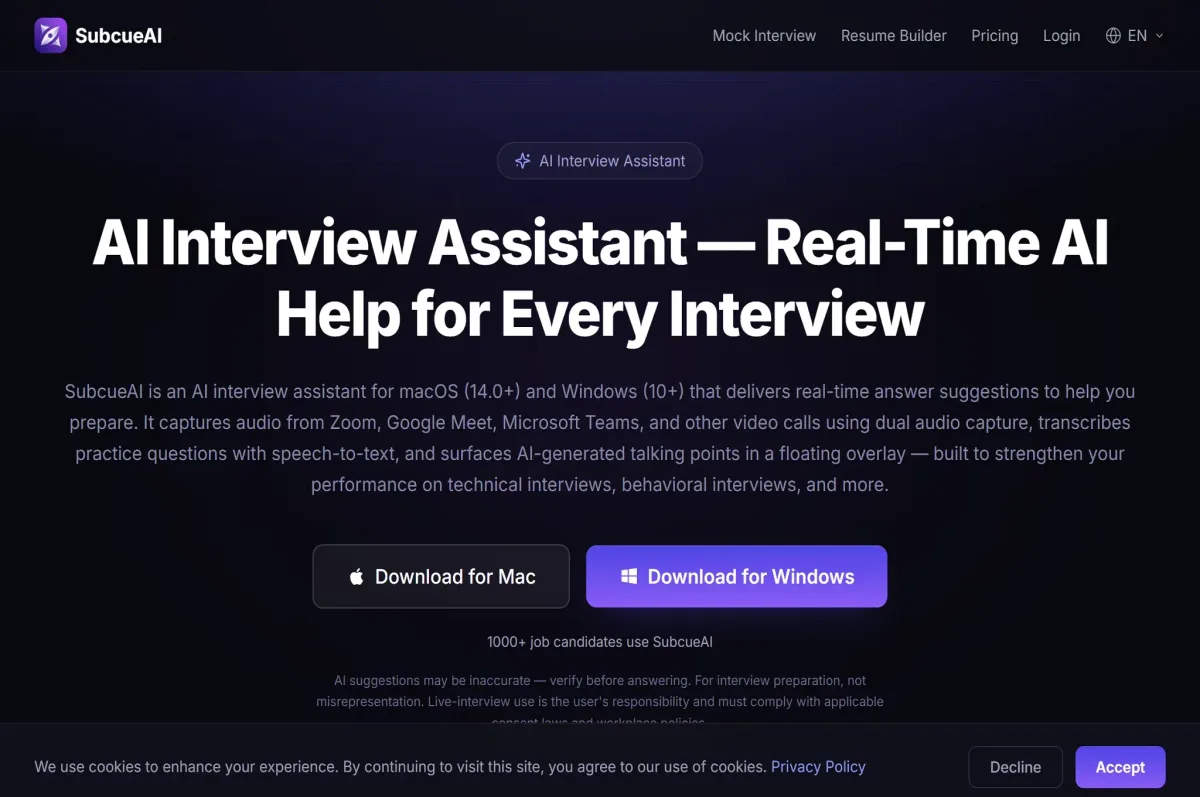
SubcueAI is a native interview assistant for macOS 14 or later. It combines live interview assistance with mock interviews, resume-based context, interview setup, and post-interview analysis.
Why it fits Mac users: The product is designed as a native app rather than a browser-only workflow. Its official pricing page says audio is processed locally while an internet connection is still required for response generation.
Best for: Candidates who want a streamlined Mac app, concise real-time assistance, practice tools, and a lower-priced monthly entry plan.
Trade-offs: Plan limits are credit-based, so the practical cost depends on interview length and usage. The product currently lists English and Chinese support rather than the broadest multilingual coverage in this comparison. macOS versions before 14 are not listed as supported.
Pricing: Free includes 100 credits. Pro is $20 per month, and Premium is $75 per month.
Bottom line: Choose SubcueAI for a focused native Mac workflow if macOS 14+, internet access, and the credit model fit your interview schedule.
6. Interview Sidekick — Best for Resume-Led Preparation and Review
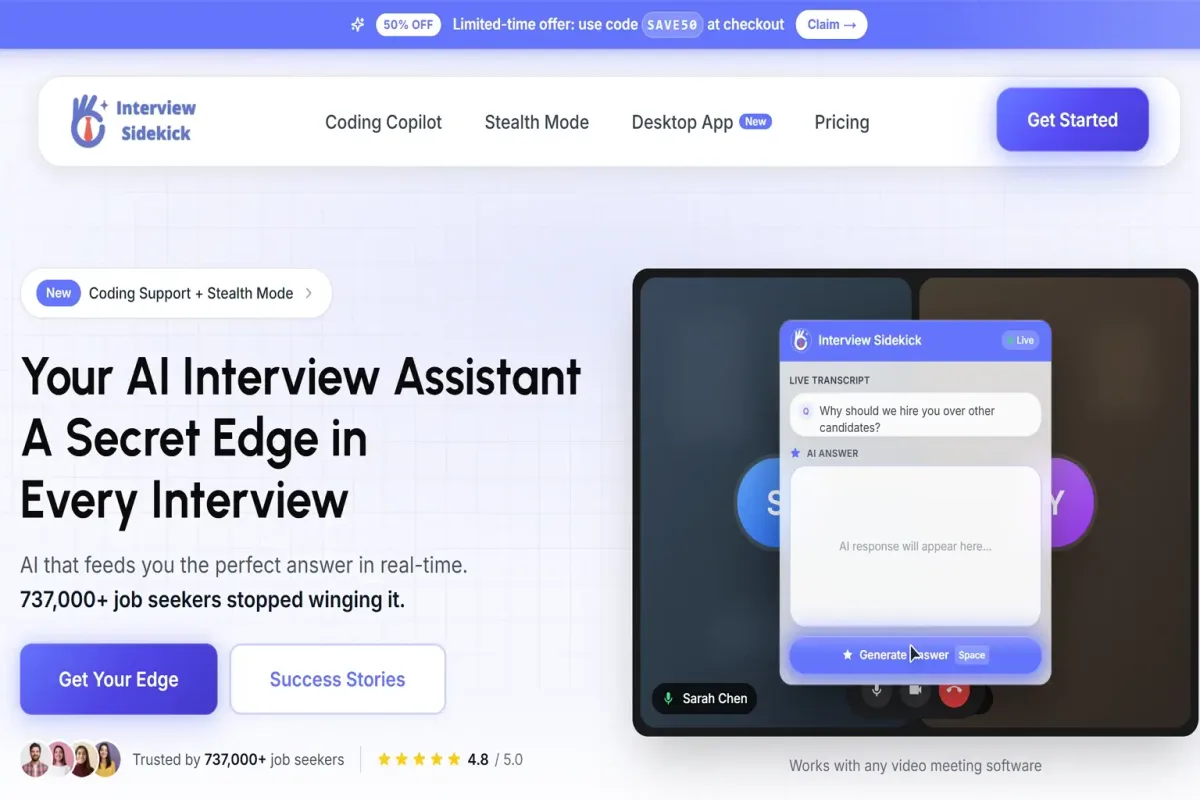
Interview Sidekick combines preparation, real-time assistance, mock interviews, resume analysis, saved transcripts, and performance feedback. It offers Mac and Windows desktop applications plus web and mobile access.
Why it fits Mac users: The desktop app provides the live interview workflow, while preparation and review can continue in the web account. Candidates can build a profile from a resume and job description before practicing or joining an interview.
Best for: Candidates who want resume-tailored behavioral support, a preparation library, transcripts, and post-interview feedback in one workflow.
Trade-offs: The official FAQ currently says the desktop app requires Gmail login, which may not fit every user's account policy. Plan limits and included usage should still be checked before a long interview loop. Screen-share visibility claims still need to be tested against the current Mac app and the exact meeting mode.
Pricing: Free plan available; $80 per month or $53 per month when billed quarterly.
Bottom line: Choose Interview Sidekick when preparation and review matter as much as live prompts.
7. AceRound — Best for Short-Term Passes and Companion Devices
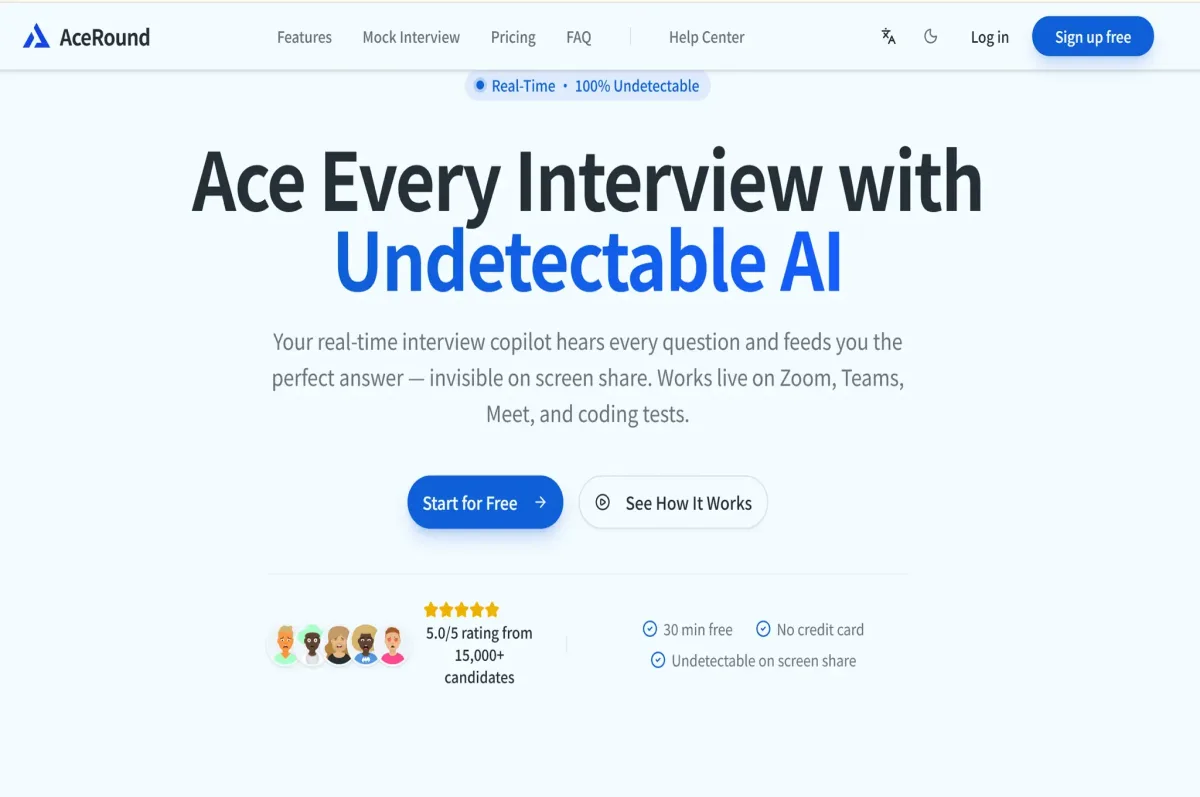
AceRound provides native Mac and Windows apps with mock interviews, live assistance, web access, and phone or second-device workflows. The product supports coding, behavioral, case, sales, and other interview scenarios.
Why it fits Mac users: A native desktop app and companion-device options can suit candidates who want to separate the meeting window from their assistance workflow.
Best for: Candidates with a short interview loop who prefer a weekly or 90-day pass rather than a long subscription.
Trade-offs: Choose the payment format according to the length of the interview loop. Vendor claims about response speed and screen-share visibility are environment-dependent and should not be presented as independently verified results.
Pricing: Free trial; $24.90 weekly pass, $49.90 monthly plan, $99 for a 90-day season pass, or $29.90 for standard credits.
Bottom line: Choose AceRound when native Mac use and short-term payment options are more important than the simplest price structure.
8. InterviewMan — Best Published Annual Price and Cross-Device Access
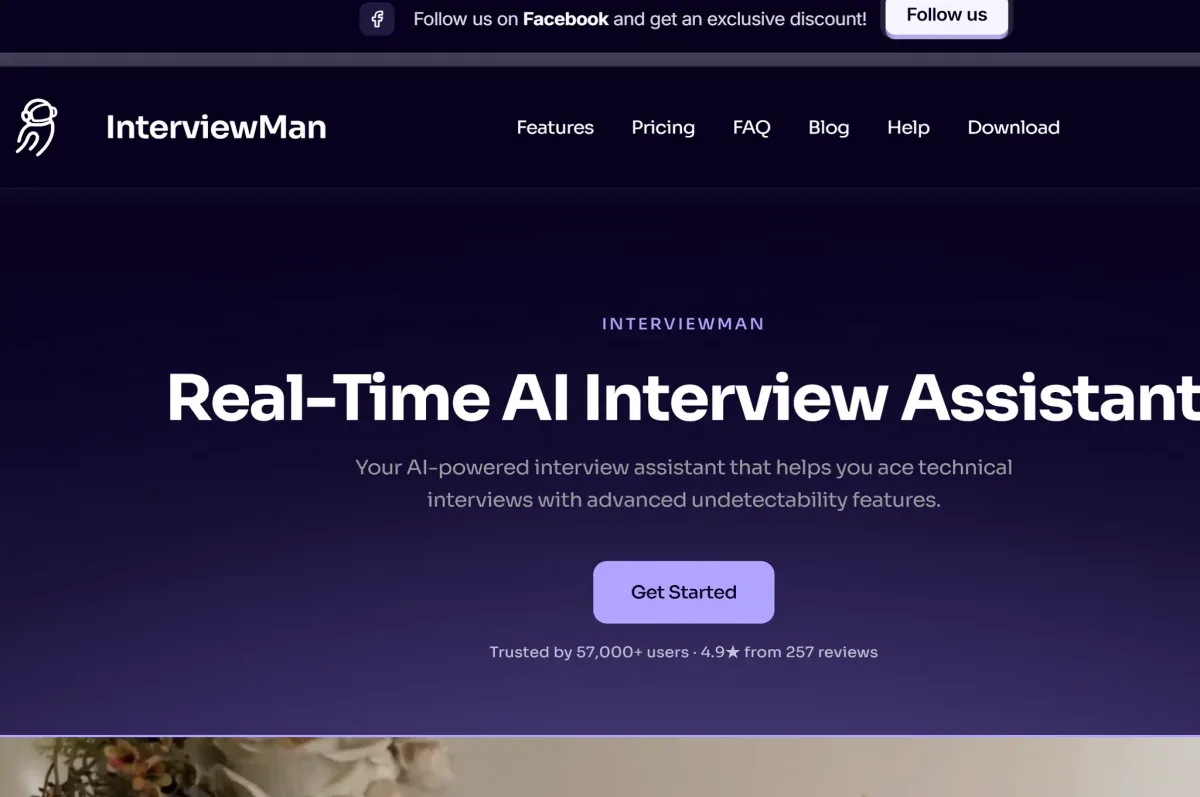
InterviewMan provides a Mac and Windows desktop app plus web, iOS, and Android access. Its product pages cover coding, system design, behavioral, case, product management, and other interview formats, along with resume and job-description context.
Why it fits Mac users: Cross-device access gives candidates more flexibility before and after an interview, and the annual plan has the lowest clearly published monthly equivalent among the paid subscriptions in this set.
Best for: Candidates who want a lower annual price, multiple device types, multilingual workflows, or a broad range of interview categories.
Trade-offs: The $12 monthly equivalent requires a $144 annual payment. Claims about unlimited usage, automatic question detection, multilingual accuracy, speaker handling, and screen-share invisibility should be tested rather than assumed.
Pricing: $30 monthly or $12 per month billed annually at $144. A free trial is advertised.
Bottom line: Choose InterviewMan when annual value and cross-device access outweigh the risk of committing to a full year.
Which Mac AI Interview Assistant Should You Choose?
| Your Priority | First Product to Evaluate | Why | What to Confirm |
|---|---|---|---|
| Coding and system design | GreatOffer AI | Technical and screen-context workflow | Current paid price, permissions, and performance on your interview platform |
| Local processing control | ExtraBrain | Local transcription and optional local model | Exact provider, data path, model download, and Mac resource use |
| Broad preparation suite | Final Round AI | Practice, live Copilot, coding, and analysis | Trial status, billing term, and which features are included |
| Lightweight native Mac app | SubcueAI | macOS-focused interface and lower monthly entry | macOS 14+, credits, and supported languages |
| Resume and behavioral preparation | Interview Sidekick | Profile, practice, transcript, and feedback workflow | Login requirements, plan limits, and renewal terms |
| Desktop plus remote helper option | LockedIn AI | Desktop/web access and Duo workflow | Employer policy, helper setup, and total plan cost |
| Short interview loop | AceRound | Weekly, monthly, and 90-day options | Checkout price and current package limits |
| Lowest annual equivalent price | InterviewMan | $12/month equivalent annual plan | Annual prepayment, actual usage limits, and device synchronization |
How to Set Up an AI Interview Assistant on Mac
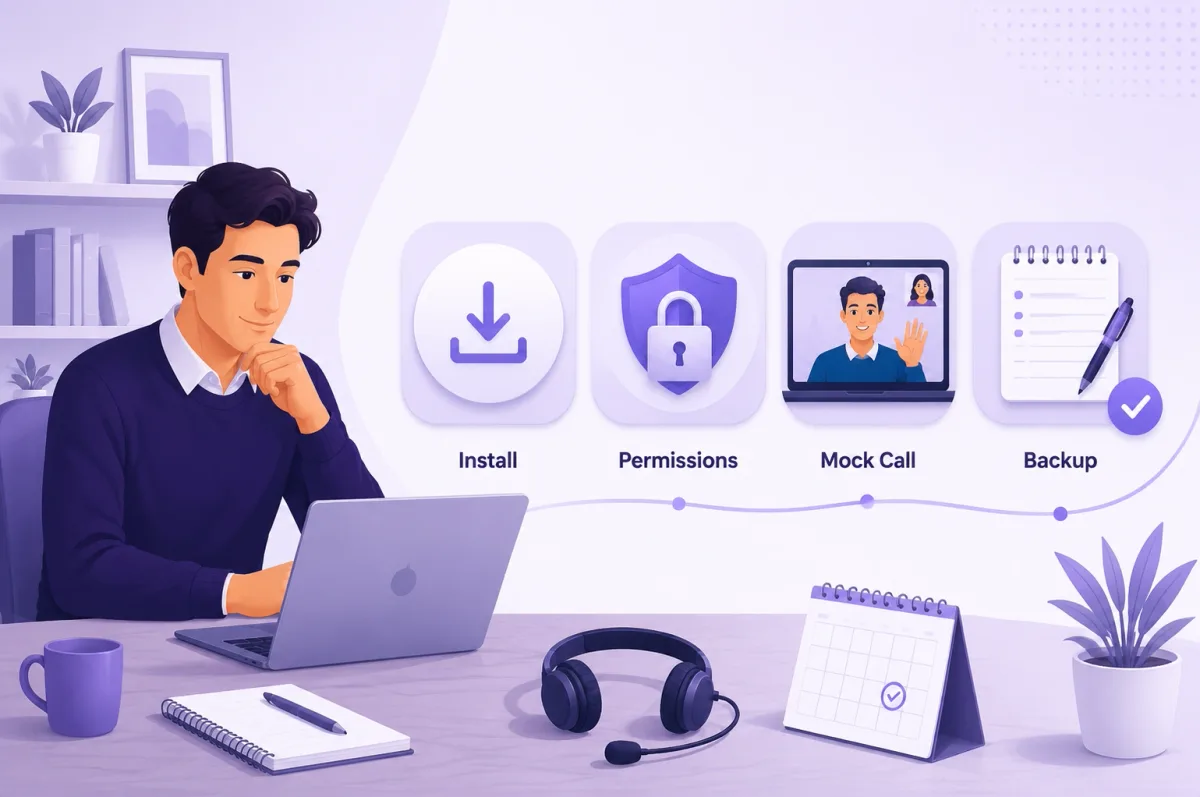
- Confirm compatibility. Check the minimum macOS version, Apple Silicon or Intel support, memory needs, and whether the product is native, web-based, or hybrid.
- Download from the official vendor. Avoid unofficial installers and confirm that the application is signed and current.
- Review each permission request. Grant Microphone, Screen & System Audio Recording, Accessibility, or Notifications only when the feature requires it.
- Add context selectively. Upload a resume or job description only if it improves the workflow, and remove sensitive details you do not need to share.
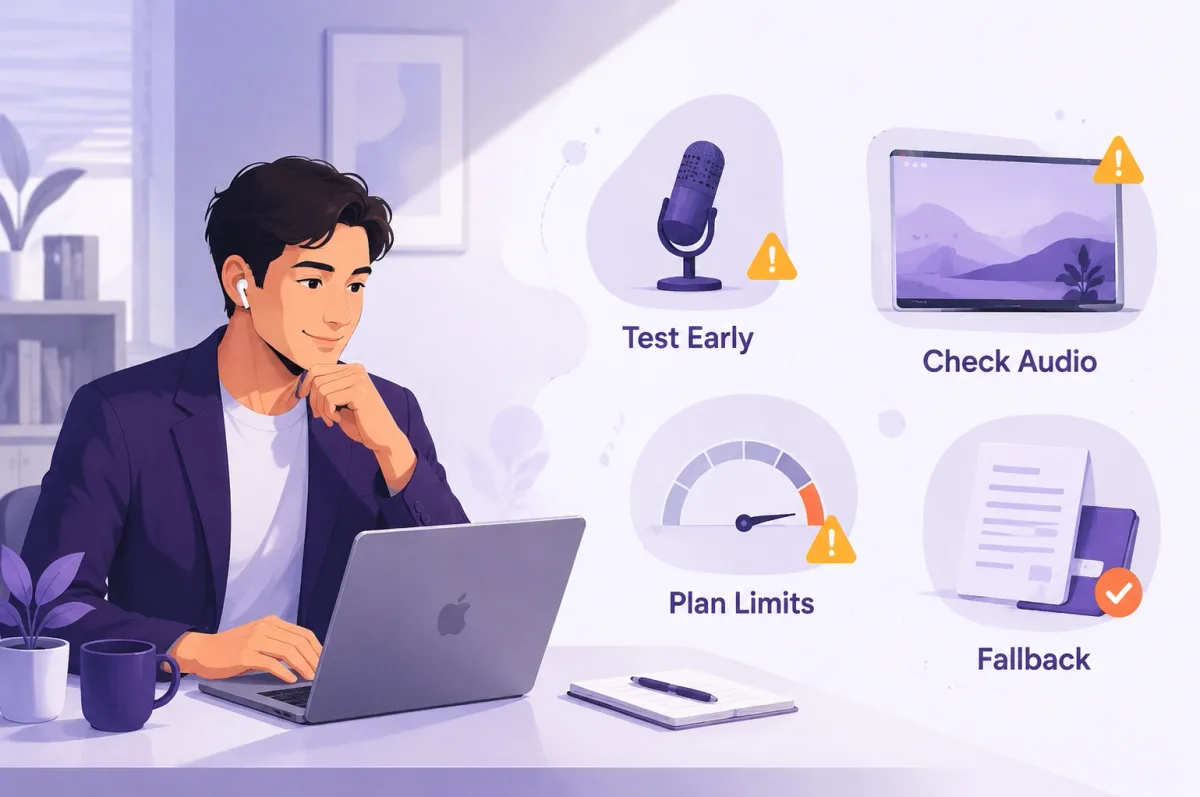
- Test inside the real meeting app. Run a mock call in the same Zoom, Google Meet, Microsoft Teams, or assessment environment you expect to use.
- Test the exact sharing mode allowed. Single-window and full-display sharing can produce different results; never rely on a generic invisibility promise.
- Check plan limits and renewal terms. Confirm minutes, credits, maximum session duration, recurring billing, refund rules, and cancellation steps.
- Prepare a no-assistant fallback. Keep your own notes and be ready to continue if the app, internet connection, account, or model provider fails.
Include this technical setup in your broader job interview preparation checklist, rather than testing the assistant in isolation.
Privacy, Data Handling, and Responsible Use
Understand the Processing Model
- Cloud processing: Audio, transcripts, screenshots, or prompts may be sent to the vendor or its model providers.
- Local processing: Transcription or generation runs on the Mac when the required model and hardware are available.
- Hybrid processing: One step may run locally while cleaned text, screenshots, or prompts are sent to an external service.
A product that advertises local audio processing may still use a cloud model to generate answers. Check the privacy policy, model-provider settings, retention terms, account-deletion process, and whether uploaded resumes or transcripts are used for training.
Use a Permission and Data Checklist
Before an interview:
- Identify which data the app captures.
- Confirm whether audio, screenshots, transcripts, and resumes are stored.
- Check whether third-party model or transcription providers receive data.
- Verify how to delete sessions and the account.
- Revoke macOS permissions when you no longer need the app.
- Confirm that live assistance is permitted in the interview or assessment.

Common Mistakes to Avoid on Mac
- Installing the app just before the call: Permission prompts and audio routing can take time to troubleshoot.
- Testing outside the real meeting platform: A standalone test may not reveal Zoom, Meet, Teams, or assessment-browser behavior.
- Treating vendor visibility claims as guarantees: Sharing mode, product version, and macOS updates can change what appears.
- Reading generated answers word for word: A wrong or generic answer is more damaging when delivered without judgment.
- Ignoring credit or session limits: A plan can run out during a long interview loop.
- Uploading unnecessary personal information: Resume context can help, but sensitive data increases privacy exposure.
- Skipping a fallback plan: Networks, models, permissions, and accounts can fail.
Final Recommendation
The best AI interview assistant for Mac is the one that matches your interview type and survives a realistic mock call on your own setup. Evaluate GreatOffer AI first for a coding-focused desktop workflow, ExtraBrain for local-first control, Final Round AI for an integrated preparation suite, or InterviewMan for its published annual price and cross-device access.
Before paying, verify the current plan, permissions, privacy settings, session limits, and employer rules. Then run the exact interview workflow you expect to use. If technical interviews are your priority, you can evaluate GreatOffer AI from its homepage and compare it against the same Mac checklist used for every product in this guide. If you only need a practice replacement rather than live assistance, compare the options in our Google Interview Warmup alternatives guide.