
How this guide was researched: We reviewed Google’s original 2022 announcement, the current Interview Warmup redirect, Google’s current interview guidance, and official product pages for each alternative on July 27, 2026. Product descriptions below reflect vendor-published capabilities rather than a standardized hands-on benchmark. Availability, limits, and pricing can change. Disclosure: GreatOffer is our product.
Is Google Interview Warmup Still Available?
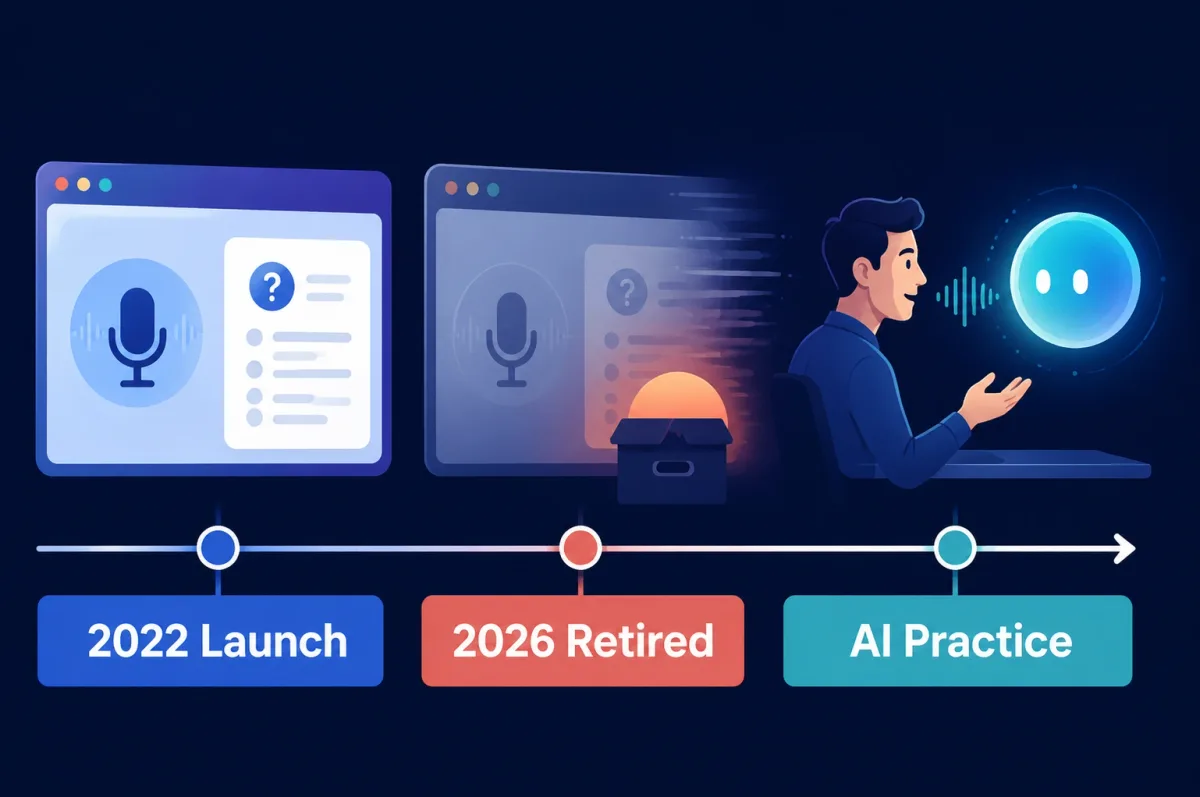
No. The original Google Interview Warmup experience is no longer accessible.
Here is what can be verified:
- The original Interview Warmup page now redirects to Grow with Google’s interview preparation guide.
- Google’s current guide recommends Gemini Live for practicing a spoken, back-and-forth interview conversation.
- Google does not provide an official Interview Warmup app, installer, archive, or downloadable offline version.
- Google has not published a public, dated post explaining the exact shutdown date or business reason.
A Reddit report from March 2026 documented a retirement message shown to a user. That is useful contemporary evidence, but it is not an official shutdown timeline.
If you find a third-party site offering a “Google Interview Warmup download,” do not assume it is legitimate. The original tool was browser-based, and Google has not released a legacy installer.
Last verified: July 27, 2026.
What Was Google Interview Warmup?
Google Interview Warmup was a free, browser-based practice tool announced on June 2, 2022, as part of Grow with Google.
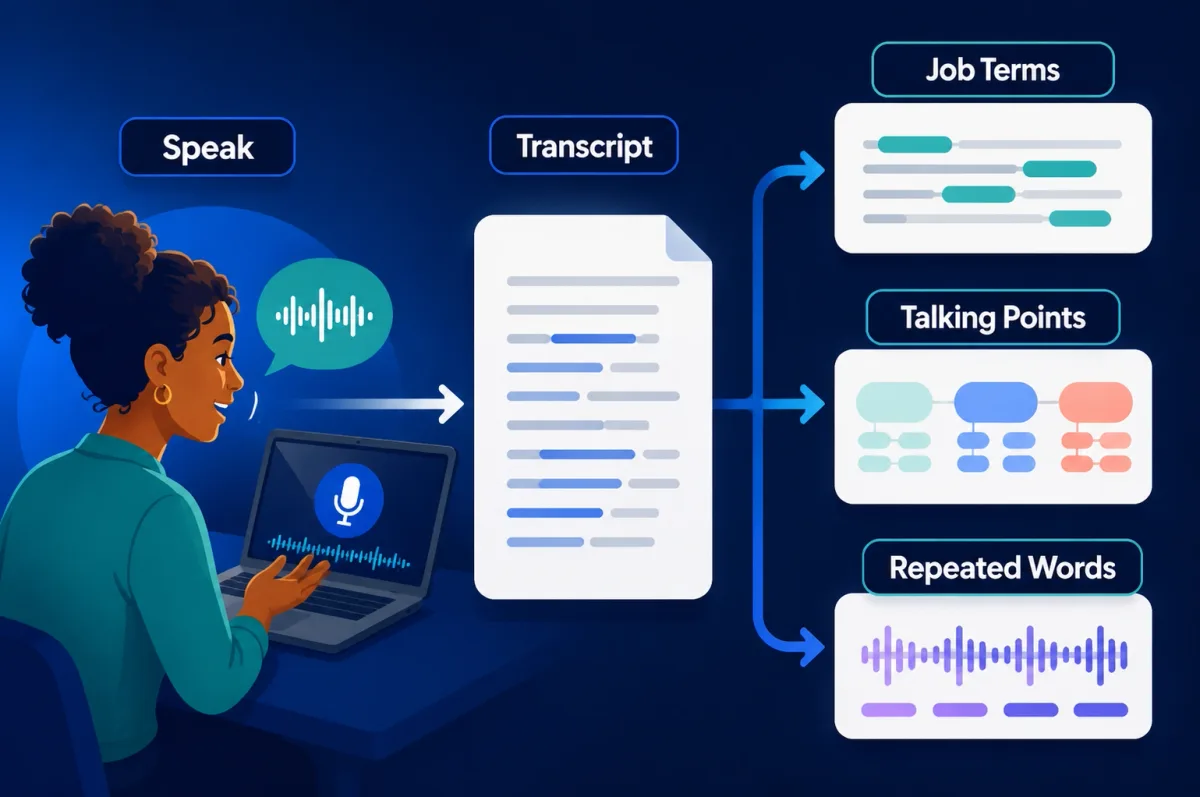
You answered interview questions out loud. The tool transcribed your response and highlighted patterns to review, including:
- job-related terms;
- frequently repeated words;
- talking points connected to experience, skills, lessons, and goals; and
- parts of an answer that you might want to revisit.
Google intentionally avoided giving candidates a pass/fail score. Its original Interview Warmup announcement described the insights as prompts for self-review rather than an assessment of whether an answer was “correct.”
The product offered general and role-related practice, worked in a browser, and did not require a sign-in. Google also said users controlled their audio clips and transcripts, including whether to download or delete them.
Why Was Google Interview Warmup So Popular?
Its appeal came from low friction rather than advanced coaching.
It was free and easy to start
Candidates could open a browser and begin practicing without creating an account, booking a coach, or installing desktop software.
Speaking felt more realistic than typing
Answering out loud exposed problems that written preparation can hide: rambling, repeated phrases, weak transitions, and difficulty recalling examples under light pressure.
The feedback was simple enough to use immediately
Instead of an opaque score, candidates received visible signals they could interpret themselves. That made the tool approachable for first-time job seekers and people who wanted a private warm-up before a real interview.
It offered a repeatable practice loop
Candidates could answer, review the transcript, adjust the response, and try again. Even basic repetition can improve answer structure and confidence.
Google’s name reduced adoption anxiety
The Grow with Google context made the tool easier to discover and more credible than an unknown interview-practice website. This is a reasonable explanation for its popularity, not a published Google usage claim.
Where Google Interview Warmup Fell Short
Interview Warmup was useful, but its simplicity also created clear limits.
- Limited follow-up depth: It did not behave like an adaptive human interviewer who challenges vague claims or changes direction based on an answer.
- Basic personalization: It was not designed around a candidate’s exact resume, job description, company, or interview stage.
- Pattern feedback, not expert judgment: Repeated words and talking-point categories can identify habits, but they do not prove that an answer is persuasive, accurate, or role-appropriate.
- Limited technical depth: It was not a coding environment, system-design simulator, or substitute for technical peer practice.
- No live-interview workflow: It was a preparation tool, not an assistant for use during an actual interview.
These gaps matter because “interview help” now covers several different jobs: conversation practice, delivery coaching, technical simulation, human feedback, and optional real-time support. A replacement should be chosen for one of those jobs—not simply because it is labeled an interview tool.
What Should a Good Replacement Offer?
Before comparing products, decide what kind of feedback would change your performance.
- Conversation quality: Does the tool ask relevant follow-ups, or only read a fixed list of questions?
- Useful feedback: Does it assess delivery, answer structure, role terminology, technical reasoning, or some combination?
- Personalization: Can you add a resume, job description, target role, or company context?
- Technical support: Does it include coding, system design, or role-specific practice when you need it?
- Practice or live use: Is it designed for preparation, permitted real-time assistance, or both?
- Privacy and policy fit: Can you understand how data is handled, and does the intended use comply with the employer’s rules?
No single product is strongest across every category. For most candidates, the safest starting point is a mock interview tool. Real-time assistance is a separate category and should only be considered when the interview rules permit it.
Best Google Interview Warmup Alternatives at a Glance
| Tool | Best for | Main mode | Key trade-off |
|---|---|---|---|
| Gemini Live | Free conversational rehearsal | Practice | No dedicated Interview Warmup-style insight dashboard |
| ChatGPT Voice | Custom interview roleplay | Practice | Quality depends heavily on your prompt and follow-up instructions |
| Yoodli | Delivery, pacing, and speech feedback | Practice; optional live features | More focused on communication than deep technical evaluation |
| Exponent Practice | Peer practice across interview formats | Practice | Peer availability and feedback quality can vary |
| interviewing.io | Technical mocks with realistic pressure | Practice | Best suited to software and technical interview formats |
| GreatOffer | Resume-aware voice and coding support | Practice and permitted live use | Not a like-for-like replacement; advanced use requires a paid plan |
| Final Round AI | A broader interview and job-search platform | Practice and live support | Wider feature set can be more than a candidate needs |
| Interview Sidekick | Structured behavioral-answer support | Practice and live support | Less specialized for deep technical simulation |
Use the table as a shortlist, not a universal ranking. Start with the category that matches your next interview and verify the current plan, device support, and usage limits on the vendor’s site.
Best Mock Interview Alternatives
Gemini Live — Best Free Conversational Starting Point
Gemini Live is the clearest place to start if you want a spoken interview rehearsal without setting up a dedicated coaching platform. Google’s current interview guide recommends using it for a realistic back-and-forth conversation, including feedback on delivery, pacing, and tone.
Choose it if: you want free-form voice practice, follow-up questions, and an easy way to rehearse several versions of an answer.
Main limitation: it does not reproduce Interview Warmup’s structured transcript insights or dedicated job-term review. You must ask for the feedback you want.
Google recommends Gemini Live for this use case, but it does not describe the product as an official one-to-one replacement for Interview Warmup.
ChatGPT Voice — Best for Flexible Roleplay
ChatGPT Voice works well when you want to define the interviewer’s role, seniority, question style, and feedback criteria in your own prompt. You can ask it to conduct a behavioral interview, challenge weak examples, switch to a hiring-manager perspective, or repeat the session at a higher difficulty.
OpenAI’s Voice Mode guide explains current voice access and plan-dependent limits.
Choose it if: you want a customizable mock interviewer and are comfortable writing a detailed practice prompt.
Main limitation: it is a general conversational product rather than a dedicated interview dashboard. It will not automatically recreate Interview Warmup’s categories unless you instruct it to do so.
Yoodli — Best for Speech and Delivery Feedback
Yoodli is a better fit when the problem is not what to say, but how you sound while saying it. Its official interview-preparation page emphasizes roleplay, contextual follow-up questions, pacing, filler-word feedback, and communication analytics.
Choose it if: you want to reduce filler words, improve pacing, or make answers sound more concise and confident.
Main limitation: communication feedback does not replace expert evaluation of technical correctness. Yoodli also offers live-assistance features, so check the employer’s policy before using anything during a real interview.
Exponent Practice — Best for Peer Mock Interviews
Exponent Practice supports peer and AI-assisted practice across behavioral, product, engineering, data, and other interview formats. The value is the chance to practice with another person rather than only speaking to a model.
Choose it if: you want reciprocal peer practice, scheduled accountability, and exposure to another candidate’s interview style.
Main limitation: peer experience and feedback quality naturally vary. Use rubrics and specific feedback requests to make the session more useful.
interviewing.io — Best for Technical Interview Realism
interviewing.io focuses on anonymous technical mock interviews, including coding and system-design practice. It offers AI practice and paid human interviews with experienced engineers.
Choose it if: you are preparing for software engineering interviews and want realistic technical pressure, a coding environment, or feedback from an experienced interviewer.
Main limitation: it is more specialized and may be unnecessary for non-technical roles or candidates who only need basic behavioral practice.
Best Real-Time Interview Assistance Tools
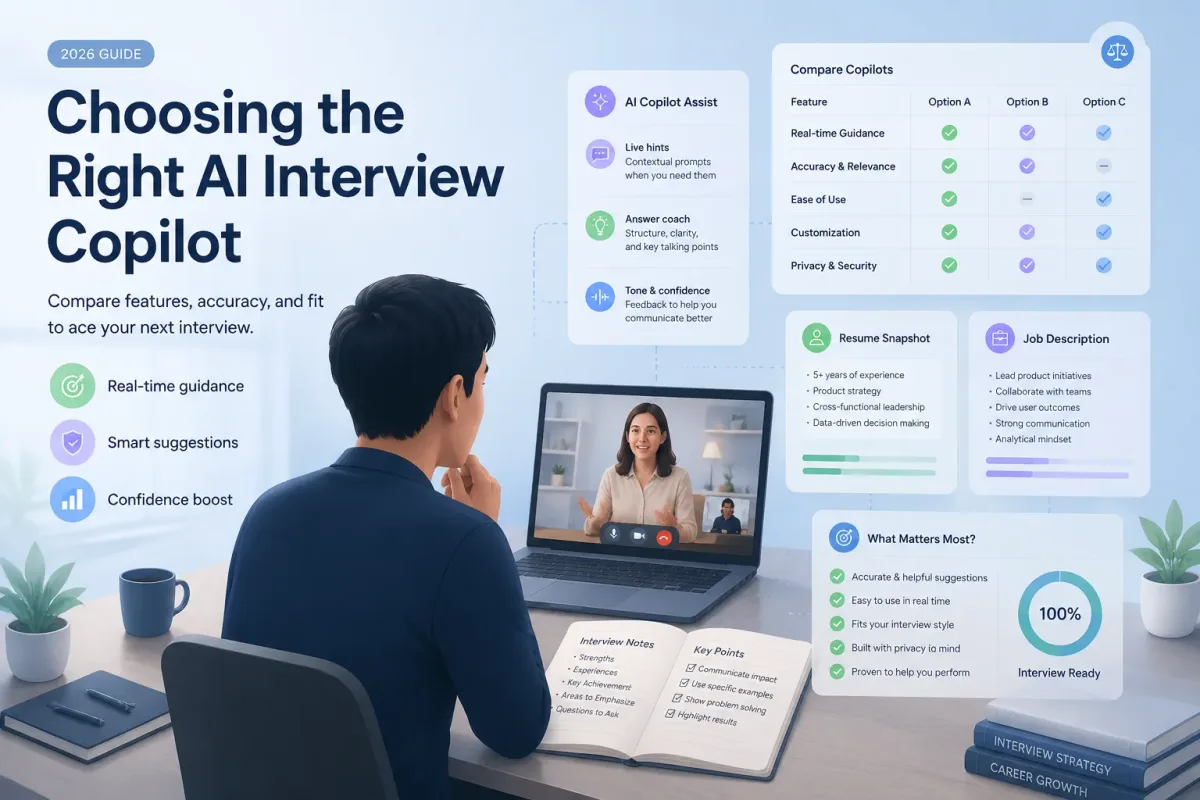
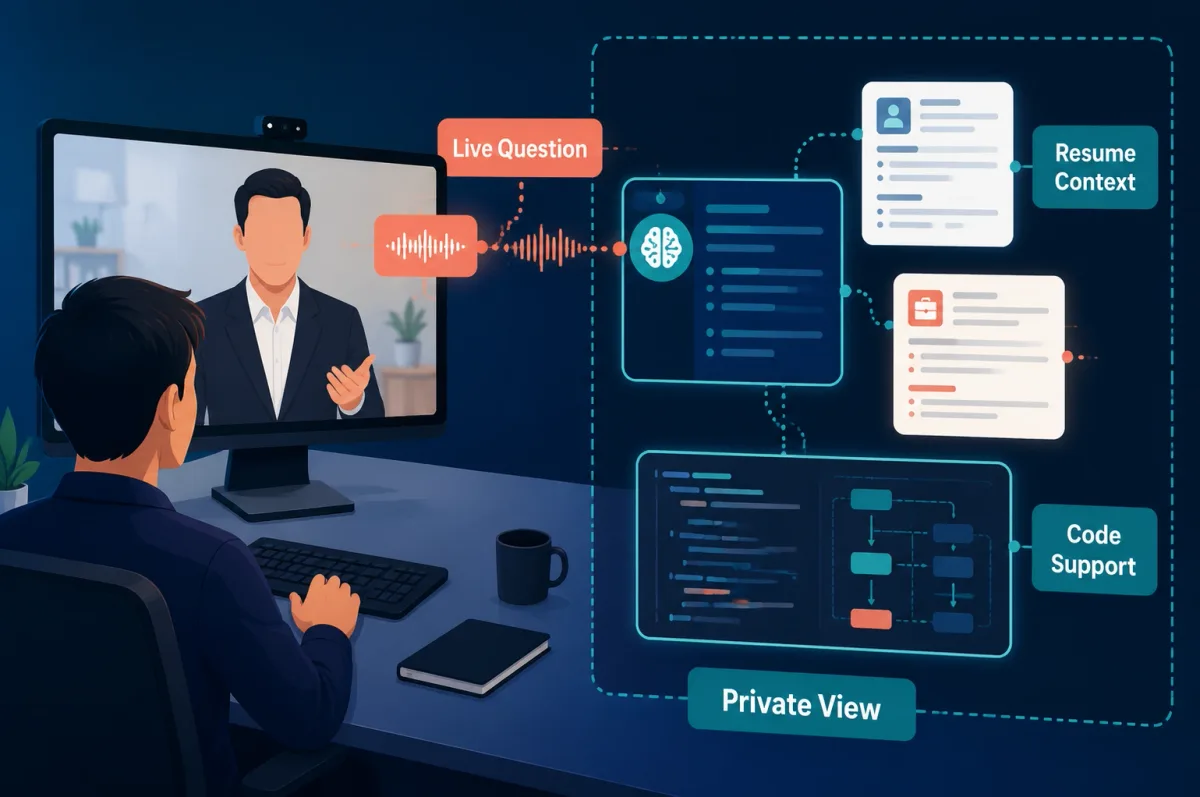
A live interview copilot solves a different problem from Google Interview Warmup. Instead of helping you review an answer after practice, it may detect a live question, use your resume or job description as context, and surface prompts while the interview is happening.
That added capability also creates more responsibility. Confirm that the employer permits assistance before using any copilot during a real interview.
GreatOffer — For Real-Time Voice and Coding Support in One App
Disclosure: GreatOffer is our product. It is included here because it covers a category that Interview Warmup did not: optional real-time assistance for voice and coding interviews.
GreatOffer’s current product pages describe a desktop copilot that can:
- use a resume and job description as interview context;
- provide low-latency support for spoken interview questions;
- assist with coding-interview workflows;
- run on Windows and macOS; and
- remain private to the candidate during screen sharing, according to GreatOffer.
Choose it if: you want one desktop workflow for personalized mock practice plus permitted real-time voice or coding support.
Do not choose it as a shortcut for preparation: a live prompt cannot replace genuine experience, technical knowledge, or familiarity with your own resume.
Before uploading documents or saving interview content, read GreatOffer’s privacy policy. GreatOffer states that its copilot remains private during screen sharing, but you should test your exact device, interview platform, display configuration, and screen-sharing mode before relying on that behavior.
If this use case fits, download GreatOffer and test it in a mock session first. Check the current pricing page before an important interview because plan limits can change.
Other Real-Time Interview Copilots to Compare
- Final Round AI combines interview preparation, live support, and broader job-search features. It may fit candidates who want several tools in one platform.
- Interview Sidekick emphasizes structured answer support for behavioral and general interview questions.
- LockedIn AI markets multilingual live interview assistance and coding support.
- Sensei AI offers browser- and desktop-based real-time interview assistance with automatic question detection.
These descriptions are based on the vendors’ current public pages, not a standardized performance test. Compare latency, device compatibility, coding support, privacy terms, plan limits, and employer-policy fit before choosing one. For a broader feature-by-feature review, see our AI interview copilot comparison guide.
Should You Use a Mock Interview Tool or a Real-Time Assistant?
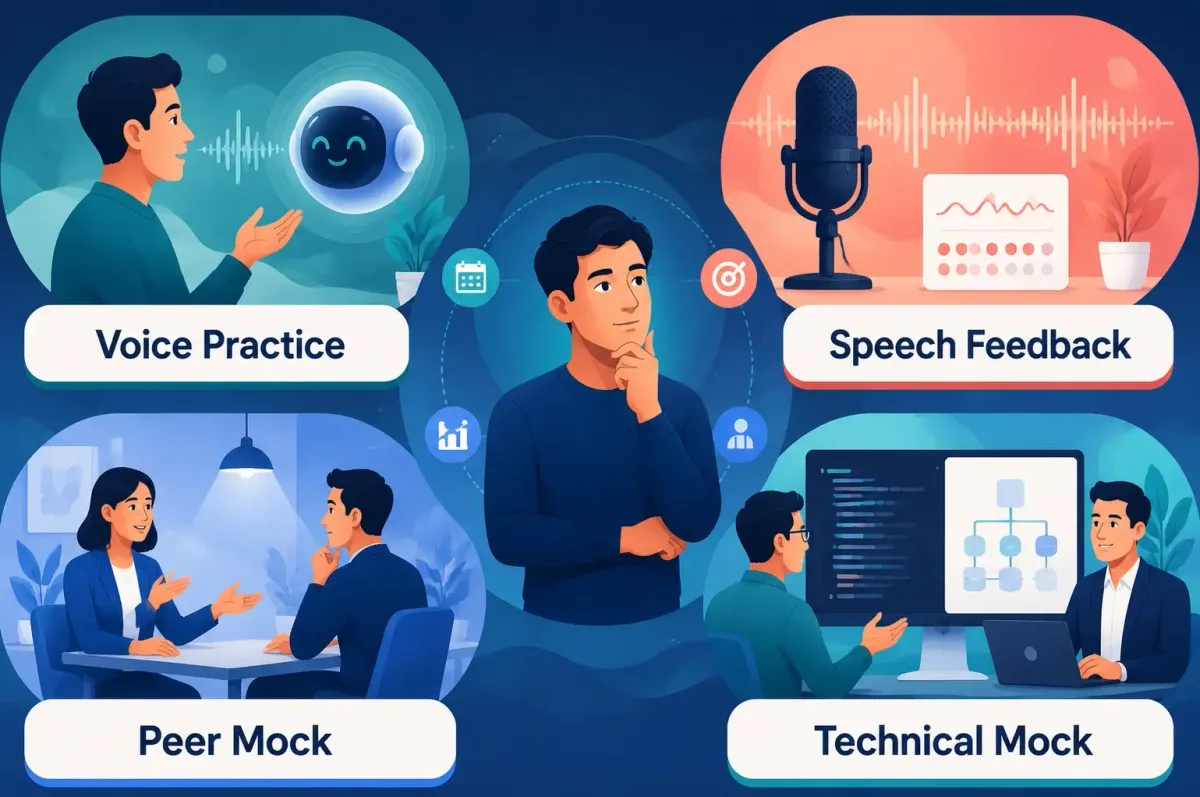
For most candidates, practice first. A mock interview tool improves the knowledge and examples you carry into every interview. A live assistant only helps in a specific interview, and its use may be restricted. Use this job interview preparation checklist to organize the research, examples, questions, and logistics around your practice sessions.
| Your immediate need | Better category |
|---|---|
| Build confidence and basic answer structure | Conversational mock interview |
| Reduce filler words or improve pacing | Speech coach |
| Practice coding or system design | Technical mock platform |
| Experience human pressure and feedback | Peer or professional mock interview |
| Receive prompts during a real interview, with permission | Real-time interview copilot |
A practical sequence is:
- Rehearse with Gemini Live or ChatGPT Voice.
- Improve delivery with Yoodli if speech habits are the main problem.
- Add Exponent Practice or interviewing.io for human or technical pressure.
- Consider GreatOffer or another live copilot only after confirming the interview rules.
How to Recreate Google Interview Warmup Today
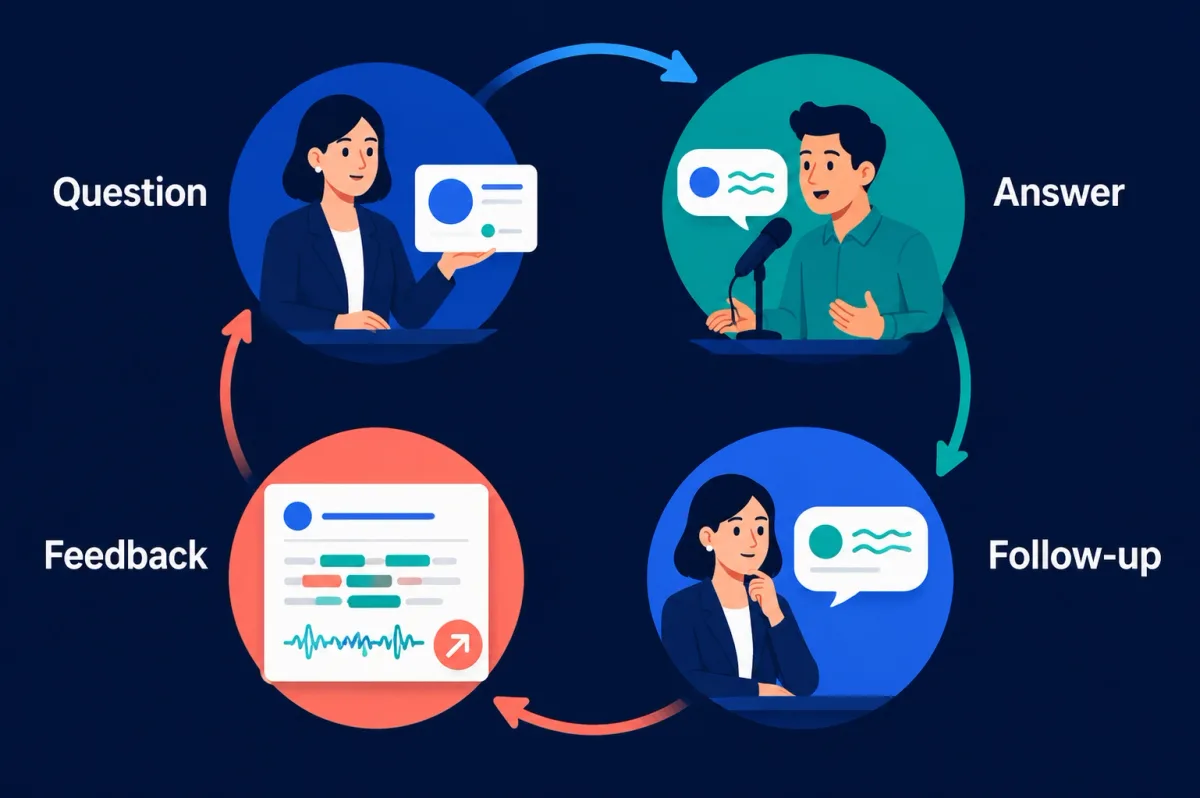
You can reproduce the basic “question, spoken answer, transcript, pattern review” loop with Gemini Live or ChatGPT Voice.
Use this prompt:
Act as an interviewer for a [role] position. Ask me five questions one at a time: one background question, two behavioral questions, one situational question, and one role-specific question. After each answer, ask one relevant follow-up. Do not give feedback until the end. Then identify repeated words, missing role-related terms, unclear talking points, and places where I made a claim without a specific example. Finish by asking me to answer the weakest question again.
To personalize the session, add the job description and a redacted version of your resume. Remove contact details, account information, confidential employer data, and anything else the practice tool does not need.
This workflow is closer to the purpose of Interview Warmup than simply asking for “common interview questions,” because it creates a repeatable answer-and-review cycle. For your opening question, apply the same loop to this framework for answering “Tell me about yourself”.
Is It Appropriate to Use AI During a Live Interview?
It depends on the employer’s rules and the type of interview.
Practice before an interview is the lowest-risk use case. For live assistance:
- Read the employer’s candidate guidance and any instructions from the recruiter or interviewer.
- Ask for permission when the policy is unclear instead of assuming assistance is allowed.
- Do not use a tool to fabricate skills, projects, work history, or results.
- Do not expose confidential employer information, customer data, private code, or another person’s personal information.
- Use assistance to organize your real knowledge—not to impersonate expertise you do not have.
- Test audio, permissions, notifications, displays, and screen sharing before the interview.
If an employer prohibits outside assistance, do not use it. If you cannot determine the rule, practice beforehand and complete the live interview without the copilot.
Conclusion
Google Interview Warmup is gone, and Google has not published a detailed public explanation for retiring it. Its original page now redirects to general interview guidance that recommends Gemini Live for conversational practice.
Choose the replacement by the problem you need to solve. Use Gemini Live or ChatGPT Voice for spoken rehearsal, Yoodli for delivery, and Exponent Practice or interviewing.io for deeper human and technical practice. Consider a real-time copilot only when the interview rules allow it.
If you need resume-aware voice and coding support in one desktop workflow, GreatOffer is an option to test before the interview—not a substitute for preparation or genuine experience.