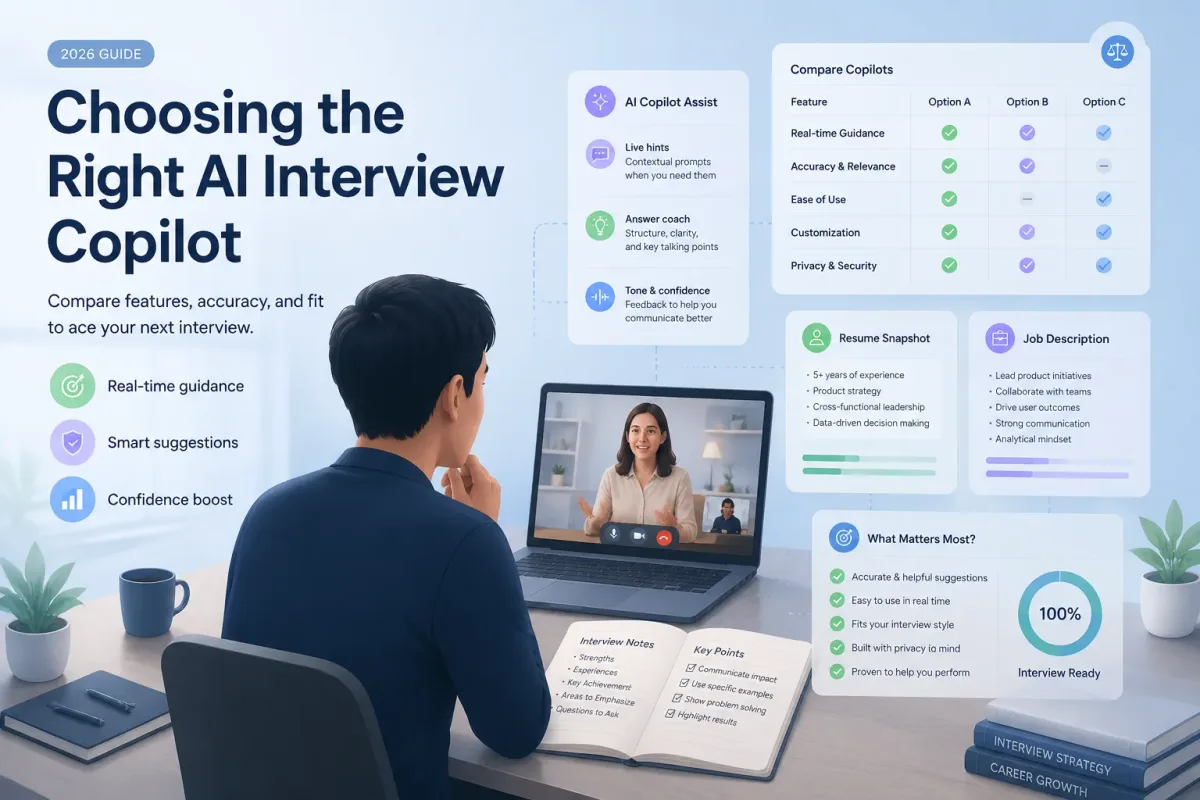

If you need an AI interview answers generator, start by identifying the job you want the tool to do. FastApply and Eztrackr are the clearest choices for generating written answer drafts. Interviews by AI is built more around mock practice and feedback. GreatOffer AI, Final Round AI, LockedIn AI, and Live Interview AI focus more heavily on real-time interview assistance, with different levels of coding, voice, assessment, or practice support.
This list compares seven tools by use case, input workflow, interview coverage, and the type of help each product is designed to provide. It is not a universal ranking: the best option depends on whether your next step is preparation, speaking practice, a technical interview, or a live video interview.
Important: This comparison uses public product information reviewed on August 21, 2026. It is not an independent test of answer accuracy, response speed, hiring outcomes, pricing, or employer policy compliance. Check the rules that apply to your interview before using live AI assistance.
Quick Picks
| Tool | Best fit | Main reason to consider it |
|---|---|---|
| GreatOffer AI | Real-time interview copilot support | Real-time guidance, Focus Mode, coding interview assistance, and a voice assistant workflow |
| FastApply | Structured answer drafts | A staged workflow for job details, questions, background, and preferences, plus guidance for common questions |
| Eztrackr | Free first drafts | A simple form using company, position, job description, and interview question inputs |
| Interviews by AI | Mock interview practice | Job-description-based questions, audio or text practice, and STAR-based feedback |
| Final Round AI | Preparation plus live assistance | Interview Copilot, mock interviews, resume-aware answers, reports, and multilingual transcription support |
| LockedIn AI | Interview and coding workflows | Real-time answers, Coding Copilot, Online Assessment support, and post-session reports |
| Live Interview AI | Live video interview support | Real-time question processing, tailored suggestions, and support for major video platforms |
Which type should you choose?
- Need a written answer before the interview? Start with FastApply or Eztrackr.
- Need to practice speaking and handle follow-up questions? Start with Interviews by AI.
- Need coding or technical interview support? Compare GreatOffer AI, LockedIn AI, and Final Round AI based on the interview platform and workflow you will use.
- Need live video interview assistance? Compare GreatOffer AI, Final Round AI, LockedIn AI, and Live Interview AI, then check the applicable rules before using one.
How We Compared These Tools
The products in this list do not all solve the same problem, so comparing them by one “accuracy” score would be misleading. Instead, the comparison looks at:
- Preparation workflow: Can you start with a job description, role, resume, or specific question?
- Answer structure: Does the product help with STAR, sample answers, talking points, or question-specific guidance?
- Practice: Can you answer in text or audio and receive feedback?
- Real-time support: Does the product process live questions and surface guidance during an interview?
- Technical coverage: Does it support coding problems, screen analysis, code review, or online assessments?
- Access and setup: Is it presented as a form, browser workflow, desktop app, or multi-device product?
- Decision clarity: Does the product have a clearly understandable use case for a specific type of candidate?
I have not ranked the tools by search volume, keyword difficulty, user-review averages, interview success rate, or a universal “best” score. There is no consistent, independently verified basis for comparing those metrics across all seven products.
1. GreatOffer AI — Best for Real-Time Interview Copilot Support
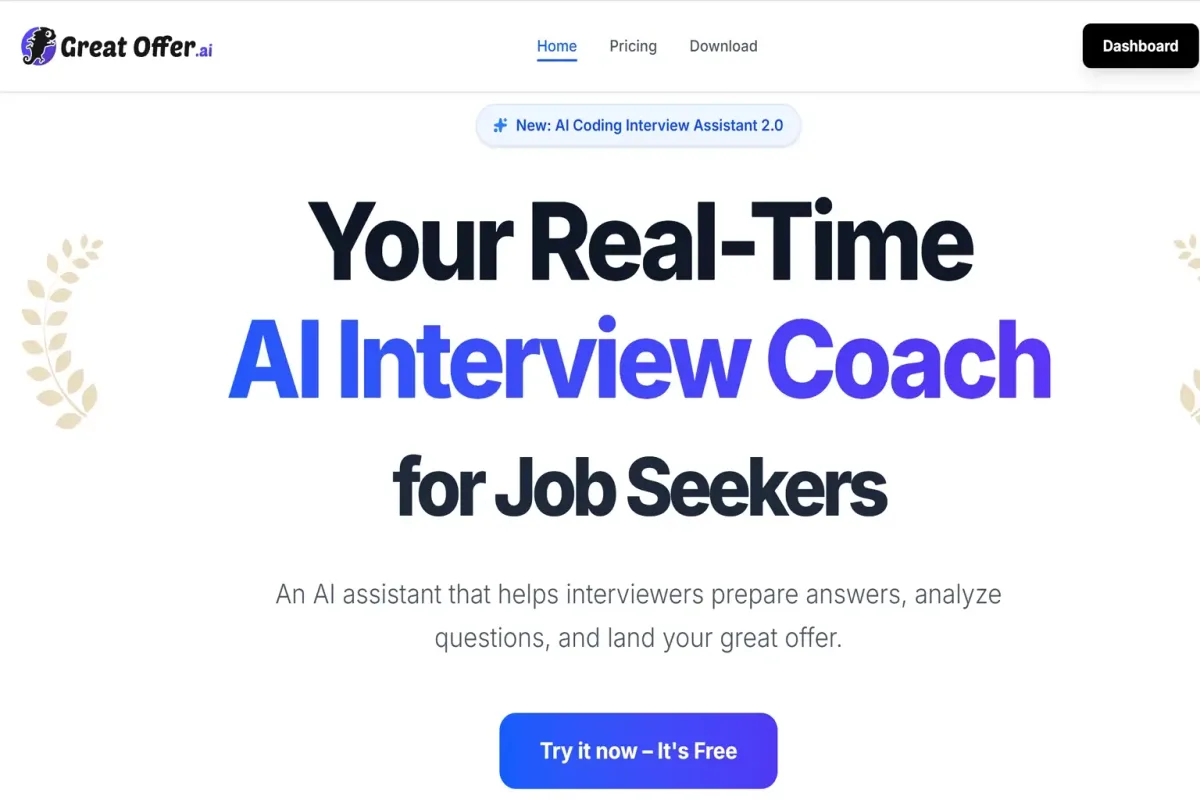
GreatOffer AI is positioned around a real-time interview coach rather than a text-only answer form. Its Interview Copilot provides real-time, personalized tips, while Focus Mode is designed to keep guidance on the user's own screen during supported workflows.
What it can help with
- Real-time interview guidance through Interview Copilot.
- Focus Mode for on-screen guidance that is not shown in screen shares.
- Coding interview support with automatic screen analysis, partial screen capture, customizable hotkeys, problem-solving insights, and reference answers.
- A Voice Interview Assistant designed for low-latency responses. GreatOffer advertises responses in under a second; treat that as a product claim, not an independent benchmark.
- Interview and coding platform support that includes Zoom, Google Meet, Microsoft Teams, HireVue, LeetCode, HackerRank, CodeSignal, and other listed tools.
- Structured interview practice with answer frameworks tailored to the user's background.
Who should choose it?
Choose GreatOffer AI if your need extends beyond generating a written answer. It is the closest fit on this list for candidates who want one workflow covering live interview guidance, technical interview support, voice-related assistance, and structured preparation.
What to verify before using it
Check the current platform compatibility, plan limits, privacy information, and trial terms for your interview. If the interview involves an employer, school, assessment provider, or proctoring system, confirm that the intended use is permitted before relying on live assistance.
Best for: Real-time interview support, coding interviews, voice-related workflows, and candidates who want a broader interview assistant.
2. FastApply — Best for Structured Interview Answer Drafts
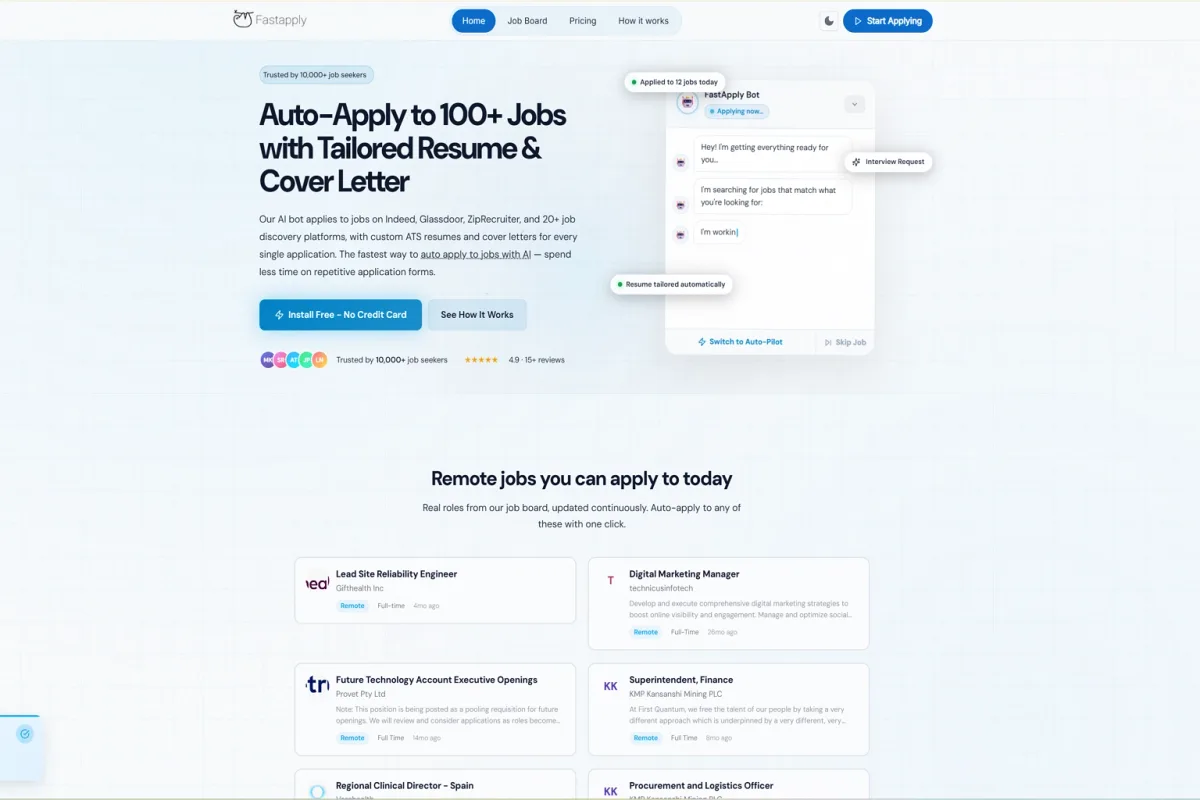
FastApply's Interview Answer Generator is designed for candidates who want a guided process instead of an empty chat box. The page organizes the workflow into Job Details, Question, Background, and Preferences.
What it can help with
- Personalized interview answer drafts.
- Company, job title, and industry context.
- Common and company-specific questions.
- Guidance for question types such as “Tell me about yourself,” strengths, weaknesses, teamwork, challenging situations, and questions for the interviewer.
- STAR guidance for challenging-situation answers.
- A stated library of more than 100 common and company-specific questions.
- A dedicated answer area for reviewing the generated response.
Who should choose it?
FastApply is a good choice if you want to work through your preparation in stages: define the role, choose a question, add background, and refine the answer. It is especially useful for candidates who need help turning scattered experience into an organized first draft.
What to verify before using it
The public generator page emphasizes preparation and answer creation. Do not assume that a written generator has the same live capabilities as an interview copilot. Add your own evidence and rewrite the output so you can explain every detail naturally.
Best for: Step-by-step preparation and structured written answer generation.
3. Eztrackr — Best for a Free First Draft
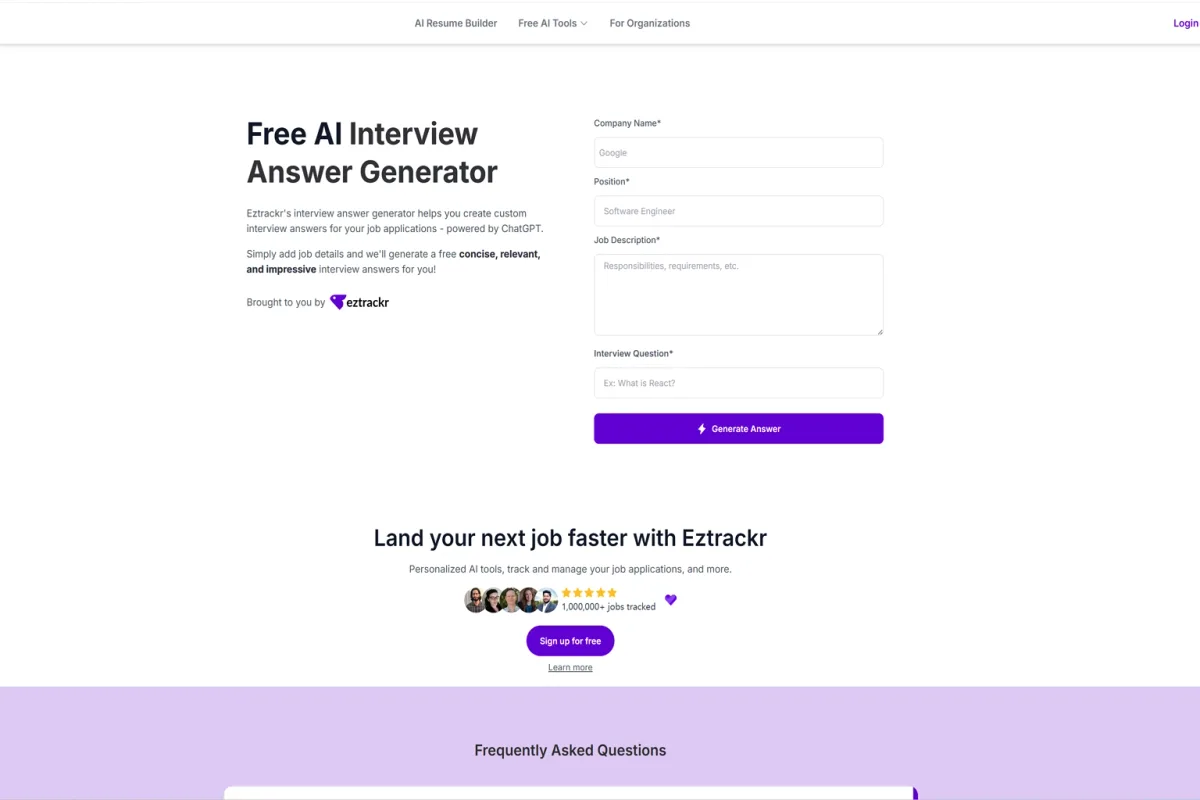
Eztrackr's Free AI Interview Answer Generator uses a simple form. You enter the company, position, job description, and interview question, then generate a response.
What it can help with
- Free interview answer generation.
- GPT-4-powered answer creation.
- Behavioral, situational, technical, and company-specific questions.
- STAR-style structure for behavioral questions.
- Brainstorming and structured answer examples.
- A connection to Eztrackr's wider job-application tracking tools.
Eztrackr also tells users to personalize the generated content with their own experience and voice rather than memorizing the output word for word. Eztrackr states that the tool does not store personal information, but you should still review the current privacy policy before entering confidential project details or sensitive personal data.
Who should choose it?
Choose Eztrackr if you want a low-friction way to create a first draft from a specific job description and question. It is a practical starting point for common behavioral questions and early preparation.
What to verify before using it
A simple form is useful, but the output will still depend on the context you provide. Add a real example, your specific contribution, and the result you achieved. Remove any detail the tool has assumed or invented.
Best for: Free, form-based interview answer drafts.
4. Interviews by AI — Best for Mock Interview Practice
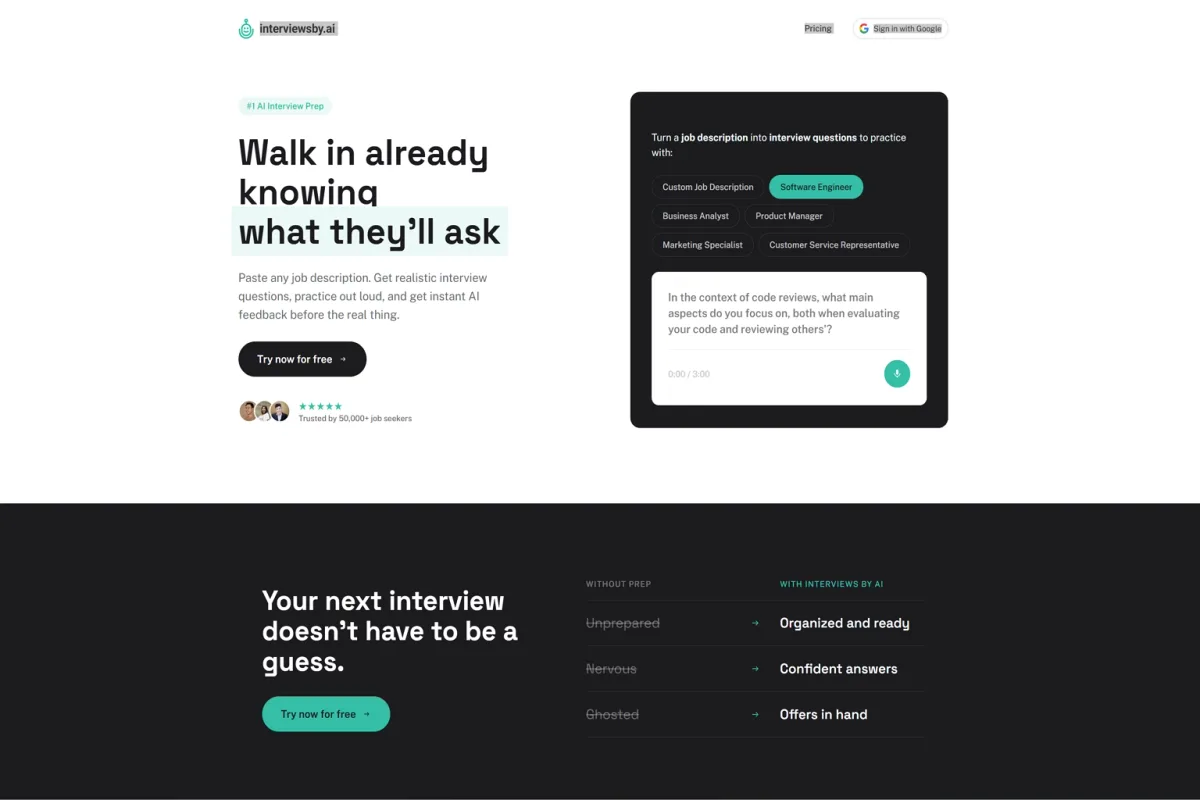
Interviews by AI focuses on practice rather than only producing a written answer. You can provide a job description, generate behavioral and technical questions, answer in audio or text, and receive feedback plus an improved sample response.
What it can help with
- Turning a job description into realistic role-specific questions.
- Behavioral and technical interview practice.
- Audio or text answers.
- Feedback based on the question, job description, and recorded answer.
- STAR-based coaching and an improved sample response.
- Resume upload for additional feedback on the Pro plan.
- Practice for roles including software engineering, product management, business analysis, marketing, data analysis, sales, HR, UX/UI, and QA.
Interviews by AI notes that its feedback can occasionally hallucinate. That makes human review important: use the feedback to improve your delivery and structure, not as an unquestionable assessment of your performance.
Who should choose it?
Choose Interviews by AI if you can write a reasonable answer but need to improve how you say it. Audio practice is useful for checking whether your response is too long, too formal, or difficult to deliver naturally.
What to verify before using it
Audio recordings are deleted after transcription, while logged-in users can save interview history in the dashboard. Review the current privacy and plan information before uploading a resume or recording a practice session.
Best for: Mock interview practice, spoken answers, question generation, and STAR-based feedback.
5. Final Round AI — Best for Preparation Plus Live Assistance
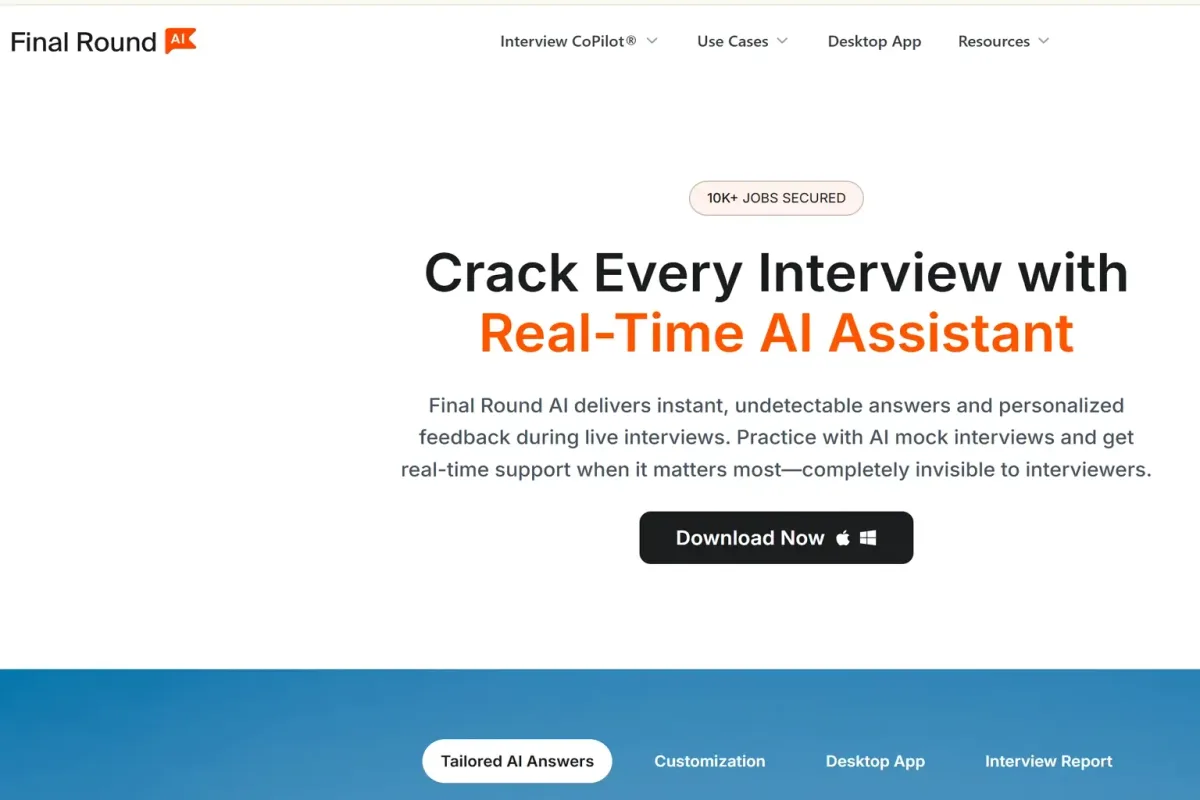
Final Round AI combines interview preparation with live support. Its product navigation includes Interview Copilot, AI Mock Interview, a desktop app, and interview resources.
What it can help with
- Real-time Interview Copilot support.
- AI mock interviews for preparation.
- Answers generated from resume and job details.
- Post-interview reporting that helps users review questions, responses, and areas for improvement.
- Support for Google Meet, Zoom, Microsoft Teams, LeetCode, HackerRank, CodeSignal, CoderPad, and other listed platforms.
- Real-time transcription in 26+ languages, including English, Spanish, Japanese, and Mandarin.
- A desktop application workflow.
Who should choose it?
Final Round AI is a reasonable fit if you want preparation and live assistance in one product rather than using a separate mock-practice tool and copilot.
What to verify before using it
Confirm the workflow that applies to your interview: mock practice, live copilot, coding, or post-interview review. Platform compatibility and plan availability can differ by use case. Do not treat marketing language about invisibility or detection as permission to ignore an employer's rules.
Best for: Candidates looking for an all-in-one preparation, mock interview, and live-support workflow.
6. LockedIn AI — Best for Interview and Coding Workflows
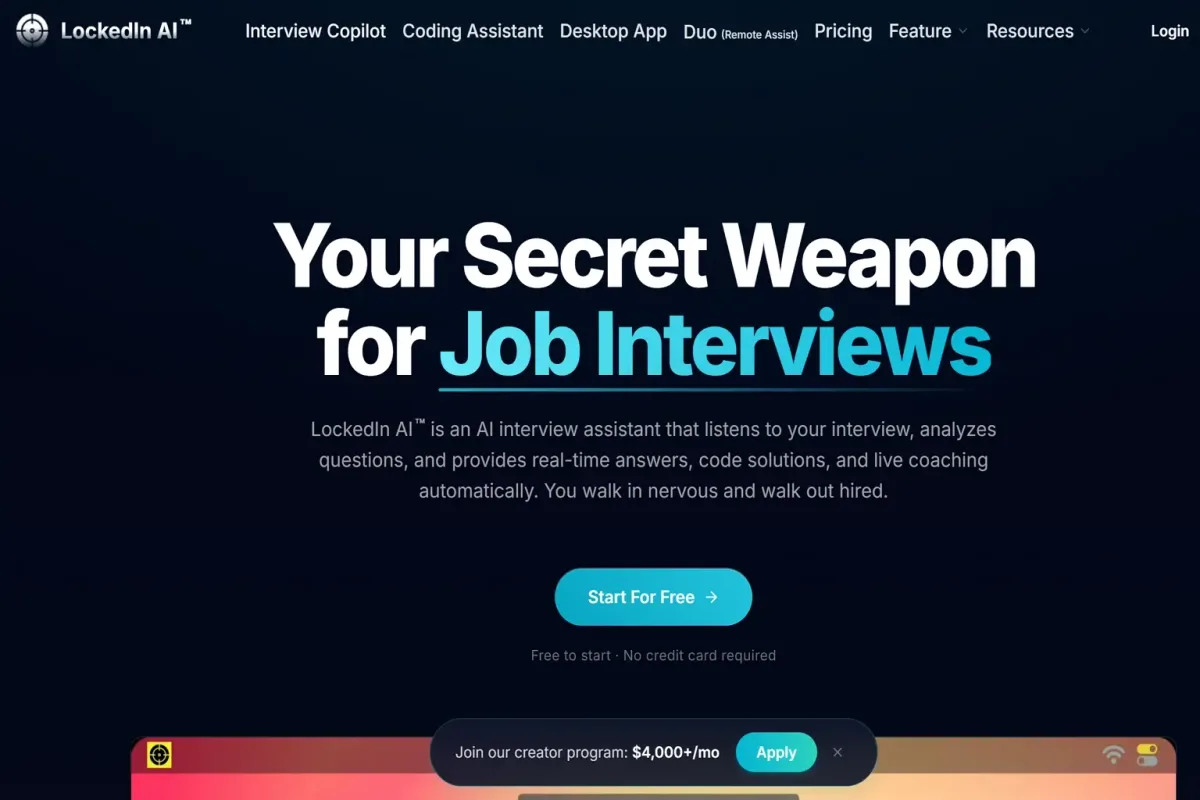
LockedIn AI covers real-time interview assistance, coding, online assessments, and remote support. Its main product areas include Interview Copilot, Coding Copilot, Desktop App, and LockedIn Duo.
What it can help with
- Real-time answers and personalized interview feedback.
- Coding Copilot for algorithm problems, follow-up questions, code review, and debugging support.
- Online Assessment workflows for platforms such as HireVue, CodeSignal, and HackerRank.
- Remote Assist through LockedIn Duo, where a trusted helper can provide guidance with AI support.
- A setup flow covering account creation, profile configuration, practice or live use, and post-session review.
- Performance reports and scores after sessions.
- Desktop, web, iOS, and Android access shown in the product experience.
LockedIn also separates Interview, Professional Meeting, Online Assessment, Phone Interview, Live, Mock, and Coding modes. That separation is useful because a tool designed for a coding assessment may not be configured the same way as one used for a behavioral video interview.
Who should choose it?
Choose LockedIn AI if your interview process includes technical rounds, timed assessments, coding platforms, or multiple session types. It is one of the more specialized options for candidates who need both interview and coding workflows.
What to verify before using it
Check the correct mode, supported platform, device requirements, and current plan terms before the interview. For coding preparation, independently verify any suggested algorithm, complexity claim, or code change.
Best for: Coding interviews, online assessments, and candidates who need several interview modes.
7. Live Interview AI — Best for Live Video Interview Support
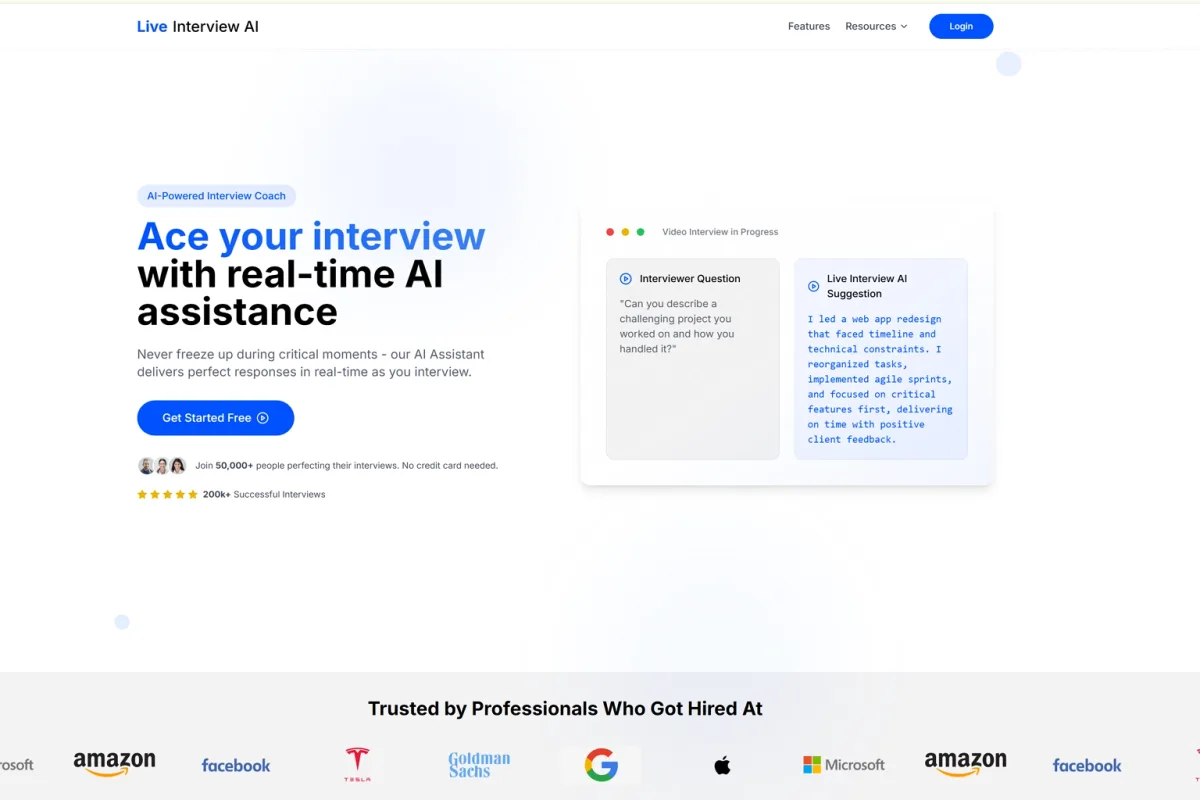
Live Interview AI is built around real-time support during video interviews. Its workflow listens to the interviewer's question, generates a tailored response, and displays suggestions on screen or provides audio guidance.
What it can help with
- Real-time processing of interviewer questions.
- Answers tailored to the user's profile, experience, job requirements, and interview question.
- On-screen suggestions and audio guidance.
- Support for Zoom, Skype, Google Meet, Microsoft Teams, Webex, and other listed platforms.
- A browser-based setup with no complex installation.
- Interview support for software engineering, sales, marketing, finance, and other roles.
- A free-start workflow with no credit card required stated on the page.
Who should choose it?
Live Interview AI is a direct fit for someone searching specifically for live video interview help rather than a long preparation program. It is also relevant to candidates who want their role and job description to shape the suggestions they receive.
What to verify before using it
Its performance and hiring claims are vendor-reported and are not used as independent evidence in this comparison. Review the current privacy terms, platform compatibility, and interview rules before sharing your resume or using live assistance.
Best for: Browser-based live video interview assistance and real-time on-screen suggestions.
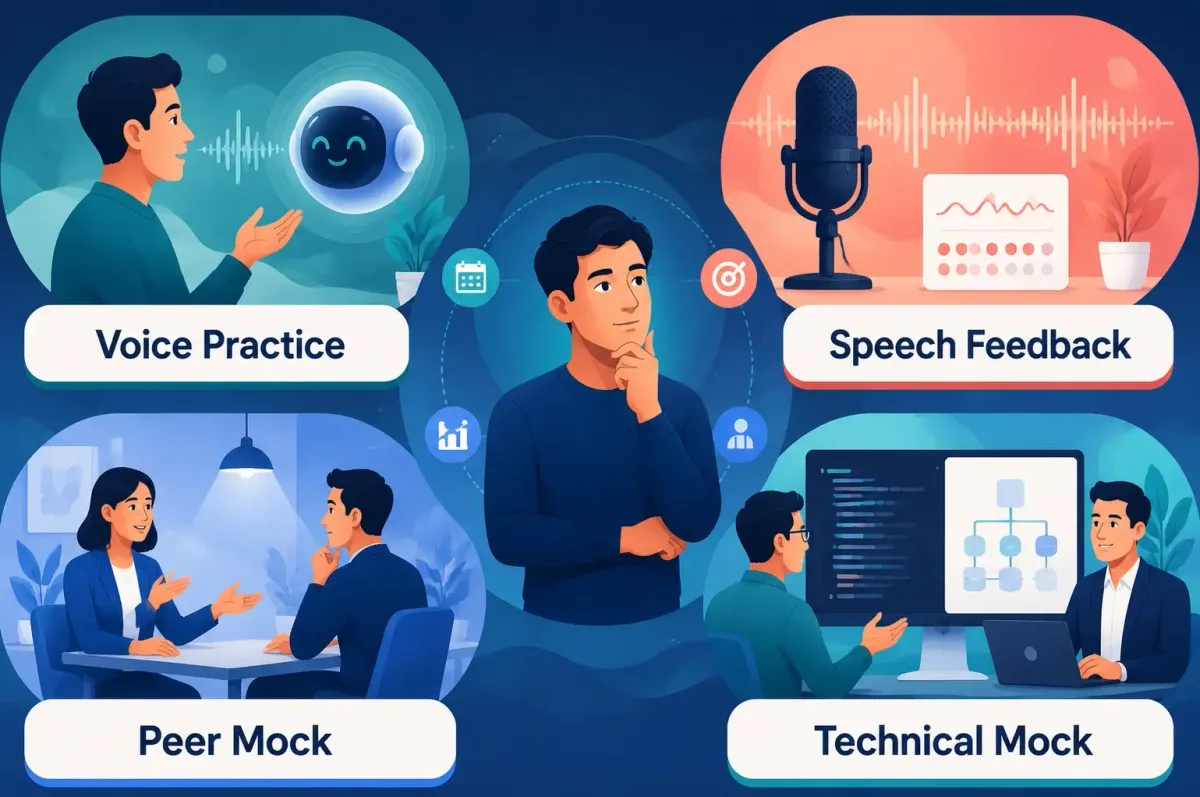
Generator vs. Mock Interview vs. Real-Time Copilot
These categories overlap, but they are not interchangeable.
| Tool type | Primary job | Best moment to use it | What you still need to do |
|---|---|---|---|
| Written answer generator | Turn job context and a question into a draft | Before the interview | Add real evidence and rewrite the answer in your voice |
| Mock interview tool | Simulate questions and improve delivery | During preparation | Practice out loud and respond to follow-ups |
| Real-time copilot | Process live context and provide guidance | During a permitted live workflow | Check rules, verify suggestions, and keep an offline fallback |
| Coding assistant | Structure technical reasoning and code work | Coding practice or technical assessment | Explain assumptions, trade-offs, complexity, and validation |
| Voice assistant | Support spoken questions and low-latency responses | Audio or voice-heavy workflows | Confirm that the question was understood and answer naturally |
How to Choose the Right Tool
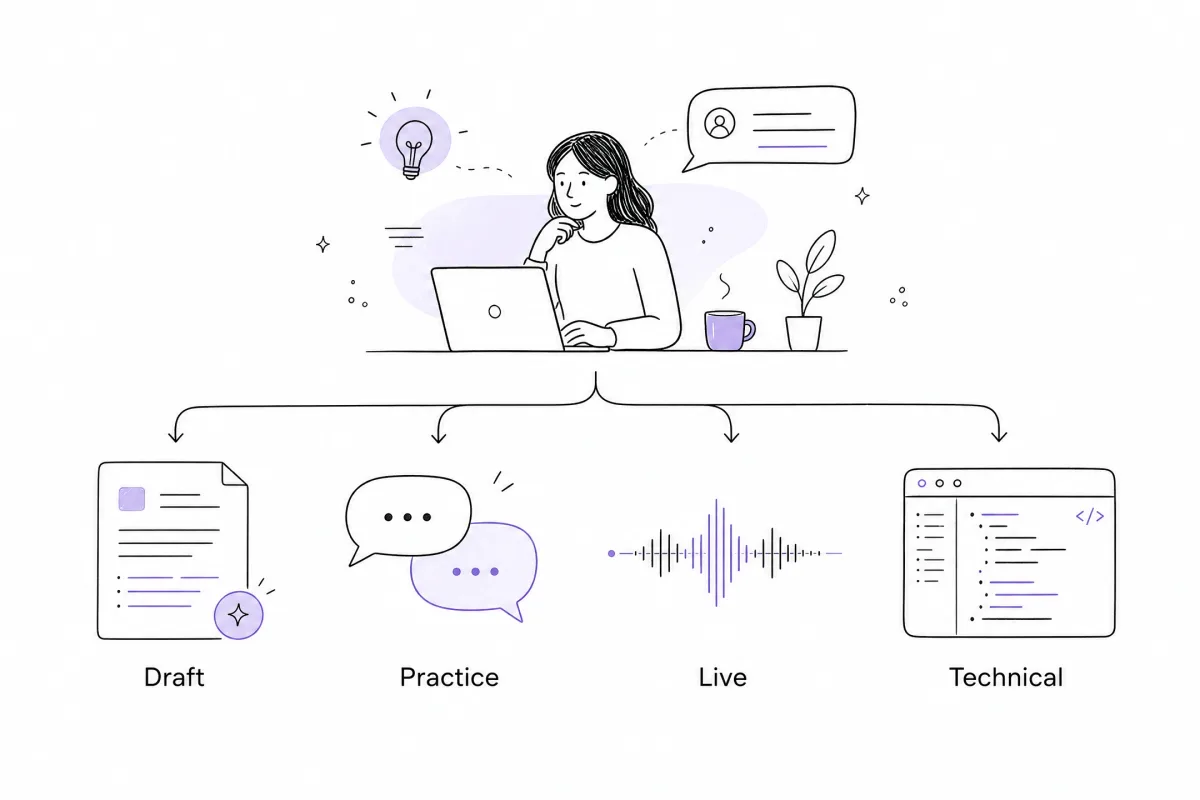
Choose by interview stage
- Early preparation: Use Eztrackr or FastApply to create and organize answer drafts.
- Speaking practice: Use Interviews by AI to answer in audio or text and review feedback.
- Technical preparation: Use a coding-focused workflow from GreatOffer AI, LockedIn AI, or Final Round AI.
- Live video support: Compare GreatOffer AI, Final Round AI, LockedIn AI, and Live Interview AI based on the platform and permitted workflow.
Choose by the problem you are trying to solve
If your problem is “I do not know what to say,” start with a generator and a story bank. If your problem is “I know the answer but sound nervous,” use audio practice. If your problem is “I need structured help with a coding question,” use a technical workflow. If your problem is “I lose track of a fast live conversation,” investigate a real-time copilot only after checking the rules.
Choose by the quality of the input
A job title alone is rarely enough for a strong personal response. For better preparation, provide:
- The role and relevant job-description requirements.
- The exact interview question.
- One real experience that relates to the requirement.
- Your specific action and the result.
- Any constraint, trade-off, or lesson you can explain honestly.
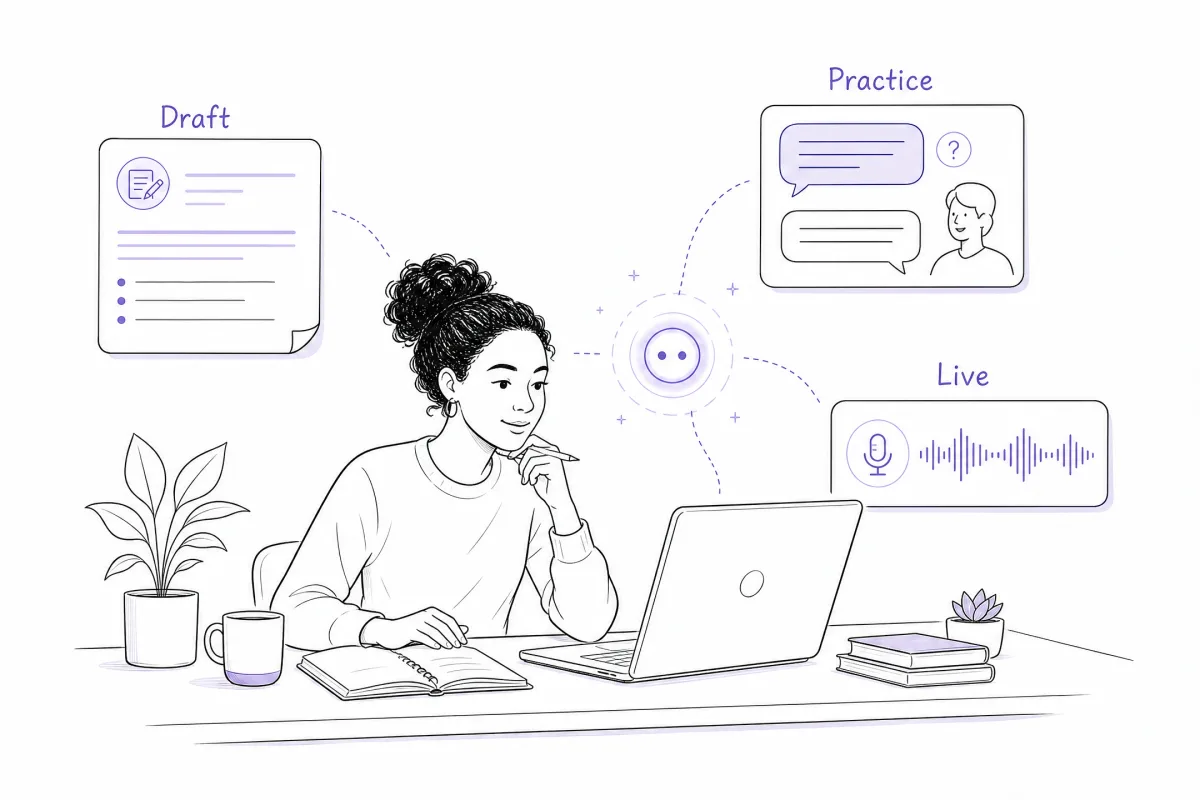
How to Turn an AI Draft Into a Usable Interview Answer
Use the tool for structure, then do the human work yourself:
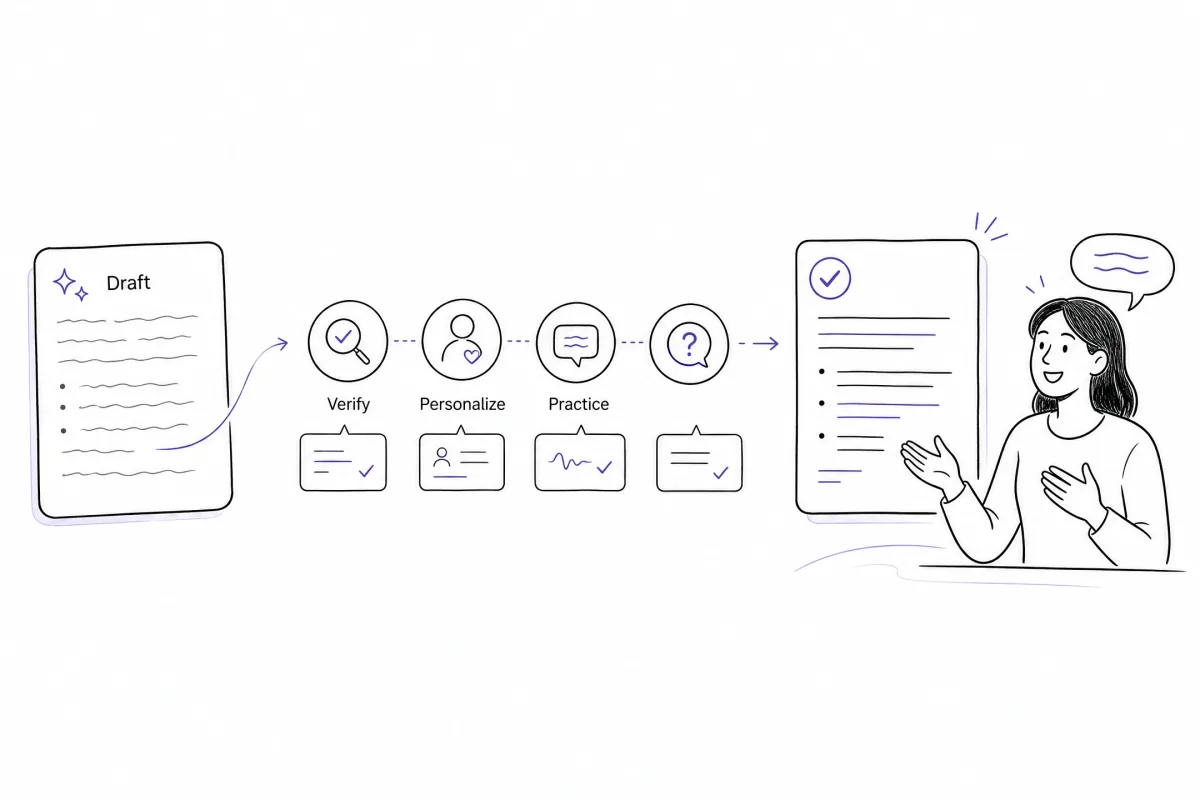
- Check relevance: Does the answer address the actual question?
- Check evidence: Is every experience, number, and result true?
- Check ownership: Does it explain what you personally did?
- Check delivery: Can you say it naturally without reading?
- Check follow-ups: Can you explain why you chose that action and how you measured success?
For behavioral questions, a compact STAR structure usually works well:
- Situation: What was happening?
- Task: What were you responsible for?
- Action: What did you personally do?
- Result: What changed, and what did you learn?
For technical questions, ask for a different structure: clarify assumptions, outline the approach, explain trade-offs, discuss complexity, and describe how you would test the solution. Do not force every technical answer into STAR.
Common Mistakes to Avoid
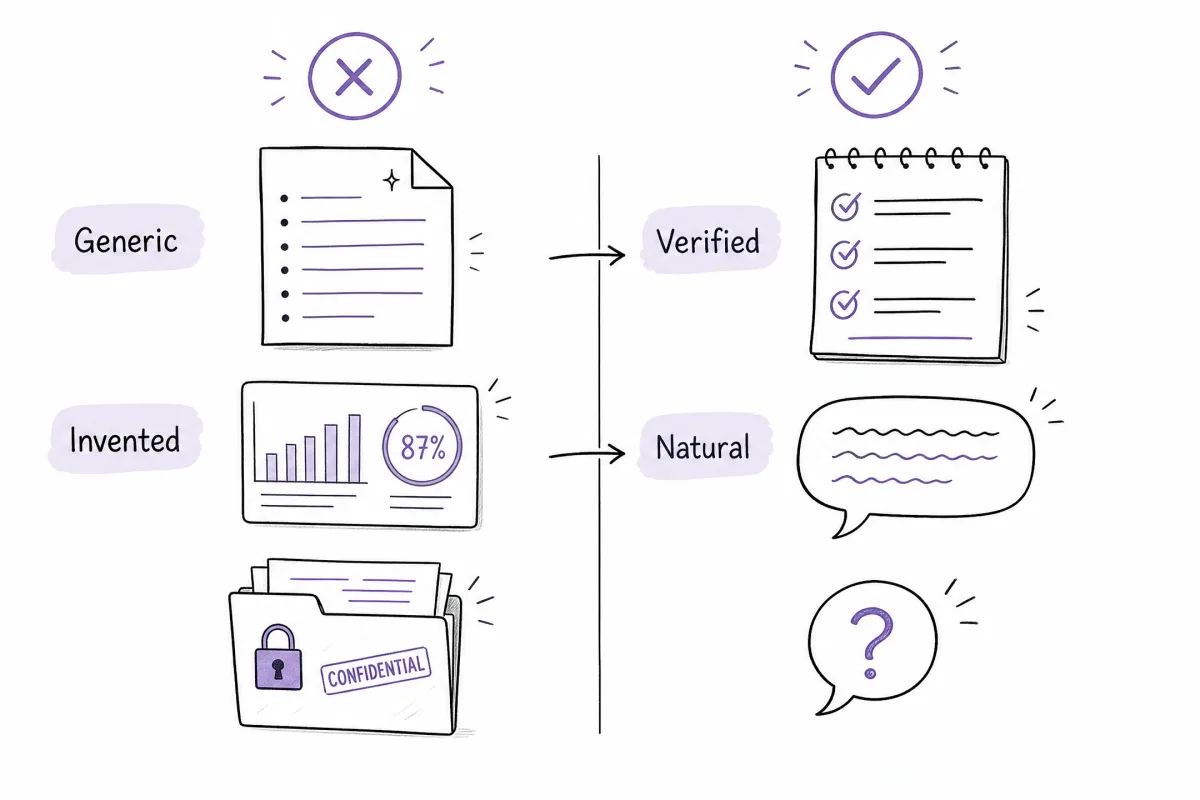
| Mistake | Better approach |
|---|---|
| Copying a polished paragraph word for word | Convert it into short talking points |
| Letting the tool invent a project or metric | Replace it with a verified example |
| Using STAR for every question | Match the structure to the question type |
| Comparing every product by “accuracy” | Compare workflow, input, output, and use case |
| Choosing a live tool only because it says “free” | Check response behavior, privacy, platform support, and rules |
| Uploading confidential project details | Remove sensitive information before sharing |
| Preparing only the first answer | Practice at least two likely follow-up questions |
Conclusion
The best AI interview answer generator depends on your next interview task:
- Use Eztrackr or FastApply for a written first draft.
- Use Interviews by AI for mock practice and feedback.
- Use a coding-focused workflow for technical preparation.
- Compare GreatOffer AI, Final Round AI, LockedIn AI, and Live Interview AI when your use case involves real-time support.
If you want a broader real-time workflow that includes interview guidance, coding assistance, voice-related support, and structured practice, explore GreatOffer AI. Use any AI tool to organize and strengthen your preparation, but keep the experience, judgment, and final answer yours.