
Asking whether is using AI in an interview cheating produces a bad answer because the question bundles together behaviors that employers treat very differently. Running a practice session with a chatbot the night before a screen is not the same act as running a live answer generator during a panel. Published candidate policies now sort into three modes: interviews where AI is prohibited during the live session, interviews where it is allowed only for named tasks, and assessments where the employer switches it on deliberately.
Five questions settle almost every case: permission, substitution, disclosure, ownership, and data consent. What follows works through each of them against current official candidate policies, all read directly on August 5, 2026, rather than against opinion pieces about whether AI is fair. Policies change. Every rule below is evidence that a mode exists, not a permanent statement about that company.
What Counts as an Interview Copilot?
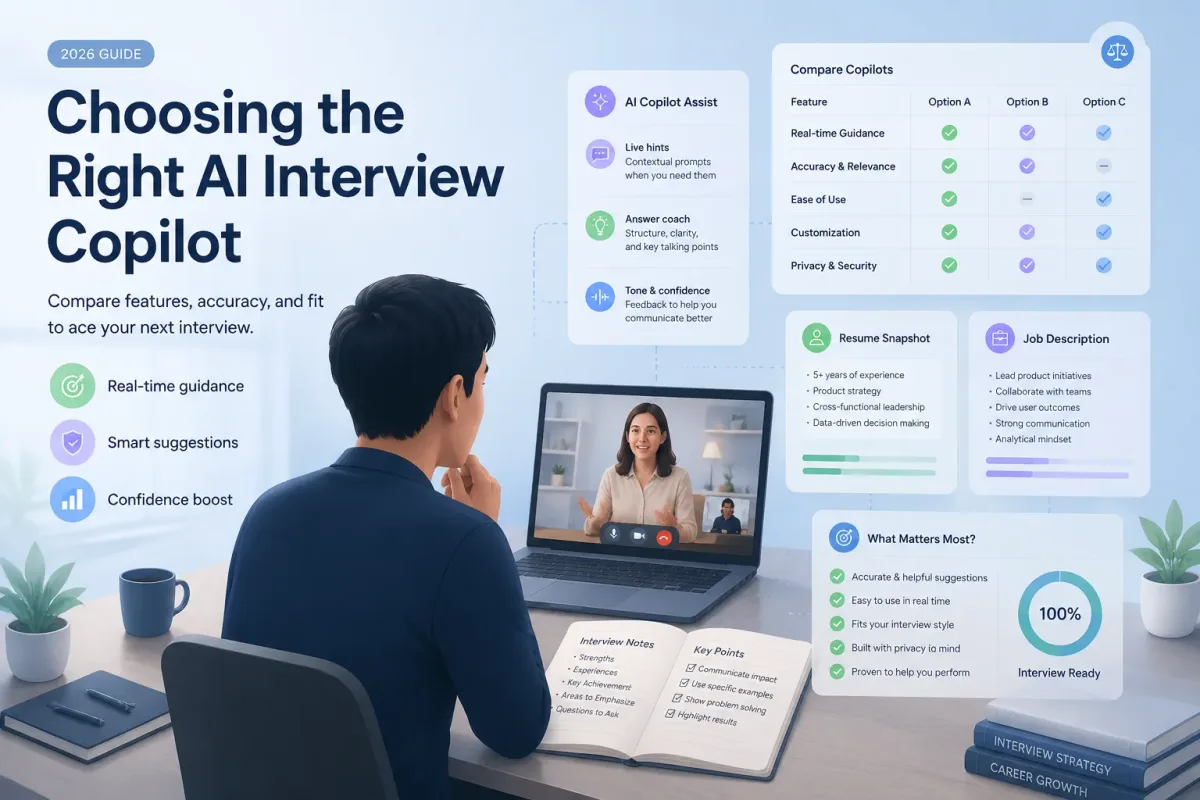
An Interview Copilot is an AI tool that listens to or receives interview context and provides real-time prompts, suggested answers, coding help, or talking points to a candidate.
One product label covers six functions that employers govern separately:
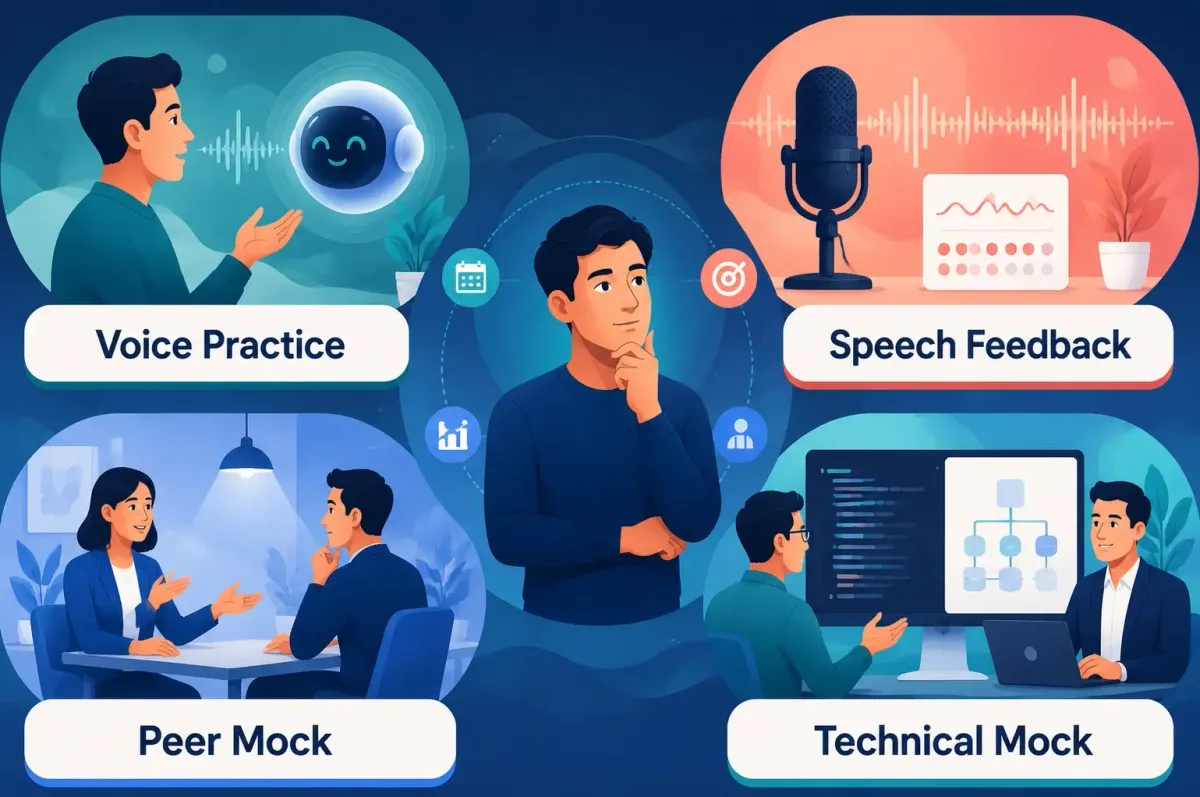
- A preparation coach that generates practice questions, analyzes a job description, and gives feedback before the call.
- A note or memory aid that surfaces your own pre-written examples during a conversation.
- A coding assistant that completes syntax, flags errors, or scaffolds code inside an IDE.
- A transcription or accessibility tool that provides captions, audio-to-text, or translation.
- A live answer system that hears the question and constructs a spoken response for you to deliver.
- A post-interview review tool that processes your notes into follow-ups and a learning plan.
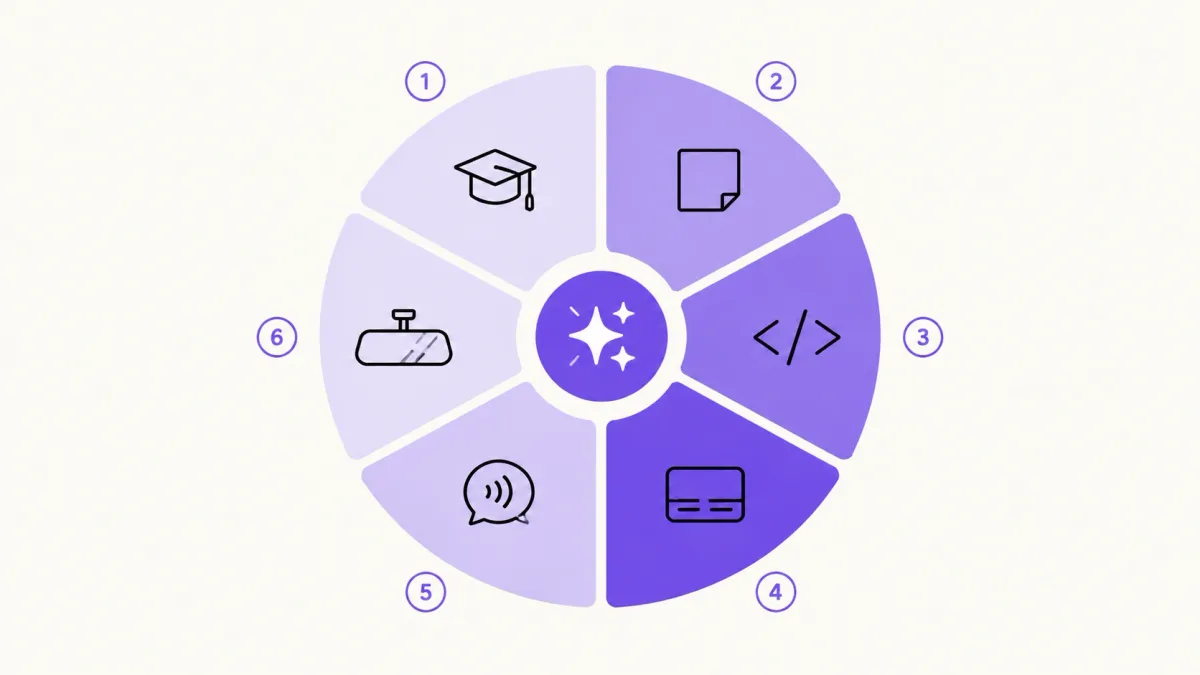
Whether can you use AI during an interview turns on which of those you mean. Permission to use a coding assistant in an IDE says nothing about a tool that listens to spoken questions and writes your answers. Employers write their rules per function and per stage, so you have to read them the same way.
First Identify the Interview's AI Policy Mode
| Policy mode | Definition | Candidate default |
|---|---|---|
| AI-Prohibited Interview | AI is fine for preparation, but the live interview or assessment must be your own work unless an exception is stated | No live assistance |
| Limited or Conditional AI | AI is allowed only for named tasks, tools, or stages, or after approval and disclosure | Confirm the exact boundary in writing |
| AI-Enabled or AI-Encouraged Assessment | The employer allows or switches on AI because working with it is part of what gets assessed | Use only the permitted mode, and stay accountable for the output |
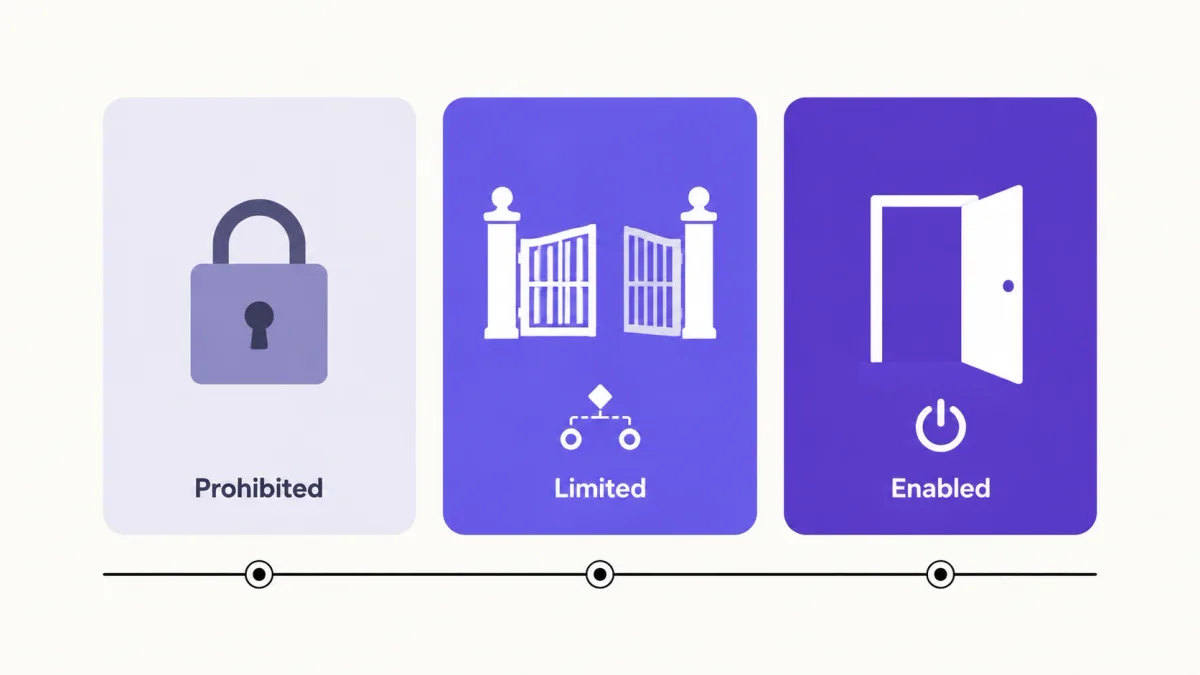
One company runs different modes at different stages. The same employer can prohibit AI in a behavioral screen where spontaneous communication is the signal, permit it in a take-home where the reasoning is what gets graded, and enable it in a live pairing exercise built around AI collaboration.
The trap is inference. A company that ships AI products, posts about AI internally, and asks about your AI experience in the interview has still not told you that you may run a copilot during the screen. Enthusiasm is not a policy. Every verified example below is stage-specific.
Five-Question Test Before Any AI-Assisted Interview
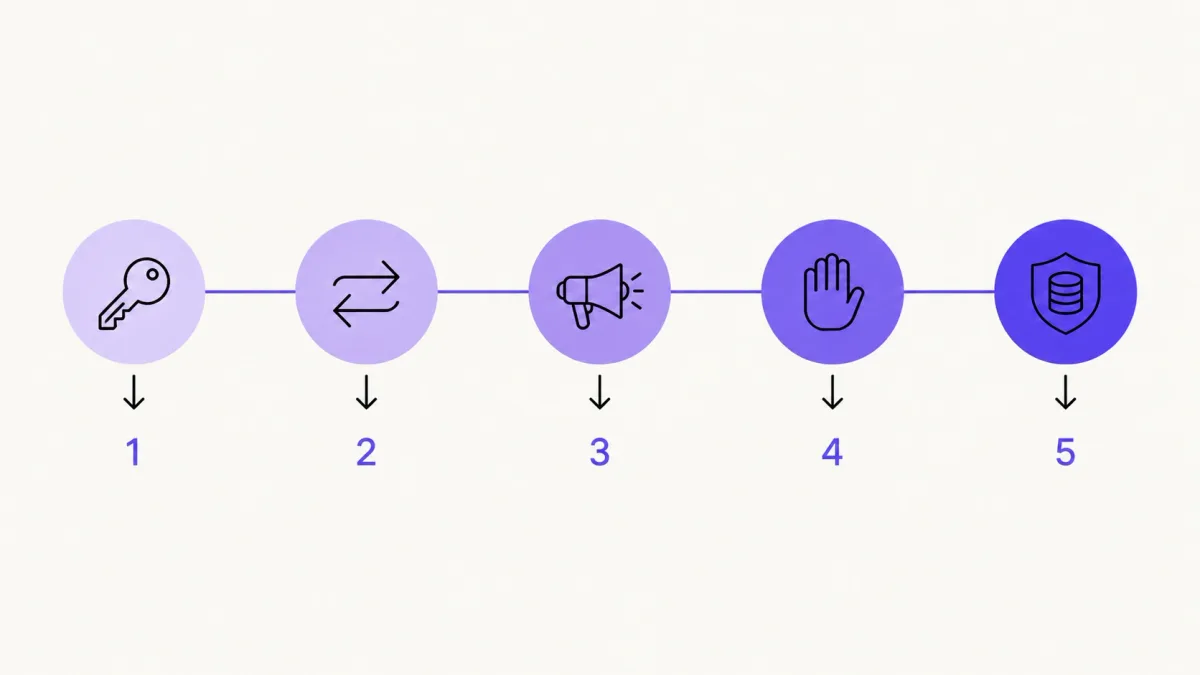
1. Permission
What do the written instructions say for this exact round? Is a specific tool named, or a category? Is permission scoped to coding, notes, research, or one exercise? If nothing in the prep email, the assessment prompt, or the candidate policy grants it, you do not have it.
2. Substitution
What is the employer trying to observe in this round? Would the tool perform that thing, or support you doing it? A coding assistant supports you when the exercise is about judgment under AI. A live answer generator substitutes for you when the exercise is about how you think out loud.
3. Disclosure
Does the policy require advance notice, an approved tool, or an account of how you used AI? Several policies now say outright that undisclosed use is a disqualifying event. Silence is not disclosure when the rule asks for approval.
4. Ownership
Can you explain, modify, challenge, and defend the answer without reading? Does it describe something you actually did? This is the question that decides most real cases, because it is the one the interviewer tests with a follow-up.
5. Data and Consent
Does the tool record, transcribe, or transmit the interviewer's voice, the questions, your shared screen, or proprietary assessment material? Have you confirmed the employer, the platform, and the rules that apply where you are permit that? Assessment content is often confidential regardless of what your tool does with it.
If permission is unclear, the tool substitutes for the assessed skill, disclosure is missing, ownership is weak, or data consent is unresolved, use a more conservative method or ask before the interview.
AI Rules by Interview Stage
| Interview stage | Typical default | Usually acceptable | Confirm first | High-risk use |
|---|---|---|---|---|
| Company and role research | AI commonly allowed | Summaries, question ideas, job description analysis | Handling confidential recruiter material | Repeating invented company facts |
| Mock interview and practice | AI commonly allowed | Practice questions, feedback, answer structure | Uploading documents under NDA | Memorizing fabricated stories |
| Resume and story organization | Allowed with candidate ownership | Structuring true examples, improving clarity | Application declarations requiring unaided work | Inventing roles, titles, or metrics |
| Asynchronous video interview | Assessment rules control | Personal notes where permitted | Real-time prompts, retakes, transcription | Hidden answer generation against instructions |
| Take-home assessment | Task instructions control | Approved research or named tools | Any generative help the prompt does not address | Submitting work you cannot explain |
| Live behavioral interview | Independent answers are the common default | Brief personal notes where permitted | Transcription, live prompts, accessibility tools | Undisclosed generated answers |
| Live technical or coding interview | Varies widely | Employer-enabled coding assistance | External copilots, plugins, second screens | Unauthorized tools, or code you cannot walk through |
| Employer-enabled AI assessment | AI is part of the task | The approved platform mode | External tools beyond that mode | Treating permission as unlimited |
| Post-interview follow-up | Varies more than people expect | Reflection, gap analysis, practice planning | Drafting the actual follow-up email | Sharing protected assessment content |
Written instructions for the round override every default in that table.
Two rows deserve a note. Live behavioral interviews default to independent answers because the signal is spontaneous reasoning and communication, and there is no way to observe that through a script. The post-interview row is the one candidates get wrong most often. It reads like the safest use of AI in the whole process, and at least one published policy specifically asks candidates to write their own follow-up emails, because that message is treated as another sample of your voice.
What Current Employer Policies Actually Say
Ten published policies, read on August 5, 2026. This is a sample chosen to show that all three modes exist in the wild, not a survey. Nothing here tells you the distribution across employers, and none of it substitutes for the instructions you were sent.
Policies That Prohibit Live AI Assistance by Default
Everlaw splits its Candidate AI Policy into where you may and may not use AI. Research, application materials, and interview prep are all on the permitted side, including organizing STAR stories. On the prohibited side: take-home exercises and technical challenges unless Everlaw says otherwise, and live interviews, where the policy states that all live interactions must be your own and unaided, covering technical, problem-solving, and behavioral rounds. Follow-up emails are also on the prohibited list, because the company wants your own reflections.
Anthropic takes the same shape in How to collaborate with Claude during our hiring process, last updated July 10, 2025. Draft your resume yourself and refine it with Claude. Use Claude to research the company, practice answers, and prepare questions. Complete take-homes without it unless told otherwise. On live interviews the wording is plain: this is all you, no AI assistance unless we indicate otherwise. The page also asks candidates to request accommodations through the recruiter early.
Equinix publishes AI Use Guidelines for Equinix Candidates, which is the most operationally specific of the three. Live interviews are AI-free unless allowed by prior written notice, and the page names what that excludes: reading generated answers aloud, and running real-time tools that parse questions or suggest answers during the call. It also names two things it permits, which matters more than the prohibitions. Assistive technologies such as live captioning and screen readers are explicitly fine for accessibility. Approved AI coding tools are allowed in technical interviews, with prior written notice and defined guidelines. Equinix reserves the right to remove a candidate where there is clear evidence of misuse.
Policies That Allow AI Only in Defined Situations
Cisco lists permitted and poor uses in GenAI Best Practices and Permitted Uses, updated November 10, 2025. Brainstorming approaches to a coding or system design problem is a good use. Reviewing code for errors is a good use. The poor uses are specific: creating and reading from an AI-generated script to answer an interview question, and generating the solution to a coding or design problem in real time. Cisco does not publish a general exception for approved live tools on this page, so the operating assumption is that real-time generation is out unless the hiring team tells you otherwise in writing.
QuintoAndar publishes the most granular matrix of the ten in its Guide to Using AI in the Recruiting Process, grading each phase green, yellow, or red. CV work and interview prep are green. Recruiter screens are yellow: prepare with AI, but do not read generated answers during the call. Live behavioral and technical interviews are red, with an explicit carve-out that real-time AI is out unless requested. Take-home cases are yellow, with the condition stated directly: you may use AI for structuring, brainstorming, and reviewing, but you must fully understand, explain, and defend your solution.
Instacart opens its Candidate Guidelines for AI Usage by saying nearly 80% of its new code is AI-assisted, then still prohibits AI in live interviews unless it is explicitly requested as part of a skills presentation. The page names the exception rather than gesturing at it: in the Senior Software Engineer process, AI use is allowed and encouraged in the Karat Next Gen interview only. That single sentence is the clearest illustration in this set of why stage-level reading beats company-level reading.
Greenhouse states the boundary in one line in its AI guidelines: do not use AI to supplement your performance in a live interview unless otherwise instructed or agreed upon. It adds teeth in two places. Using AI outside the guidelines without disclosure or citation may disqualify a candidacy, and the company may contact references to verify what you claimed. Work assessments run the other way, where candidates are encouraged to use AI and then expected to walk through how they used it. GitLab states in its Technical Interviews handbook page that it encourages the use of AI in the interview process. The detailed candidate guidelines page allows transparent use of AI in technical assessments: you may use AI to generate code, test hypotheses, and explore solutions, with the expectation that you can explain your prompts and technical decisions and do not present AI-produced content as your own. The handbook describes the format as a merge request sent at least 72 hours ahead and a 90-minute screen-sharing session where you walk the interviewer through your review and write code to improve it.
Interviews Designed to Include AI
Kogan argues the case directly in Use AI in Your Kogan.com Coding Interview, published May 25, 2026. Bring Cursor, Claude, ChatGPT, or Copilot. Paste the problem in, generate, debug, refactor, share your screen, and talk through your thinking. The company says outright that using AI will not count against you, but blindly trusting it probably will, and closes with the line that does the real work: do not ship code you cannot explain, because "the AI wrote it" is not an answer.
HackerRank documents the platform mechanics in AI-Assisted Interviews. The AI assistant is switched on by the company, either for all new interviews or per interview, and can be disabled per question. It runs in one of two modes: Unguarded, which behaves like a normal AI coding tool, or Guarded, which helps with syntax and concepts but will not write complete solutions. Interviewers see when and how you used it, and get the full chat transcript afterward. That is the structural difference between authorized and unauthorized assistance, and it is worth sitting with. In an employer-enabled mode, your AI use is a visible part of the evaluation record, and that visibility is the whole point. Employer-enabled AI collaboration is not the same as secretly running an external real-time answer generator in an interview that expects unaided responses.
Can Employers Tell When You Are Using a Live Copilot?
Interviewers notice things. What they notice is not proof, and the gap between those two statements is where candidates get hurt.
The signals that raise concern in a live call are consistent. I have watched mock sessions where every one of these turned out to be something innocent, and I have watched real violations where none of them showed up:
- Uniform latency. The same three to five second gap after every question, including the easy ones.
- Reading gaze. Repeated, rhythmic eye movement toward a fixed off-screen point during answers.
- Polished but hollow answers. Clean structure, correct vocabulary, no specifics, no project that could only be yours.
- Collapse on follow-ups. Strong prepared answer, then a sharp drop when the interviewer asks something unscripted.
- Register shifts. Conversational speech that suddenly becomes dense written prose, then flips back.
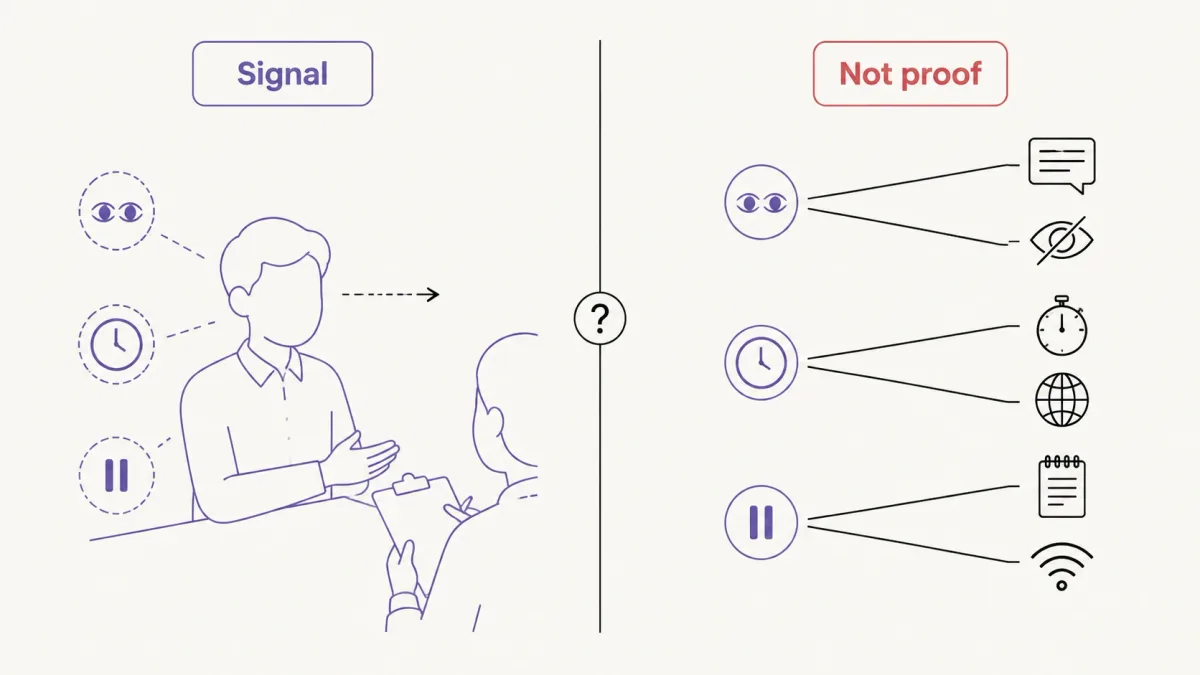
Every one of those has an innocent explanation. Captions, screen readers, and translation tools all produce reading gaze. So do paper notes and a second monitor placed beside the camera. Anxiety produces latency, so does processing an interview in your second language, so does a bad connection. In mock sessions the most common cause of the off-screen glance is a bullet list the candidate wrote themselves, and it looks identical from the interviewer's side. The correct interviewer response to any of these is a clarifying follow-up and a check on interview accessibility tools already approved, not a verdict.
Vendor detection numbers circulate widely in this debate and should be read with the same care. In a report covering 19,368 interviews conducted on its own platform between July 2025 and January 2026, Fabric said its automated behavioral and technical detection system flagged 38.5% of candidates for suspected cheating behavior. Published January 14, 2026. That is a vendor-defined flag on a vendor's own platform, not an independently audited count of confirmed cheating, and a flag is not a finding.
How to Ask About the Company's AI Policy
"Can I use AI?" is the question most candidates send, and it comes back with an answer that helps nobody: something warm about how the company embraces AI, which you then have to interpret at 9pm the night before the interview. Name the stage, the tool type, the purpose, and the disclosure requirement, and the reply becomes usable.
Use this before any round where the answer is unclear:
Before the interview, could you clarify your policy on AI-assisted tools for
this specific stage? In particular, are preparation tools, coding assistants,
or real-time interview guidance permitted? If AI is allowed, are there
approved tools or disclosure requirements I should follow?
For technical rounds, add the question that separates the two modes:
Is AI assistance part of what this exercise is designed to evaluate,
or should I complete it without external assistance?
When sources conflict, this is the order of authority:
- Written instructions for the specific assessment or interview.
- The recruiter's written answer for that stage.
- The company's candidate AI policy.
- The assessment platform mode currently enabled.
- The job description.
- The company's general AI culture.
- Your assumption.
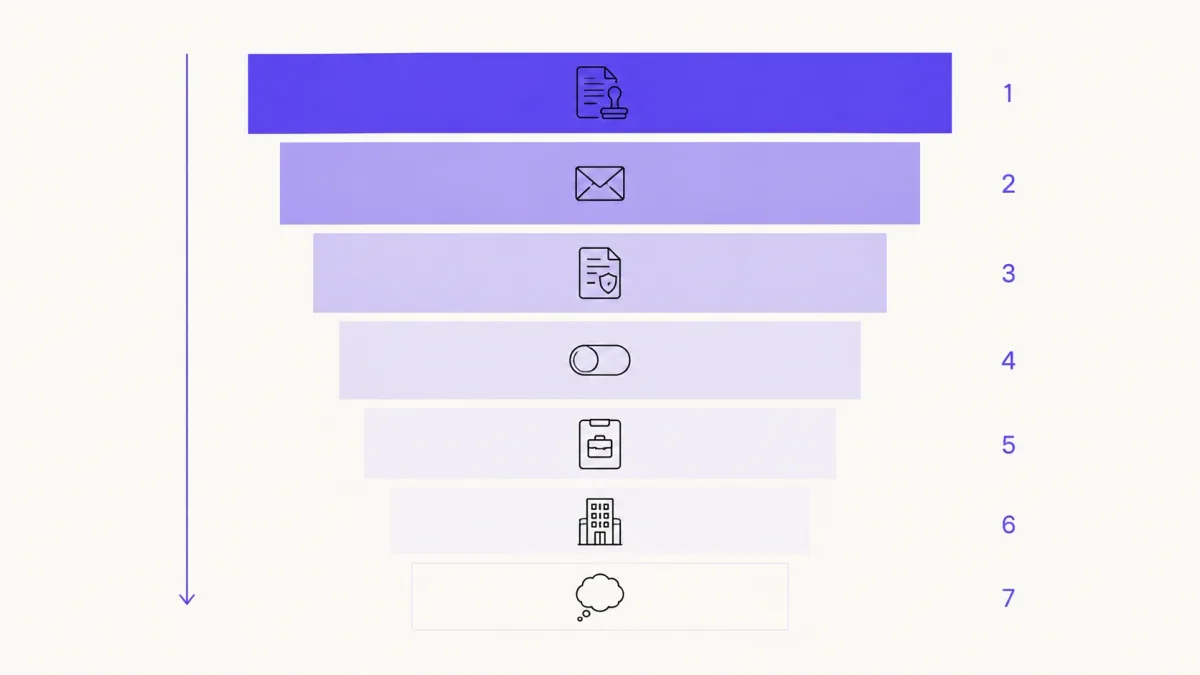
Keep the written reply. It costs nothing and it is the only thing that helps if the question comes up later.
Employers Use AI Too, So Does That Make Candidate AI Fair?
The frustration is legitimate. Employers use AI to source, screen, schedule, assess, and summarize. Anthropic's own policy page discloses that it uses Claude to write job descriptions, develop interview questions, transcribe interviews, and source candidates. Greenhouse and Equinix publish similar accounts.
Symmetry of tools is not what fairness requires here, because the two sides are doing different things. The employer is trying to observe your capability. You are the thing being observed. A tool that helps the employer observe more consistently and a tool that stands between them and what they are observing are not the same object, even when both are language models.
There is a real double standard, though, and it is worth naming precisely. It is not that employers use AI. It is that some deploy consequential screening AI without telling applicants it is running, while asking candidates for full disclosure of theirs. That asymmetry is a fair thing to raise with a recruiter and a fair reason to prefer employers who publish their side, as several of the companies above do.
None of that changes the decision in front of you. An employer's AI use does not create permission for an undisclosed tool on your end. For the language to use when the topic comes up in the room, see How to Talk About AI in Job Interviews.
If AI Is Allowed, Show Your Own Judgment
When permission exists, the evaluation shifts from whether you may use AI to how you use it. Four habits carry the round.
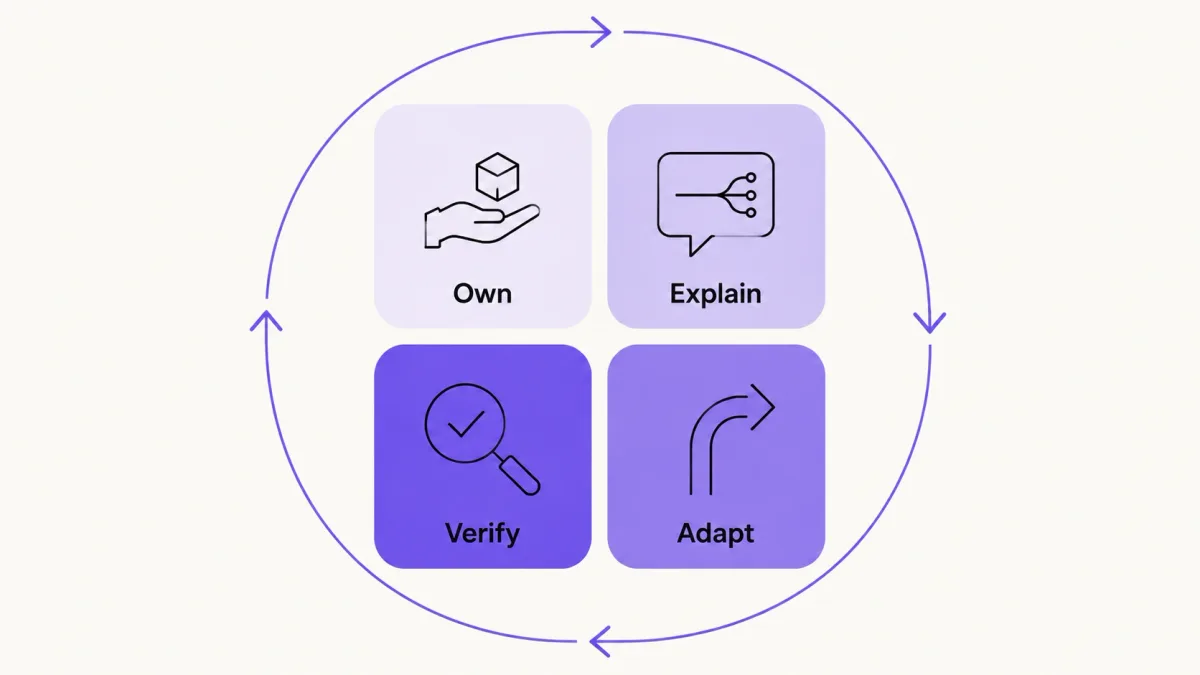
Own
Use claims that reflect what you did. Take responsibility for the final answer or the submitted code, including the parts a model wrote.
Explain
Say why this approach and not another. Name the assumptions, the trade-offs, and what you would do differently with more time.
Adapt
Answer the follow-up without waiting for a new suggestion. When the interviewer changes a constraint, change the approach in front of them.
Verify
Check the output. Facts, arithmetic, edge cases, relevance. Rejecting a weak suggestion out loud is one of the strongest signals available in an AI-enabled round, and it is the one candidates skip.
The failure has a recognizable shape. Someone delivers a clean, well-structured ninety-second answer, the interviewer asks why they chose that approach, and there is a four-second gap before a much weaker sentence arrives. That gap is the whole evaluation. It is not evidence of a tool, and interviewers should not treat it as such, but it is evidence that the reasoning behind the answer was never assembled. Preparation closes it. So does using a suggestion as a prompt for your own example rather than as the answer itself. For structural preparation strategies, see How to Prepare for a Job Interview.
What to Do If an Interviewer Thinks You Used AI
This is the moment candidates lose more ground by deflecting than by the original question. Four steps, in this order:
- Ask what specific behavior or output raised the concern.
- State truthfully what you used, for what purpose, at which stage.
- Offer to answer again without assistance, or to walk through your reasoning step by step.
- If an approved tool or an accessibility accommodation is involved, produce the written record and ask for human review.
A script for the moment itself:
I want to address that directly. I used [tool] for [specific purpose] at
[stage]. My understanding was based on [written instruction or recruiter
confirmation]. I'm happy to answer the question again without assistance,
explain my reasoning step by step, or provide the written approval if helpful.
Do not deny use of a tool that was running. Do not close it mid-call. Do not describe a commercial assistant as an accessibility accommodation. Each of those converts a policy question you might have survived into an integrity question you will not.
Where Great Offer AI Fits
Great Offer AI supports structured interview practice and a real-time Interview Copilot experience. It surfaces talking points drawn from your resume, past experience, and the job description, and supports general interviews, coding practice, and phone interview practice with transcription.
Its Focus Mode runs as a local helper on your own device and displays guidance only on your screen, so it does not appear in a screen share. That is a display behavior, not permission. It does not create employer permission, it does not satisfy a disclosure requirement, and it does not make live use appropriate in a round that expects unaided answers. The product's own guidance says the same thing: review the policies of the employer and platform you are interacting with.
The safest general use is preparation, practice, and review, which is also where it does the most for you. Real-time use belongs only in interviews where the employer and the platform permit it.
A 60-Second Decision Checklist
- I read the instructions for this exact stage, not the company's general AI messaging.
- I know whether this round is AI-prohibited, limited, or AI-enabled.
- I know whether I have to disclose the tool, and I have done so if required.
- The tool does not replace the skill being assessed, unless AI collaboration is the point of the exercise.
- Every example and number I plan to use is true.
- I can explain and defend the answer without reading.
- I have confirmed any recording, transcription, or confidentiality requirement.
- I kept the written approval where the rule was unclear.
Permission and Ownership Decide the Boundary
An Interview Copilot is not automatically cheating. Whether is interview copilot cheating applies to your situation comes down to five things: permission for that stage, whether the tool substitutes for the skill being assessed, disclosure, whether you can own and defend the answer, and whether the data processing is allowed.
Written stage-specific instructions outrank the job description, the company's AI marketing, and your reading of the culture. When they are silent or ambiguous, ask in writing, and prepare with AI instead of performing with it. The tool can support what you bring to the room. It should not obscure who is doing the thinking.