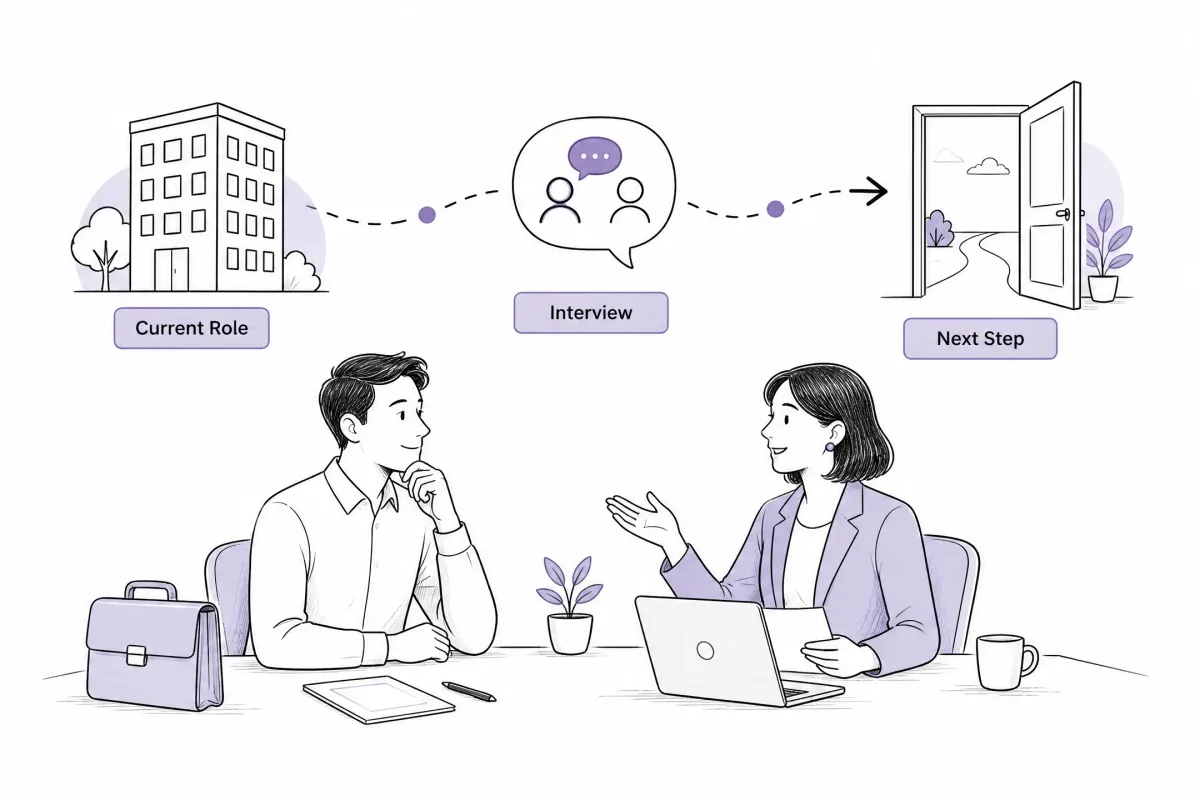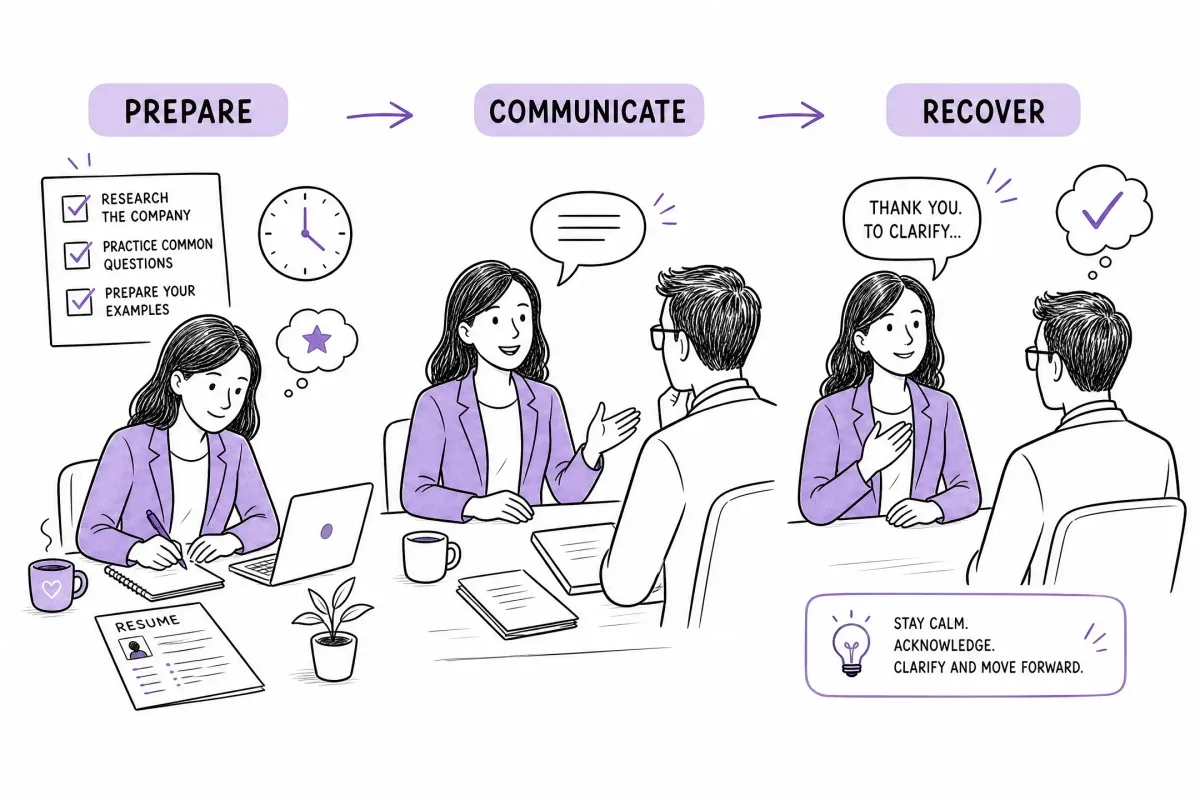

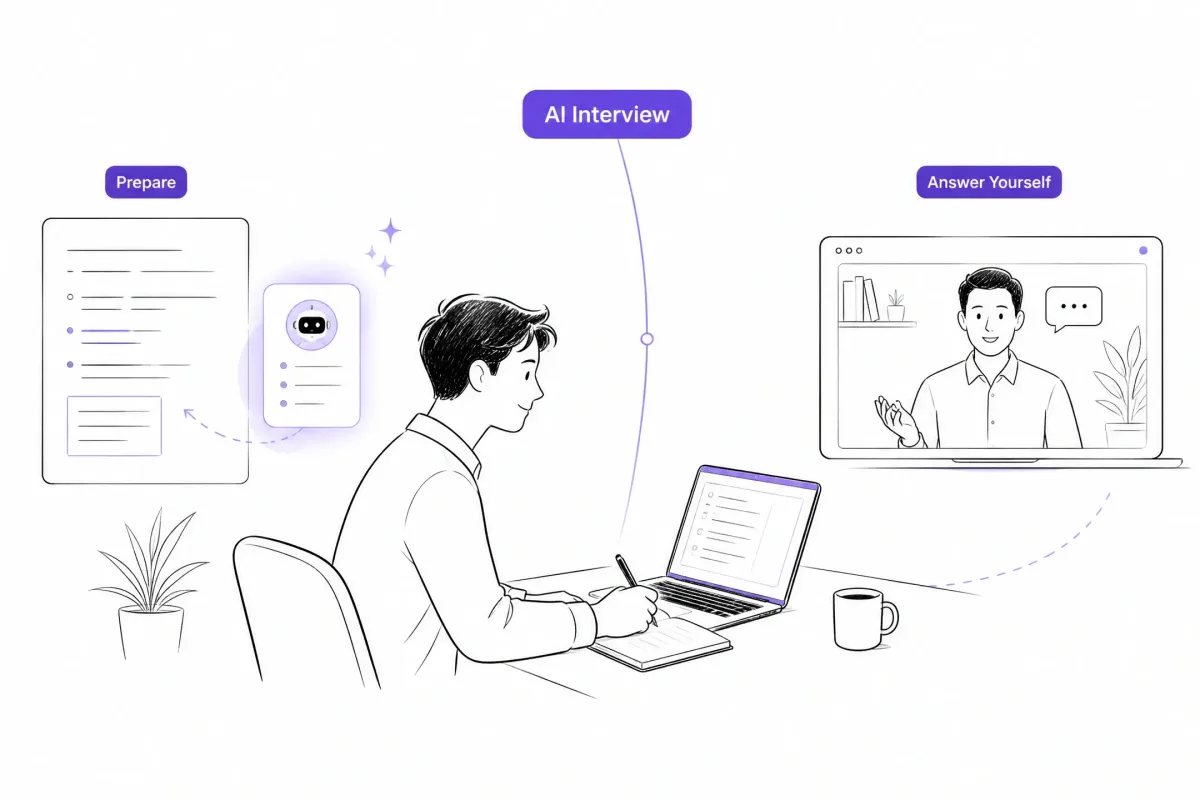
Can you use AI during an Amazon interview? Generally, you should not use an external AI copilot, ChatGPT, live answer generator, or real-time transcription tool during a live interview unless the specific round or your recruiter explicitly allows it. AI can be useful for resume preparation, interview practice, and organizing authentic STAR stories. For assessments, follow the exact rules provided for that round.
What Amazon’s Public Information Actually Tells Candidates
Amazon publicly describes how its hiring process works and how Amazon itself uses AI in recruitment. It does not publish one universal candidate-facing rule that automatically applies to every role, country, assessment, and interview round.
Amazon says it is developing AI-supported hiring experiences, including technical assessments with an interactive AI assistant and a pilot that uses recording and transcription in the interview system. The company also says candidates are informed and asked for consent before interview recording begins. These are Amazon-provided hiring tools, not automatic permission for candidates to run their own external AI tools. (About Amazon: AI in hiring)
Separately, a March 2025 ITPro report, citing internal documents seen by Business Insider, described Amazon recruiting guidance that told candidates not to use generative AI during interviews unless explicitly permitted and warned that violations could lead to disqualification. That reporting is important context, but your own invitation, assessment instructions, and recruiter guidance remain the most relevant sources for your specific round. (ITPro report)
This distinction matters:
- Amazon using AI internally does not mean candidates may use any AI tool they choose.
- An AI assistant built into a specific assessment is not the same as opening ChatGPT in another browser tab.
- A recruiter saying AI may be used for preparation does not automatically authorize real-time AI during a live interview.
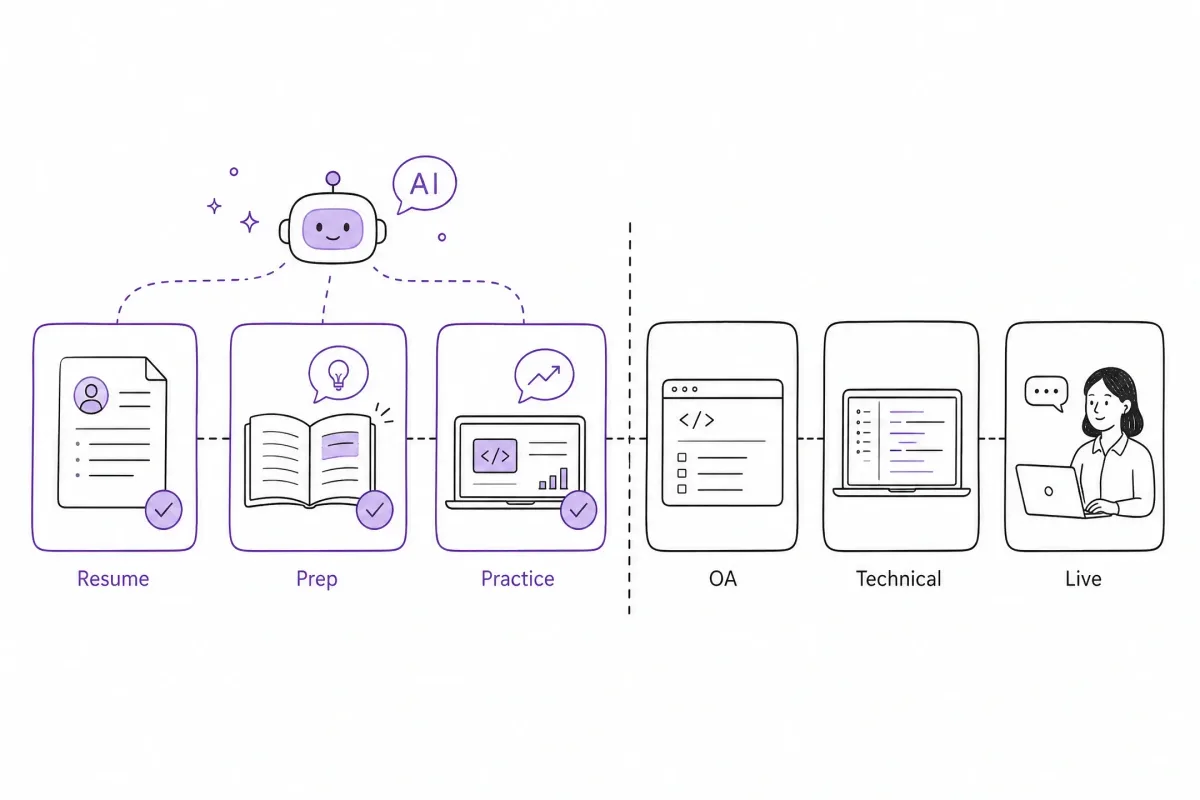
AI Use by Amazon Hiring Stage
Resume / Application Preparation
You can generally use AI as a drafting and editing assistant when preparing an Amazon resume, cover letter, or application materials.
Useful applications include:
- Extracting skills and responsibilities from a job description;
- Improving grammar and clarity;
- Rewriting bullet points to emphasize impact;
- Identifying missing skills or unexplained employment gaps;
- Checking whether your resume is easy to scan.
However, AI should not invent:
- Projects;
- Job titles;
- Responsibilities;
- Technical skills;
- Performance metrics;
- Certifications;
- Dates or employers.
Amazon has publicly described using AI and machine learning to recommend roles and support parts of its hiring process. That describes Amazon’s employer-side systems, not a blanket endorsement of every candidate-side AI use. (About Amazon: AI and candidate matching)
Before submitting an application, verify every line yourself. If an interviewer asks how you achieved a result listed on your resume, you should be able to explain the decisions, tradeoffs, and outcome without relying on an AI-generated explanation.
Interview Preparation
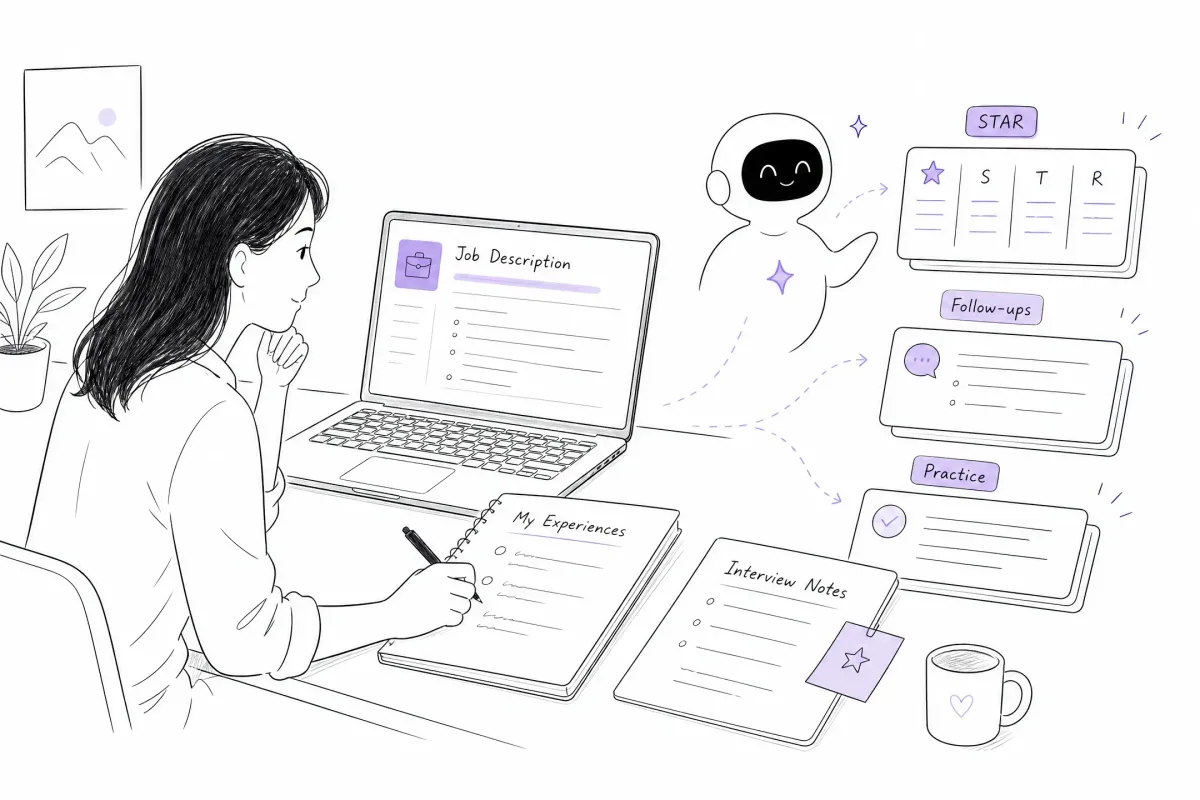
Interview preparation is one of the safest and most useful ways to use AI.
You can ask AI to help you:
- Map your real experience to Amazon Leadership Principles;
- Organize stories using Situation, Task, Action, and Result;
- Identify missing metrics or unclear decisions;
- Generate possible follow-up questions;
- Compare a concise answer with a rambling answer;
- Create a preparation plan from the job description.
Amazon’s interview materials emphasize Leadership Principles, behavioral questions, the STAR method, and the candidate’s own experiences. (Amazon interview loop)
Use AI to improve structure, not to manufacture an impressive story. A strong Amazon answer needs details only you can provide:
- What did you personally decide?
- What alternatives did you consider?
- What went wrong?
- How did you measure success?
- What would you do differently?
If AI writes the entire answer for you, the result may sound polished but fail as soon as the interviewer asks a detailed follow-up question.
Practice Interview
Private AI mock interviews are generally the safest form of AI interview assistance.
A practice tool can help you:
- Simulate behavioral questions;
- Ask follow-up questions;
- Test whether your STAR story has a clear result;
- Identify filler words and repeated phrases;
- Practice explaining technical decisions aloud;
- Build confidence before the real interview.
For example, after answering a question about a difficult project, ask the practice tool to follow up with:
Why did you choose that approach?What alternatives did you consider?What was your personal contribution?What would you do differently now?How did you measure the result?
The goal of practice is to become capable of answering independently. When you use a preparation product such as GreatOffer AI, keep it in the preparation and practice stage unless the specific employer or assessment explicitly permits real-time assistance.
Online Assessment
Do not assume that you can use ChatGPT or another external AI tool during an Amazon Online Assessment.
Before beginning an assessment:
- Read the invitation email.
- Read the platform instructions.
- Check whether outside websites or tools are restricted.
- Identify whether the platform provides an embedded assistant.
- Ask your recruiter if the instructions are unclear.
- Keep external AI off unless the round explicitly allows it.
Amazon’s public SDE assessment materials describe assessment components such as coding, system design, and work-style evaluation. They do not establish that every Amazon Online Assessment allows external AI. (Amazon SDE II Online Assessment preparation)
A useful distinction is:
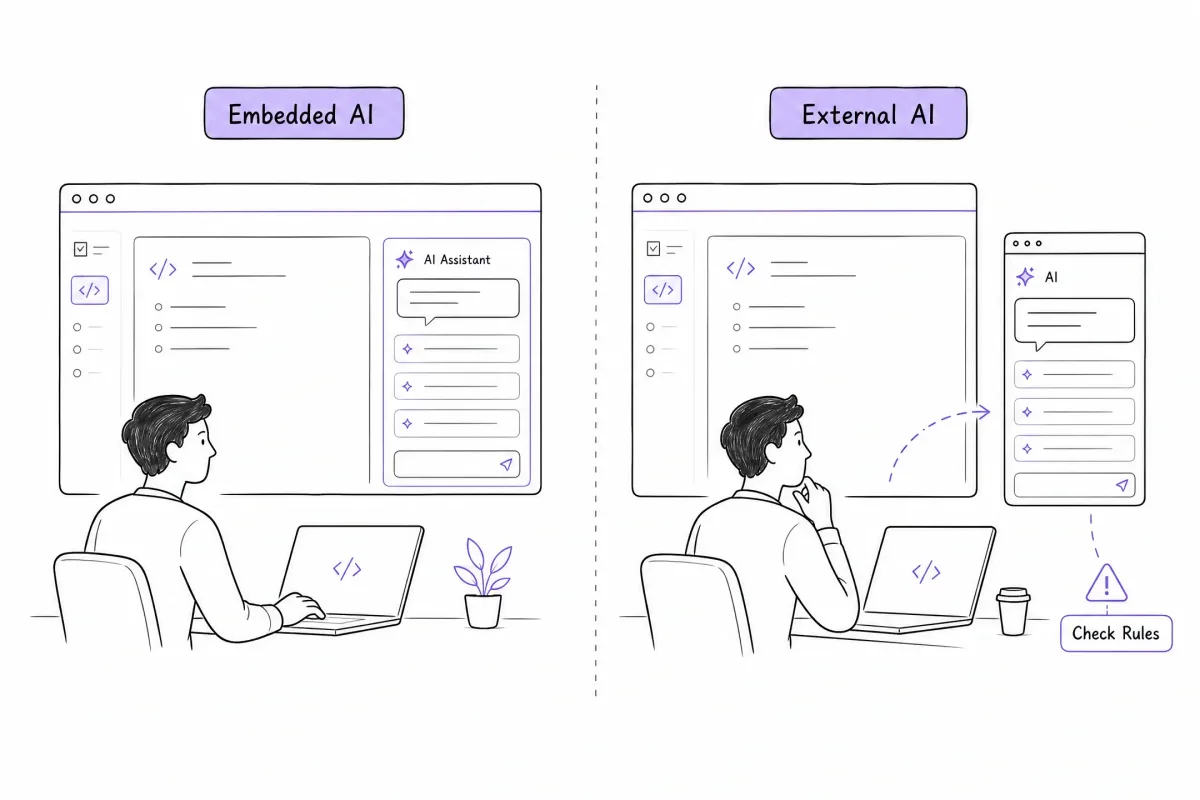
- External AI: You copy the question into ChatGPT, use a browser extension, or ask another device to generate an answer.
- Embedded assessment AI: The assessment platform itself provides an assistant and explains how candidates may use it.
Only the second situation is potentially allowed, and only within the scope of the instructions for that round.
Technical Assessment
Technical assessments can differ substantially by role and platform.
A traditional coding assessment may evaluate your ability to solve a problem independently. Another assessment may be designed to reflect a real-world development environment in which AI-assisted coding is part of the workflow.
Amazon has publicly described a technical assessment experience in which candidates work with an interactive AI assistant on a coding platform. However, this does not mean every Amazon coding test includes AI or that candidates may open their own coding assistant during any technical round. (About Amazon: AI-supported technical assessment)
If an AI assistant is explicitly provided, you should still be ready to:
- Explain why you used it;
- Verify the generated code;
- Run tests;
- Identify edge cases;
- Correct incorrect suggestions;
- Explain technical tradeoffs;
- Discuss what you would change without the assistant.
If the platform does not provide AI and the invitation does not permit it, do not open an external code generator. The safest assumption for an ordinary technical assessment is that unauthorized external assistance is not allowed.
Live Interview AI Assistance During the Interview
A live interview is the highest-risk stage for external AI use.
Do not use an external tool to:
- Listen to the interviewer and generate an answer;
- Display hidden talking points;
- Provide real-time STAR responses;
- Suggest code while you are being evaluated;
- Feed answers through an earpiece;
- Generate prompts on a second screen;
- Transcribe the interview without permission.
The 2025 reporting about Amazon’s internal guidance specifically focused on real-time generative AI assistance during interviews. The concern was that the tool could give a candidate an advantage and prevent the company from evaluating the candidate’s own skills. (ITPro report)
Amazon’s official remote-interview guidance tells candidates to confirm the assigned meeting platform, test their setup, and contact the recruiting representative if they need an accommodation. (Amazon remote interview guidance)
If you need live captions, screen-reader support, or another accessibility aid, do not guess. Tell your recruiter what support you need and ask which tool or accommodation is approved for the specific interview.
What Counts as AI Assistance?
AI assistance is broader than typing a question into ChatGPT. It can include any tool that listens, transcribes, generates, retrieves, or suggests information while the interview or assessment is happening.
| Tool or behavior | Safer interpretation |
|---|---|
| AI-generated answer during a live interview | Do not use unless explicitly permitted |
| Hidden AI teleprompter | Do not use unless explicitly permitted |
| External live transcription | Ask before using |
| AI-generated talking points during a live round | Do not use unless explicitly permitted |
| Browser AI side panel | Do not use in a live round unless allowed |
| Code completion in a technical assessment | Use only if the platform allows it |
| Amazon-provided transcription | Follow the consent and round-specific instructions |
| Captions or accessibility tools | Request approval or accommodation in advance |
The key distinction is not only the tool itself. It is also:
- Who provided the tool;
- Whether the tool is part of the official assessment;
- Whether the tool acts during the evaluation;
- Whether you received explicit permission;
- Whether the tool generates answers or only supports accessibility.
How to Use AI Without Replacing Your Own Thinking
1. Turn the Job Description into a Preparation Plan
Ask AI to organize:
- Required qualifications;
- Preferred qualifications;
- Technical topics;
- Leadership Principles likely to matter;
- Responsibilities that may become behavioral questions.
Do not ask AI to predict the exact questions Amazon will ask. Use its output as a planning aid, then verify the details against the job description and official role materials.
2. Build Authentic STAR Stories
Start with your own experiences.
For each story, write down:
- The situation;
- The task or goal;
- The decision you made;
- The actions you personally took;
- The measurable result;
- What you learned;
- What you would change.
Then use AI to identify gaps or generate follow-up questions. Do not ask AI to create a story from nothing.
3. Practice Explaining Your Reasoning
For technical roles, practice speaking through:
- Your assumptions;
- Your initial approach;
- Your choice of data structures;
- Complexity and tradeoffs;
- Testing strategy;
- Edge cases;
- What you would improve with more time.
For behavioral roles, practice answering without reading a script. The objective is not to memorize a perfect response. It is to explain your own experience clearly and consistently.
What to Do When the Rules Are Unclear
Use this process before the round:
- Identify the exact stage and round name.
- Read the invitation and platform rules.
- Check whether the platform supplies an AI assistant.
- Ask the recruiter a specific question.
- Keep external AI disabled until you receive a clear answer.
- Save the response for your records.
Do not ask only:
Can I use AI?
Ask instead:
Hi [Recruiter Name], I want to follow the interview guidelines exactly. Is the use of any external AI tool—including transcription, note-taking, code suggestions, or answer prompts—permitted during the [round name]? If AI is allowed, are there specific tools, data, or screen-sharing restrictions I should follow?
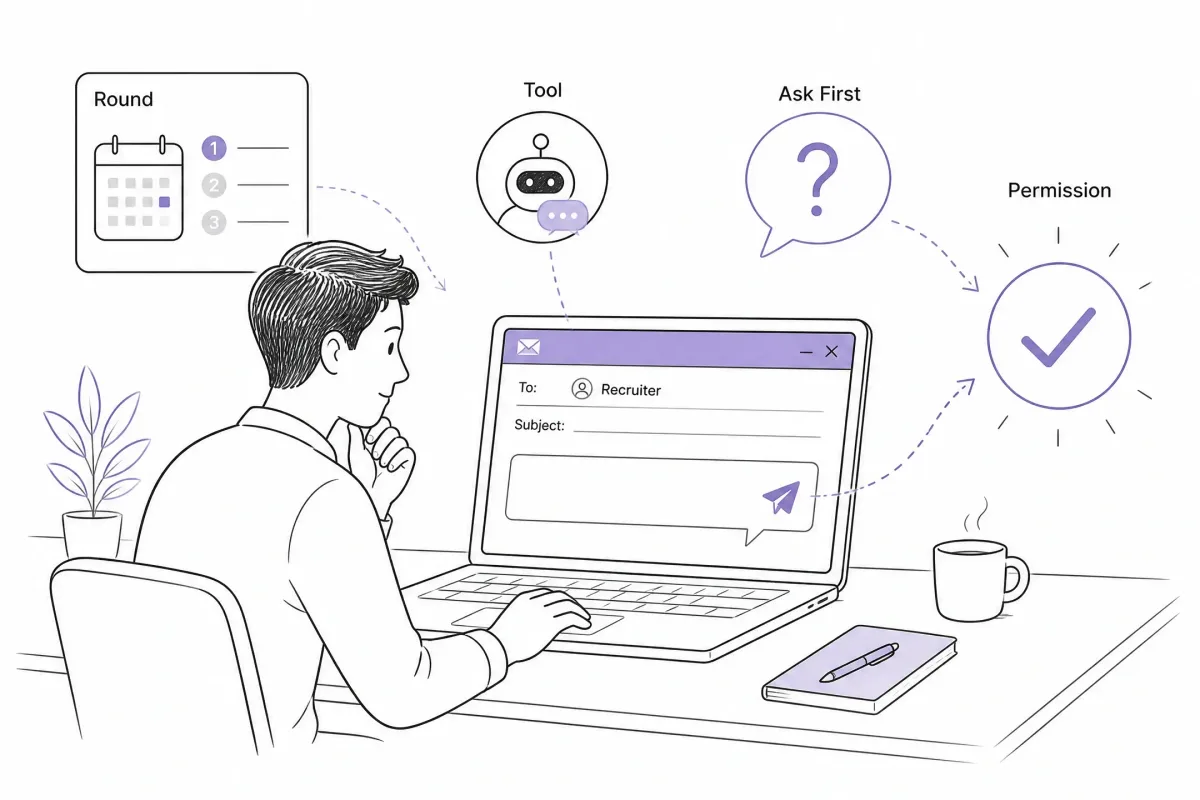
If the recruiter does not reply, do not treat silence as permission. Continue preparing offline and ask again before the assessment or interview begins.
Disclaimer: Amazon interview and assessment rules may vary by role, location, platform, and round. This article provides general information and does not replace the instructions in your invitation or written guidance from your recruiter.
Allowed and Not Allowed: Common Scenarios
| Scenario | Default judgment | Safer alternative |
|---|---|---|
| Use AI to check resume grammar | Usually acceptable as editing support | Verify every fact before submitting |
| Use AI to invent a project or metric | Not acceptable | Use only accurate experience |
| Ask AI for Leadership Principles questions | Appropriate for preparation | Answer from your own experience |
| Run a private AI mock interview | Appropriate for practice | Turn it off during the real round |
| Let AI listen and generate live answers | Usually not permitted | Practice independent answers |
| Paste an Online Assessment question into ChatGPT | Usually not permitted | Follow the platform rules |
| Use an assistant explicitly provided inside the assessment | Conditional | Stay within the documented limits |
| Use live captions or accessibility support | Ask first | Request an approved accommodation |
| Use an AI browser side panel during a live interview | Usually not permitted | Close it before the interview starts |
The important boundary is simple:
AI can help you prepare your answer. It should not secretly provide the answer while Amazon is evaluating you.
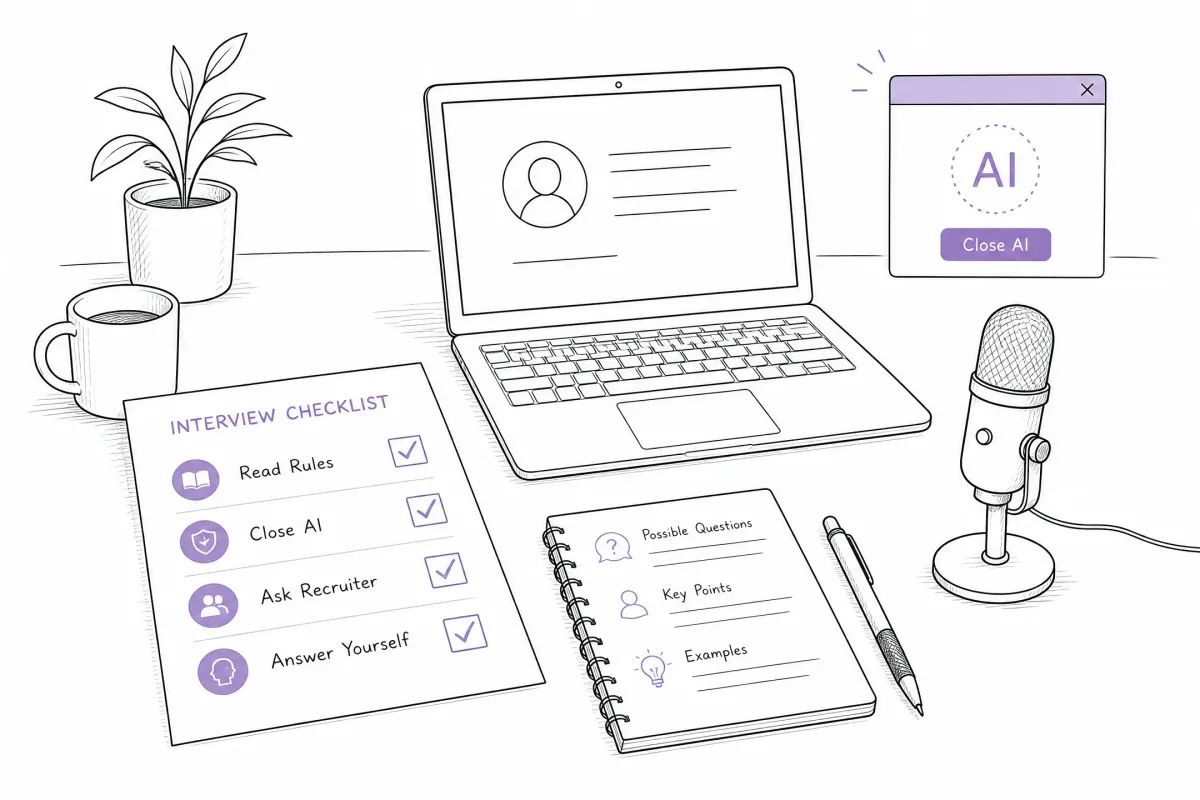
A 10-Minute Pre-Interview Checklist
Before an Online Assessment
- I know which assessment or round I am taking.
- I read the invitation and platform rules.
- I know whether the platform provides an embedded AI assistant.
- I have not opened an external answer generator.
- I know how to contact my recruiter if the rules are unclear.
Before a Live Interview
- I prepared real STAR stories.
- I can explain every claim on my resume.
- I tested my microphone, camera, and internet connection.
- I closed external AI tools and browser overlays.
- I requested any accessibility support in advance.
- I know whether the interview will use Zoom or Amazon Chime.
During the Round
- I use only tools the round explicitly provides or permits.
- I can explain and verify anything I produce.
- I answer from my own experience and reasoning.
Conclusion: Use AI to Prepare, Not to Pretend
AI can help throughout the early stages of your Amazon job search. Use it to improve your resume, organize authentic STAR stories, identify preparation gaps, and practice follow-up questions.
For Online Assessments and Technical Assessments, follow the exact instructions for the round. For Live Interviews, do not use external real-time AI unless the recruiter or interview instructions explicitly permit it.
The practical rule is:
Prepare with AI. Practice with AI. Verify permission before using AI during an assessment or interview.
A preparation tool such as GreatOffer AI can support the practice side of that process. The final answers, decisions, and reasoning should still come from you.